Product photo to static ads
- Own product
- AI image generation
An AI designer for e-commerce stores: one product photo in, a set of static ads out.
Xena was my own AI designer for e-commerce stores. You uploaded a product photo or pulled one in from Shopify. Then you picked a reference ad from a library of looks, chose a layout and the number of variations, and it made the ads with OpenAI’s gpt-image-1.
Most of it was built May 12–23, 2025: 143 of its 149 commits. Users paid in credits, one per variation, bought through Stripe.
Within days of the first commit I was messaging people on X who’d commented about wanting an AI agent for static ads, and offering them a try. New accounts started with 10 free credits. Two of those conversations are at the end.
Screens show other brands’ product photos as sample inputs.
The flow
From the Static ad page to finished ads, in the order a user went through it.
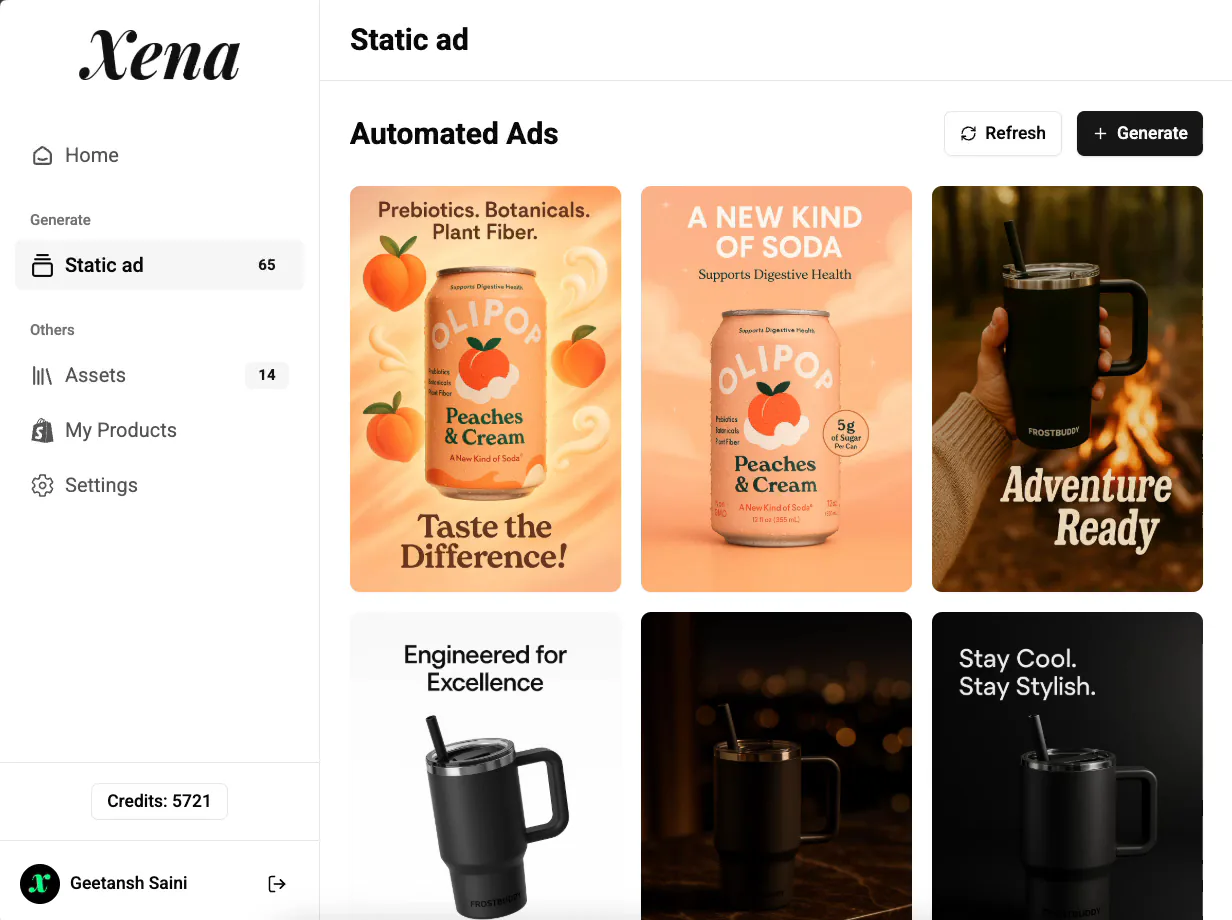
Static ad
Every generated ad in one grid, with Refresh and Generate at the top and the credit balance in the sidebar.
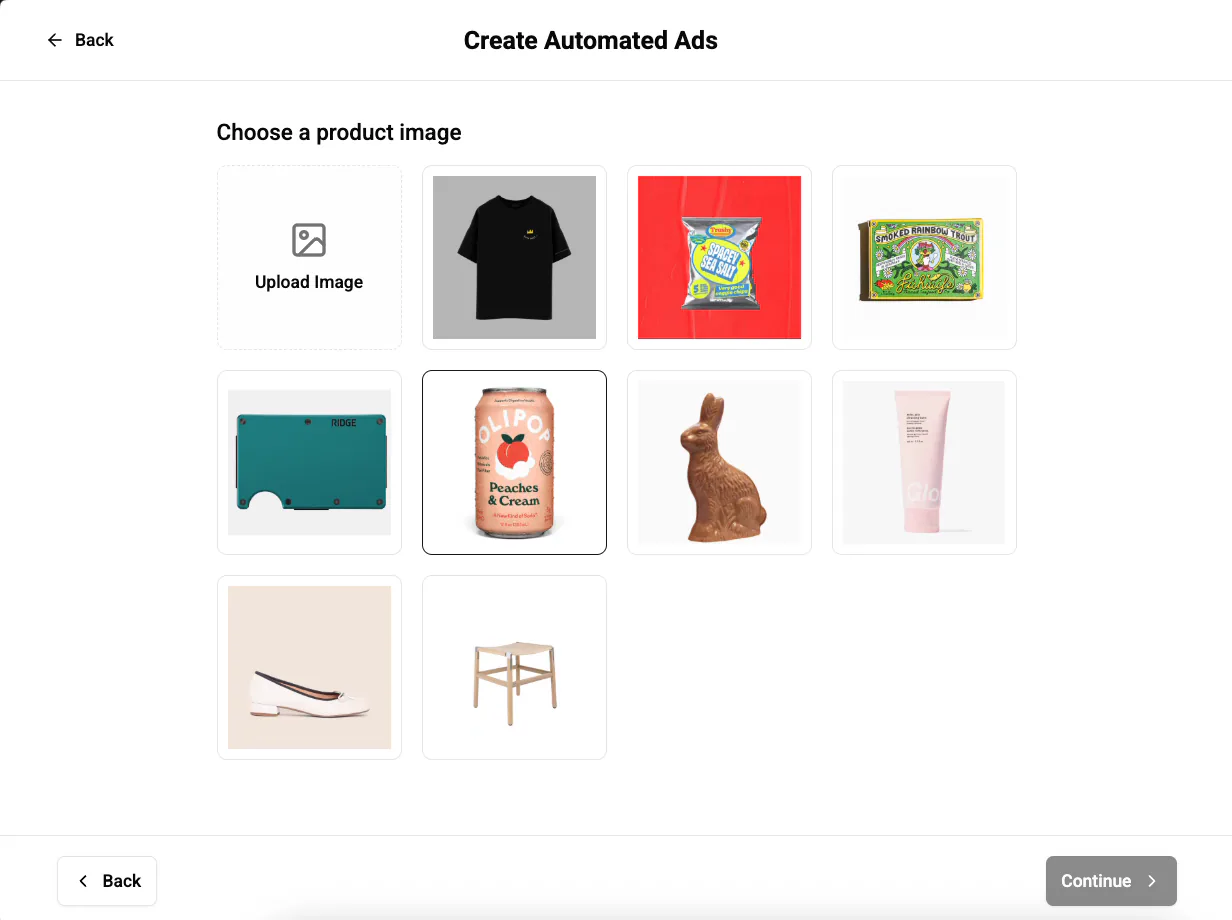
Product
Upload a product photo, or start from one of the sample products.
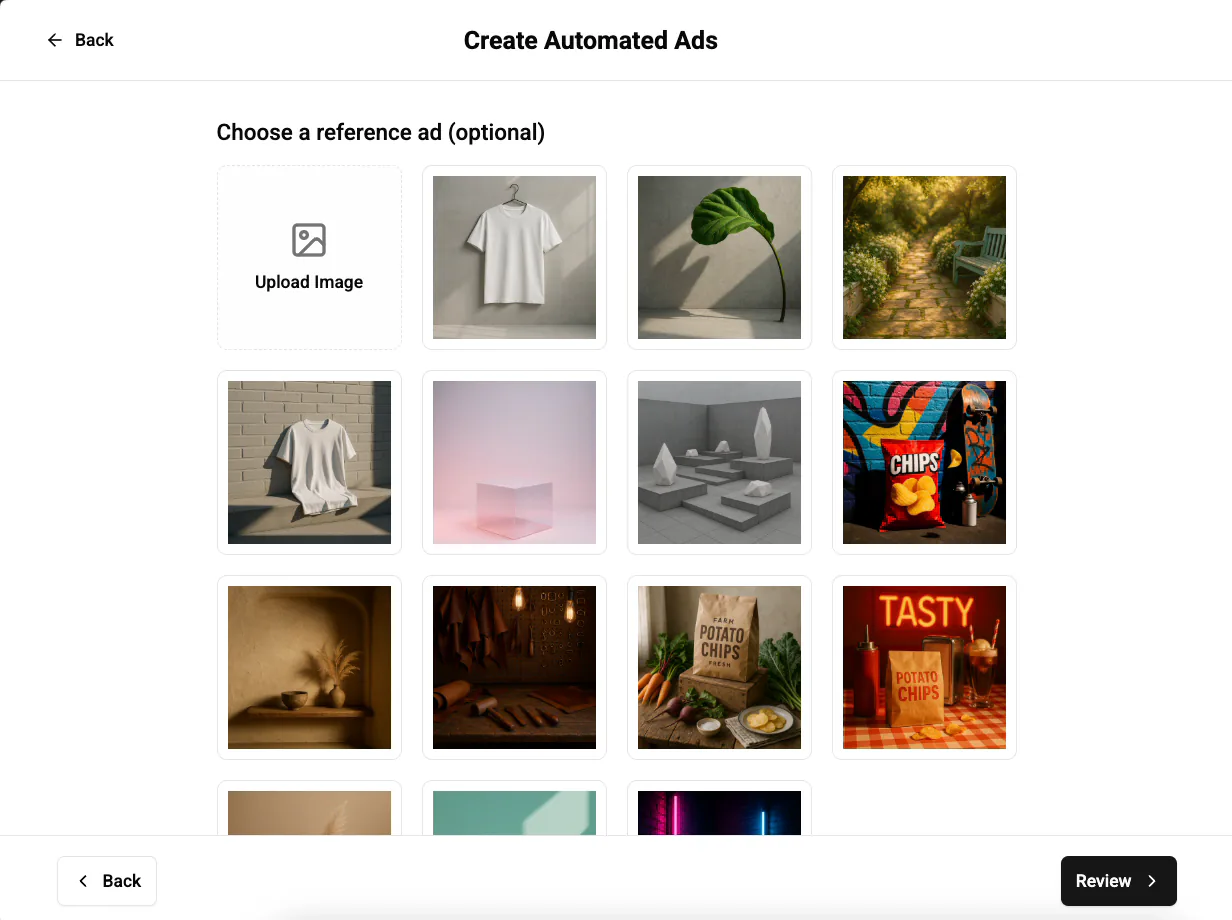
Reference ad
Optional: a look to borrow, from the built-in references or your own upload.
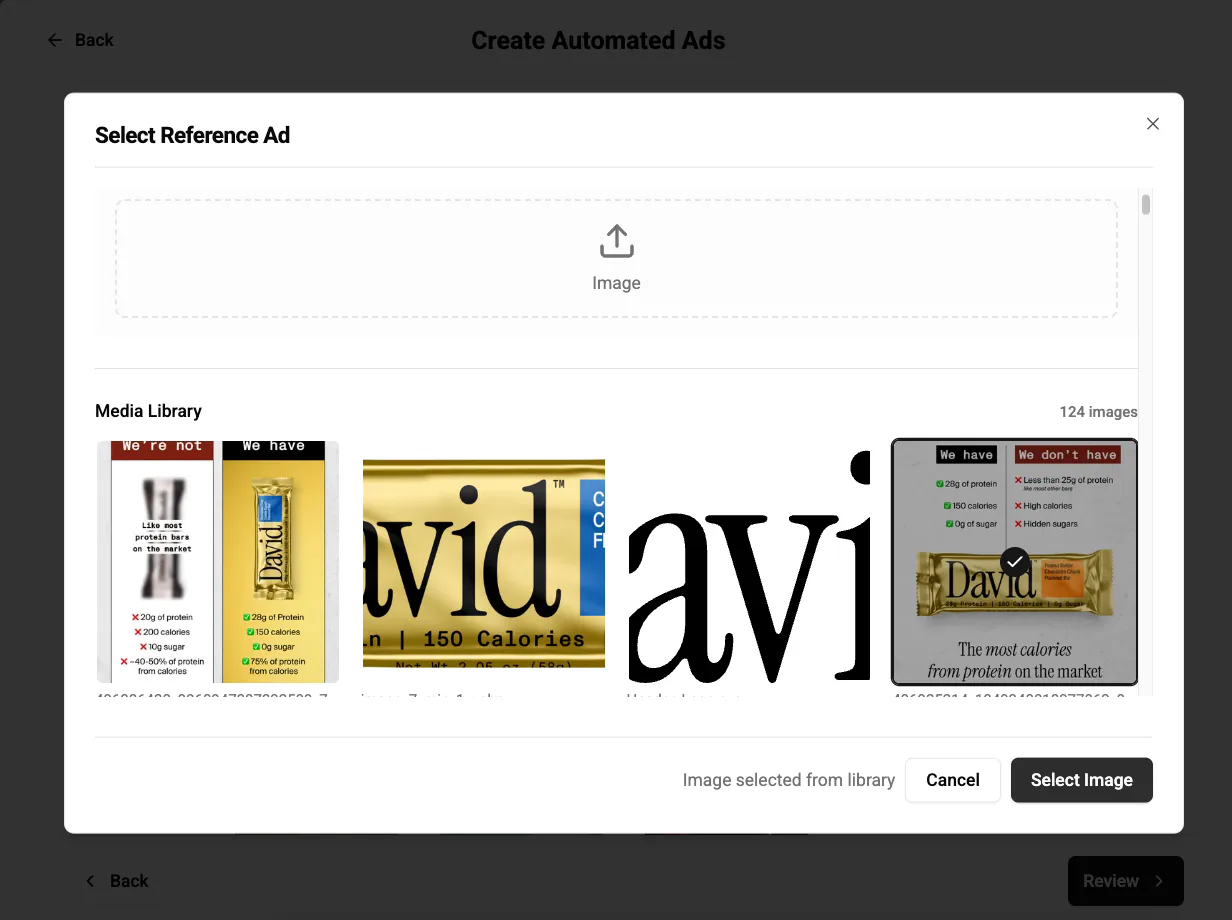
Media library
Saved reference ads, 124 of them here. The selected one becomes this run’s reference.
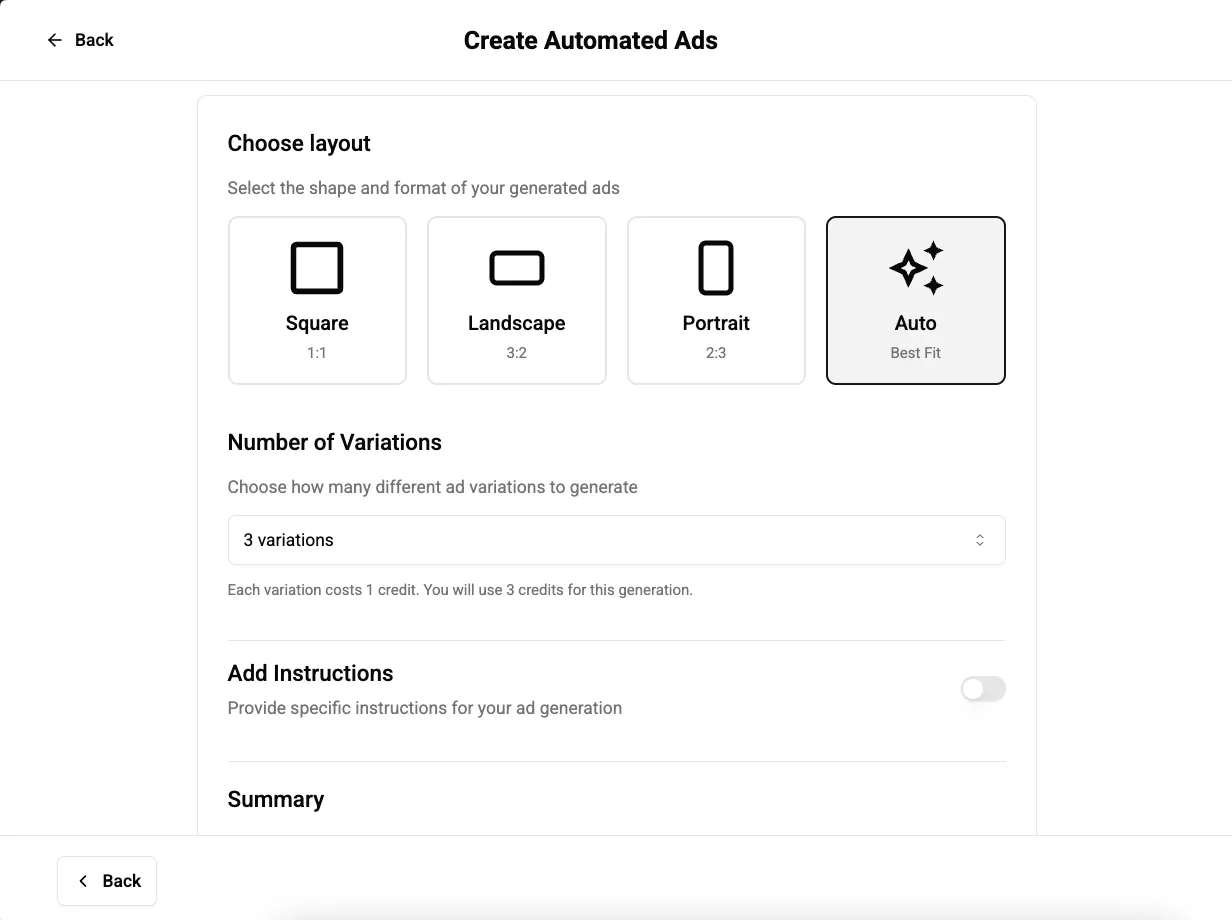
Layout
Square, landscape, portrait, or Auto for the best fit.
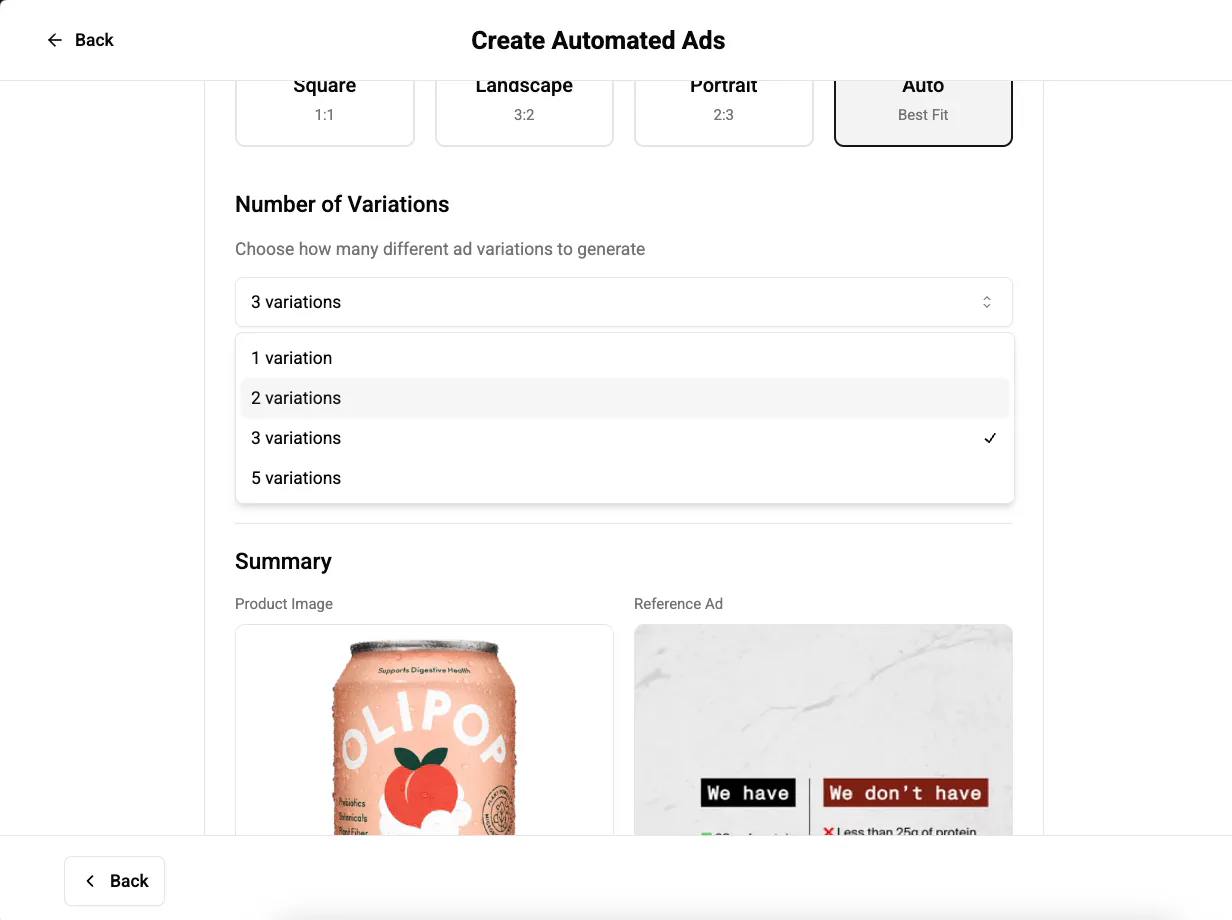
Variations
1, 2, 3 or 5 ads per run. Each variation costs one credit, and the form shows the total before you start.
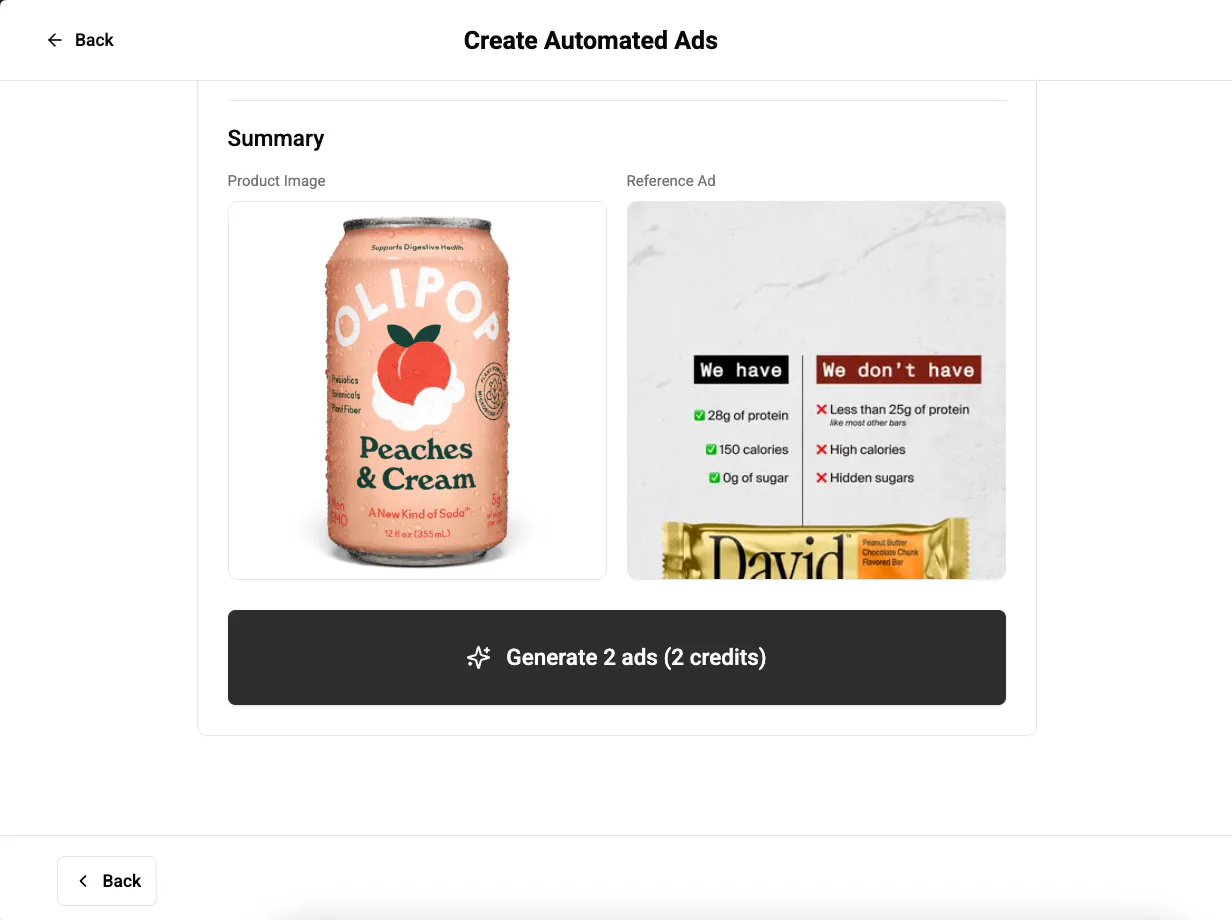
Summary
Product and reference side by side, with the cost on the button: “Generate 2 ads (2 credits)”.
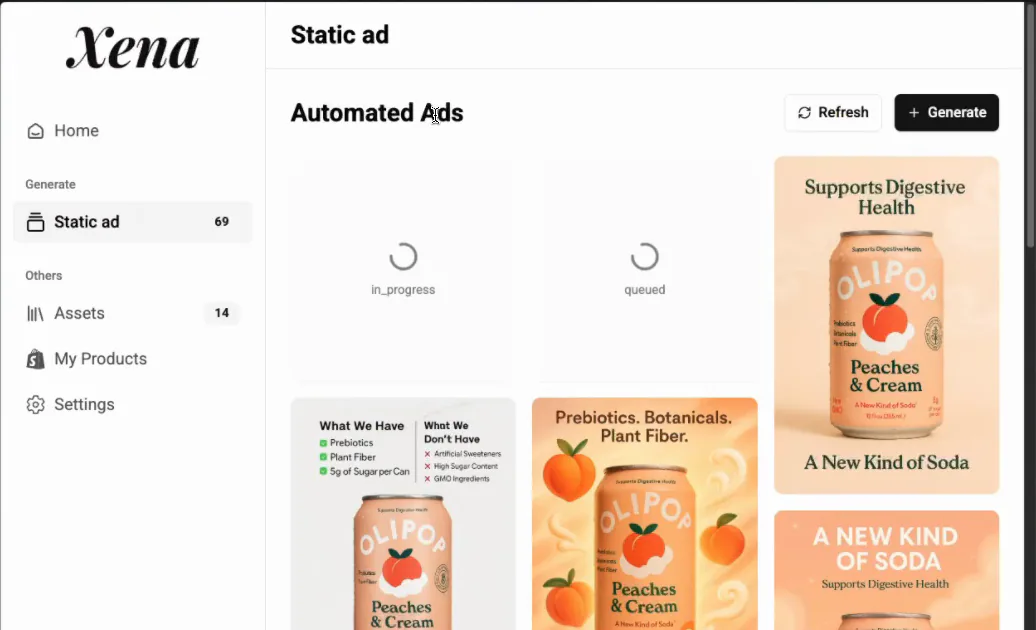
While it runs
The new ads appear in the grid straight away, marked “in_progress” and “queued”.
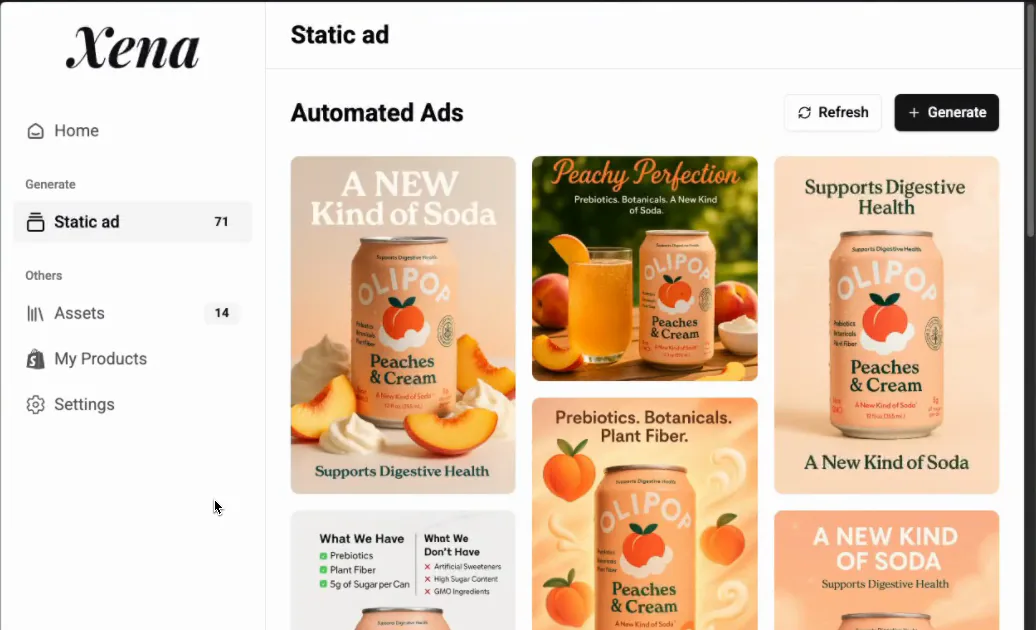
The new ads
Two new ads at the top of the grid, and the Static ad count goes from 69 to 71.
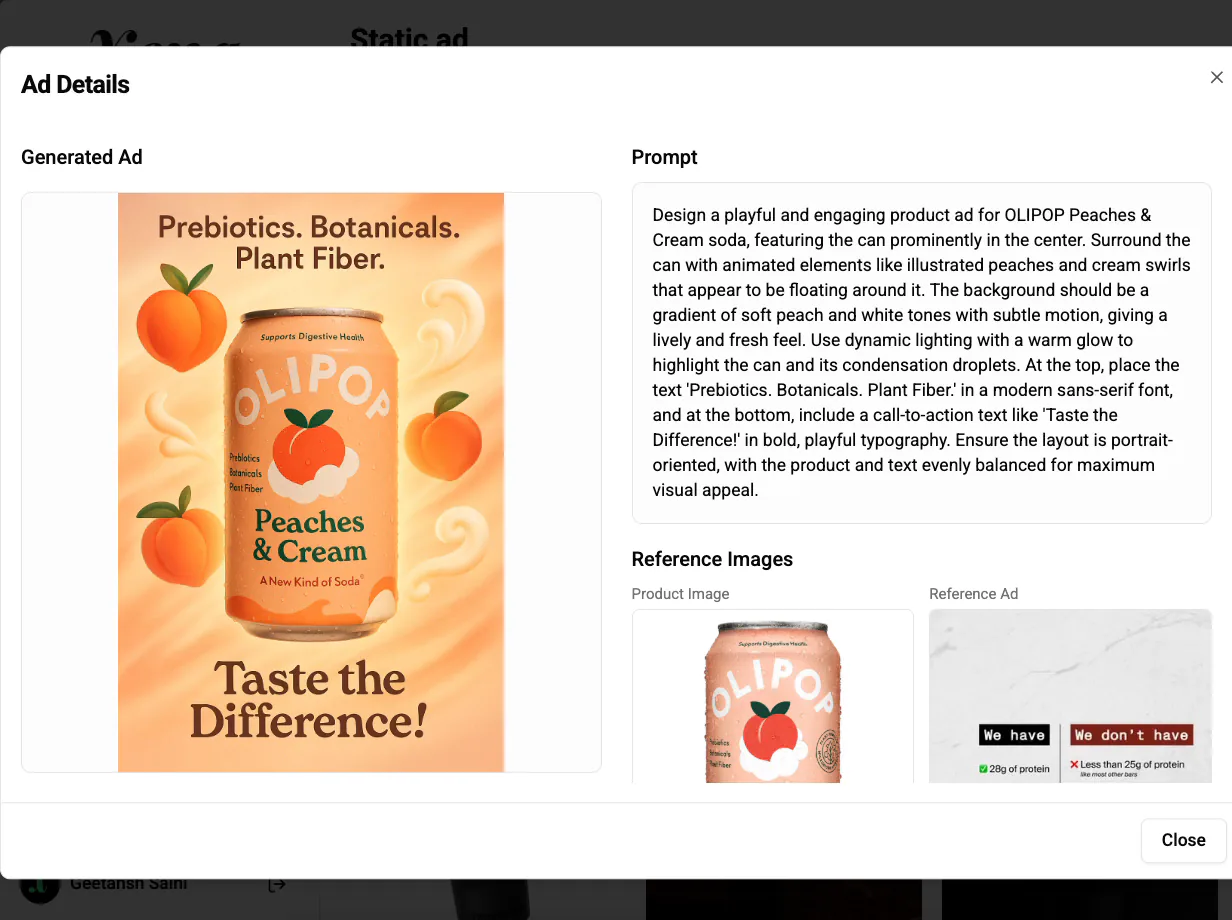
Ad details
Each ad opens beside the prompt it was made from and the product and reference images that went in.
Receipts
Two replies after I offered people a try, May 2025. Their names are blurred.
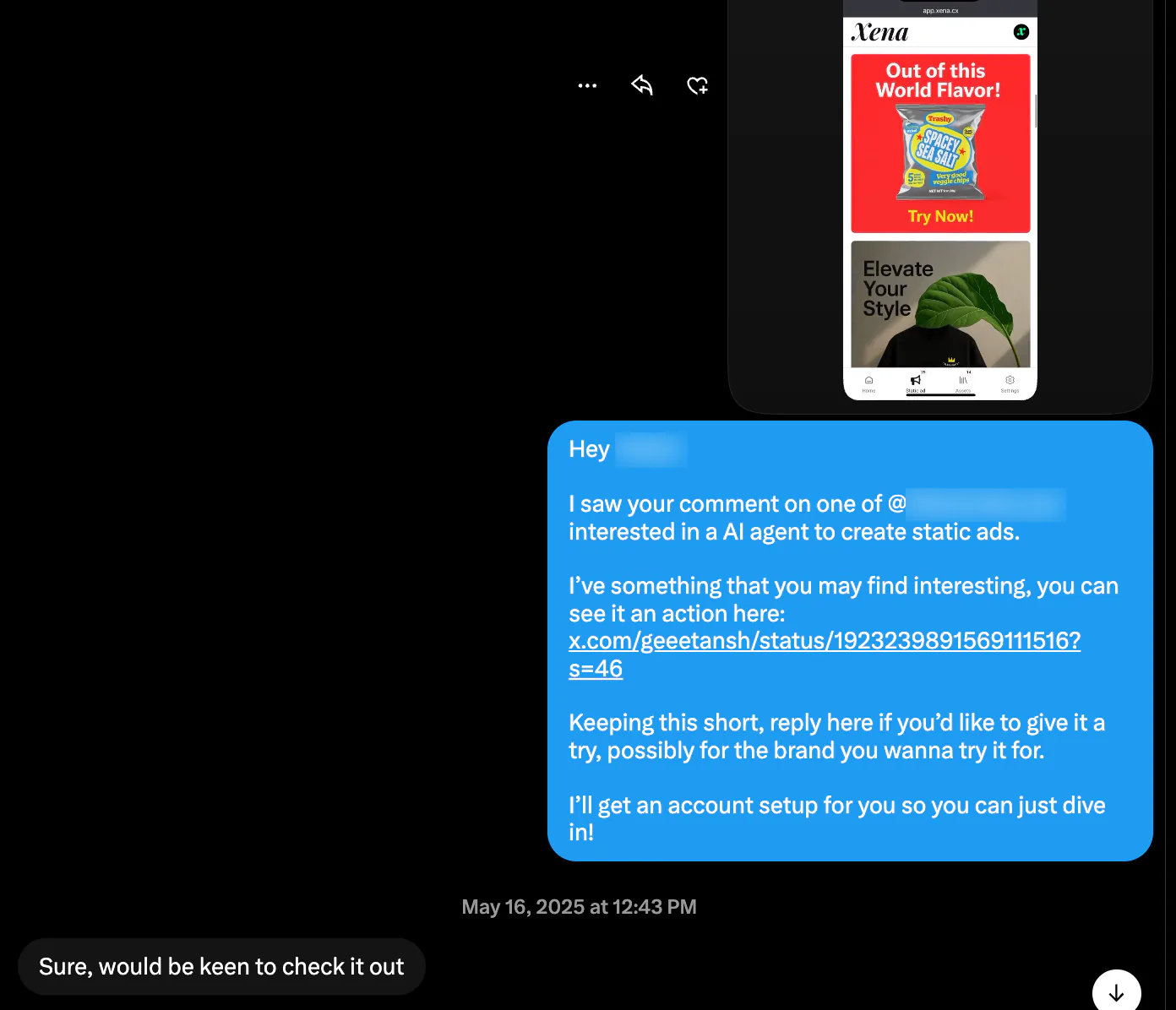
May 16, 2025
They’d commented that they wanted an AI agent for static ads. I sent the demo and offered an account. They replied: “Sure, would be keen to check it out”.
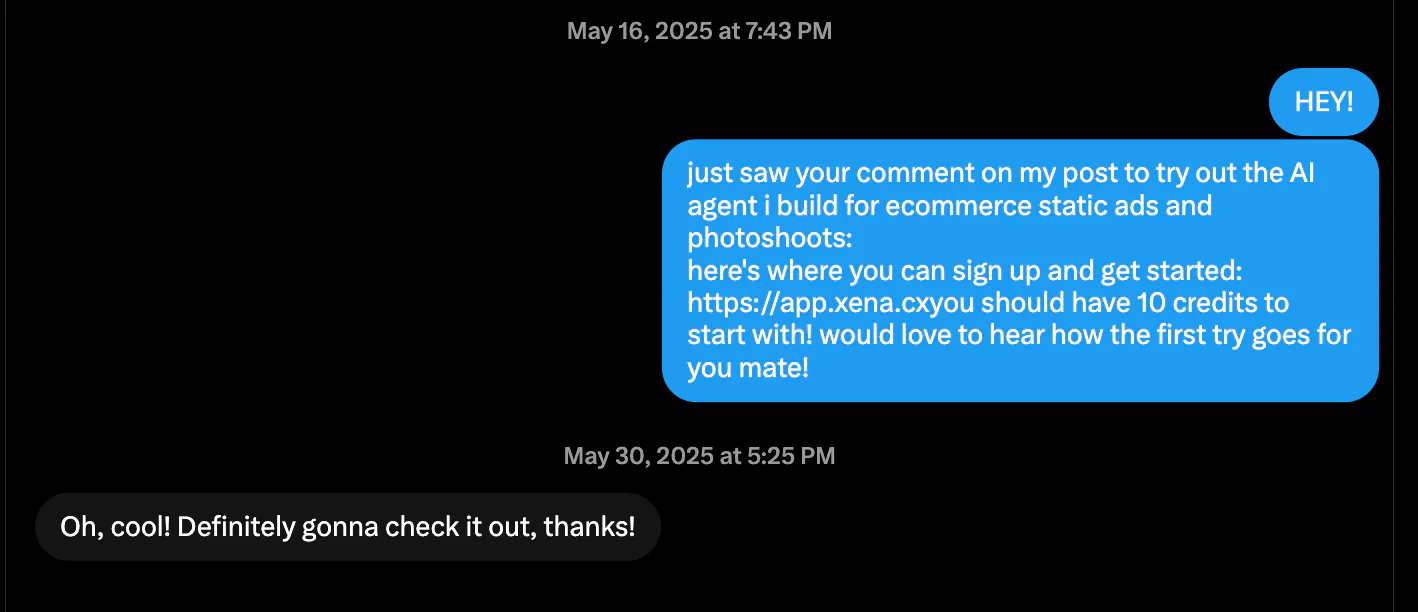
May 16 → 30, 2025
After a comment on my post, I sent the sign-up link and mentioned the 10 starting credits. “Definitely gonna check it out.”