Settings
The account-wide options of the dashboard: account info, a commission delay filter, and the advanced tracking, currency and revenue rules.
- Product design
- Settings
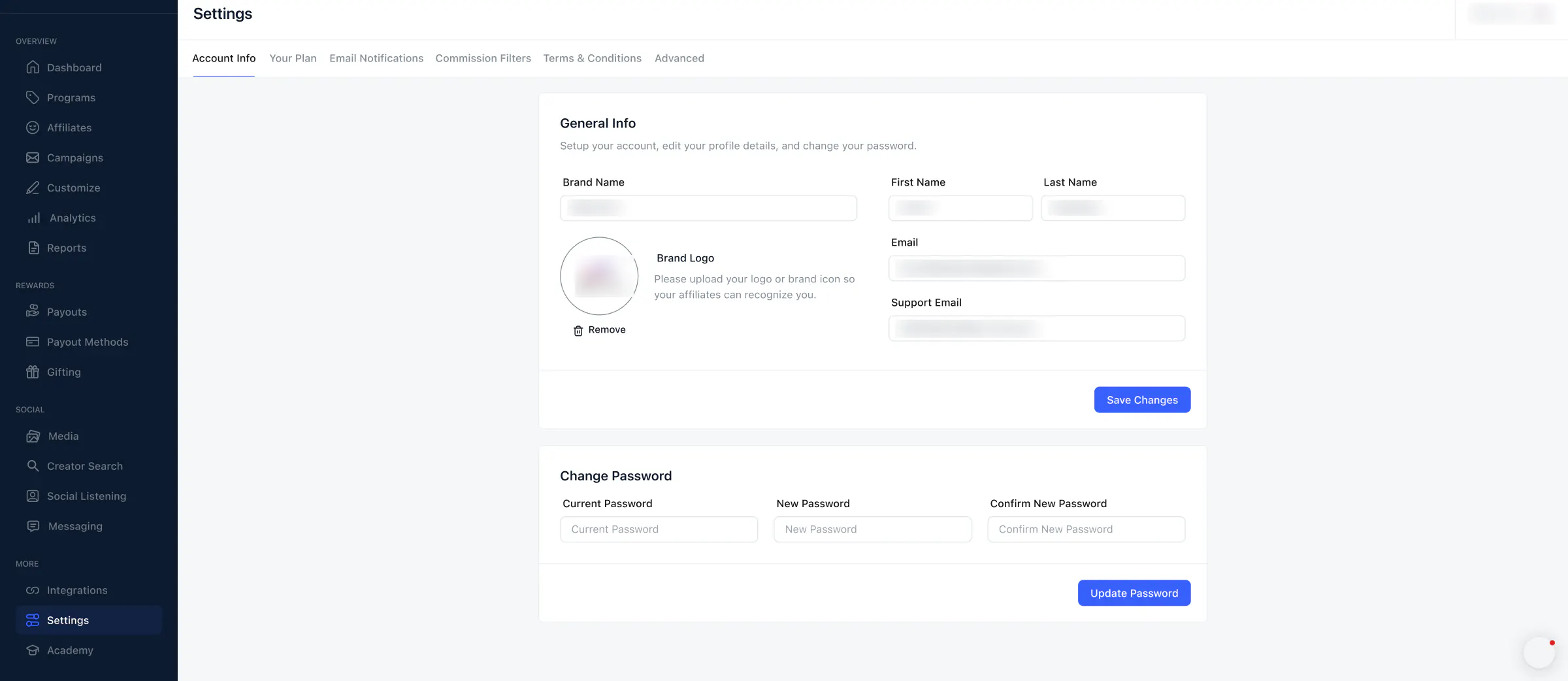
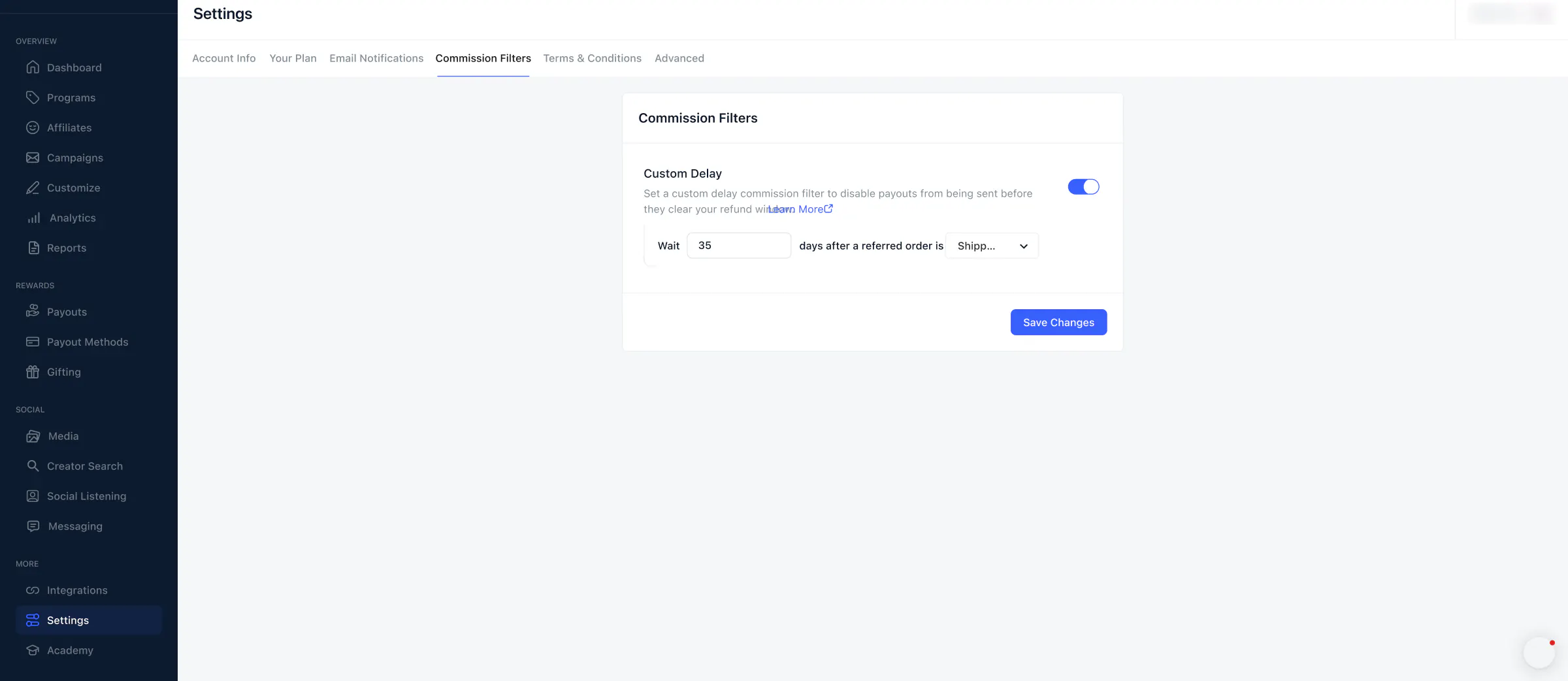
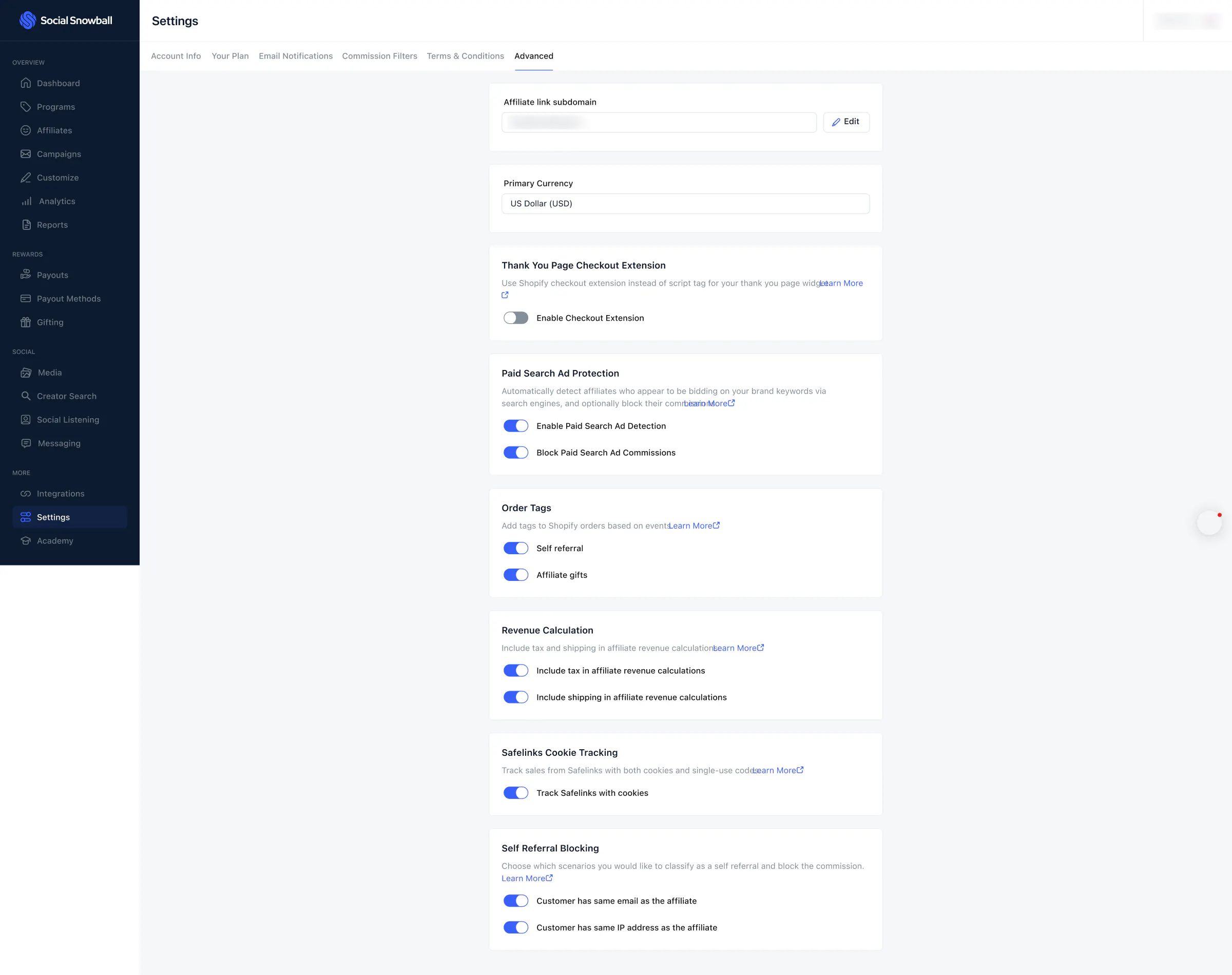
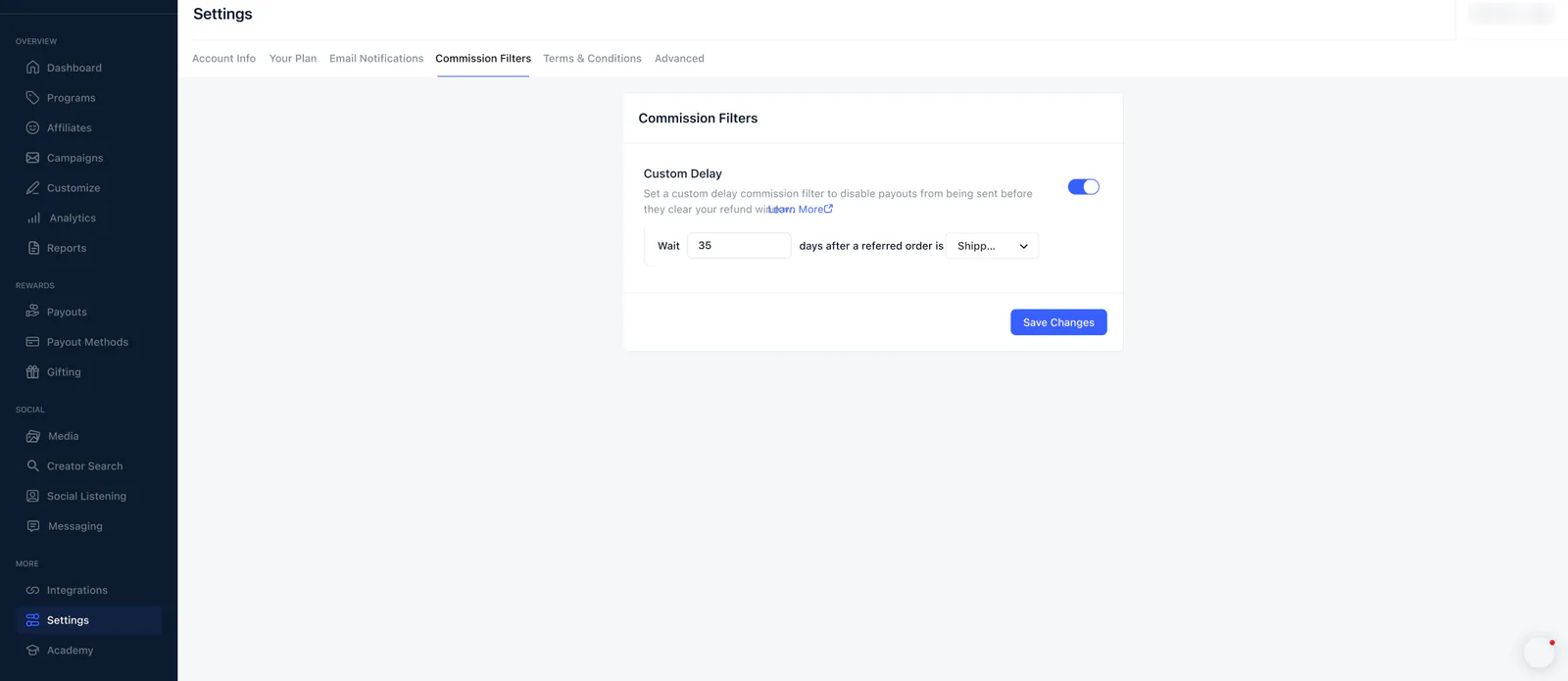
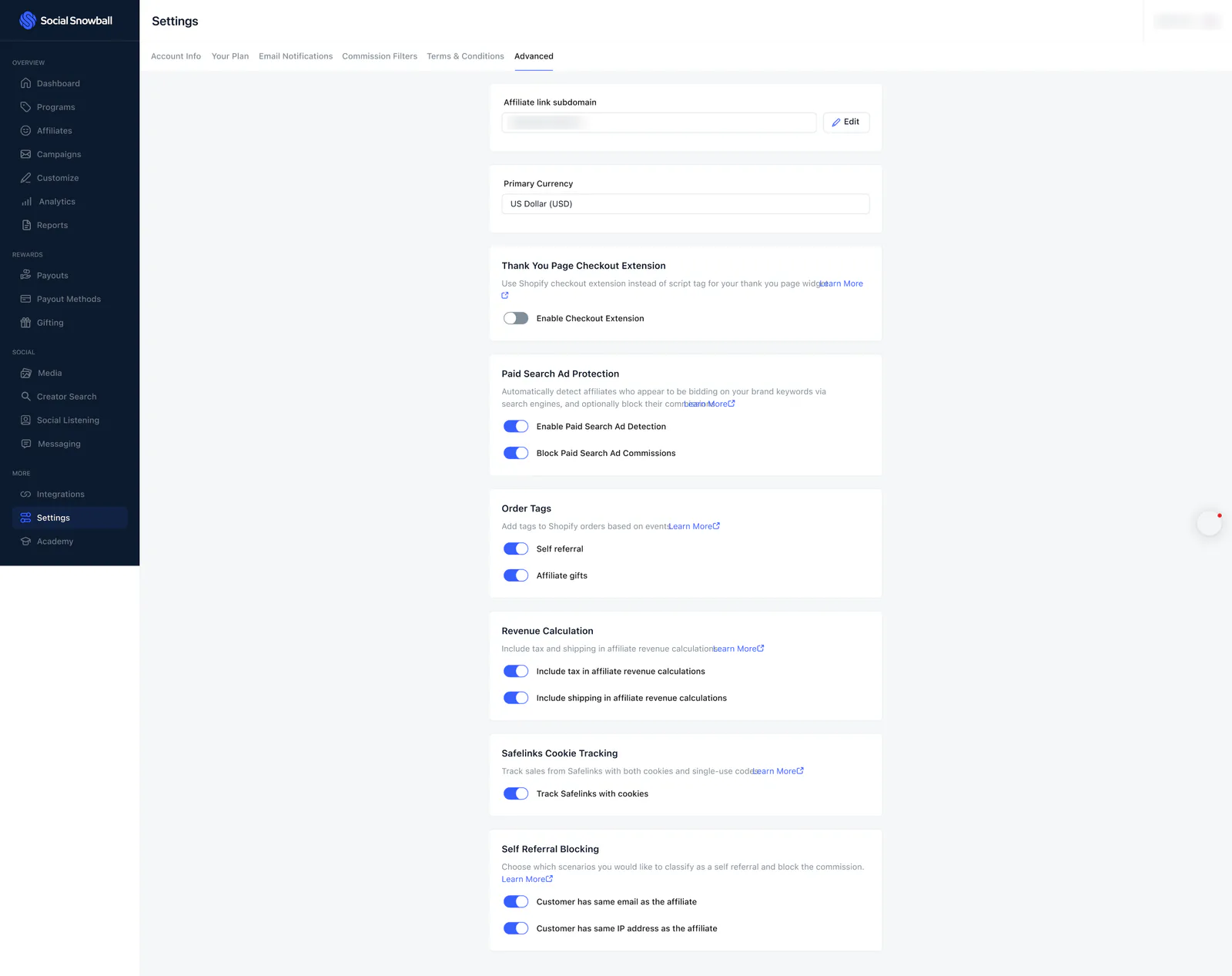
Settings holds the options that apply to a whole Social Snowball account. The file designs three of its tabs: Account Info (brand details and password), Commission Filters (a delay before commissions are paid out) and Advanced (tracking, currency, order tags, revenue and self-referral rules).
The brand name and logo, names, email addresses and the shop domain are blurred, so some fields look empty.
 View full size (opens in a new tab)
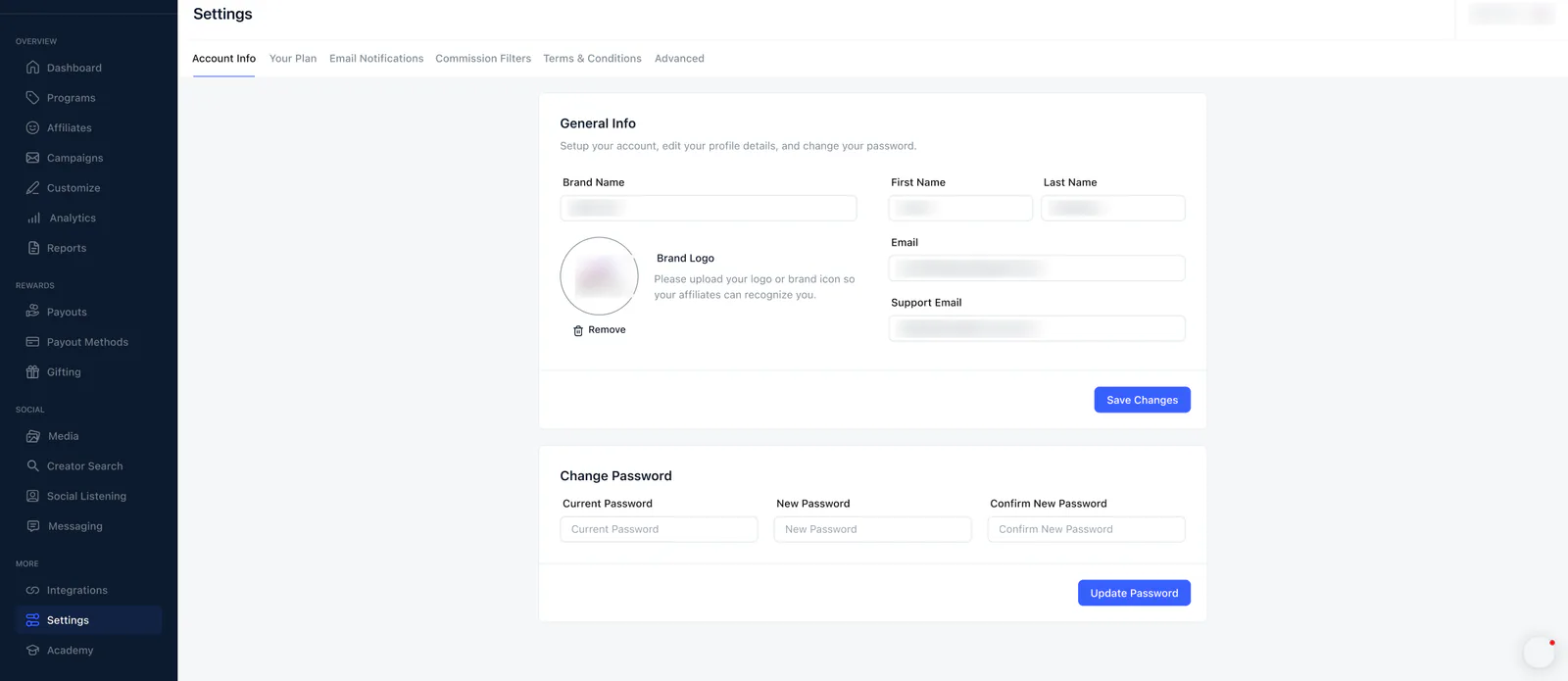
Account info
A General Info card (brand name, brand logo, first and last name, email and support email) and a Change Password card.
 View full size (opens in a new tab)
Commission filters
A Custom Delay filter: wait a set number of days after a referred order is shipped before commissions are paid out, so payouts do not go before the refund window clears.
 View full size (opens in a new tab)
Advanced
A long page of cards: affiliate link subdomain, primary currency, the Thank You Page checkout extension, paid search ad protection, order tags, revenue calculation, Safelinks cookie tracking and self-referral blocking.