
Communication emails
The Emails page, where a brand switches each automated affiliate email on or off, and the editor for one email: text, colors, social sharing and advanced.
- Product design
Social Snowball sends emails to a brand's affiliates: after a customer becomes an affiliate, after a sign-up, when a sale is referred, when a program or a discount code changes, when an application is decided and when a payout is sent. These screens cover the page where a brand manages them (Customize > Emails) and the editor for one of them.
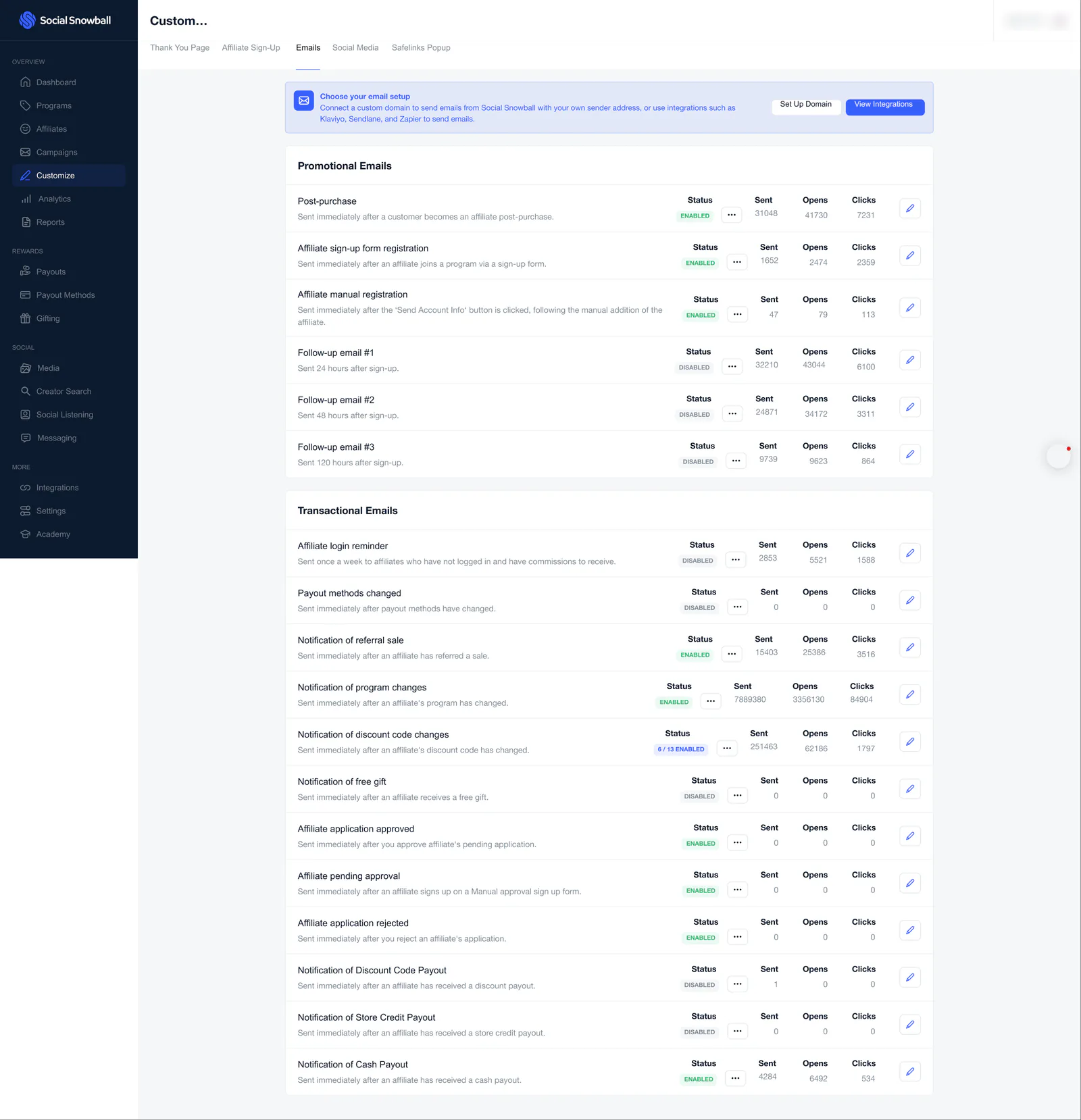
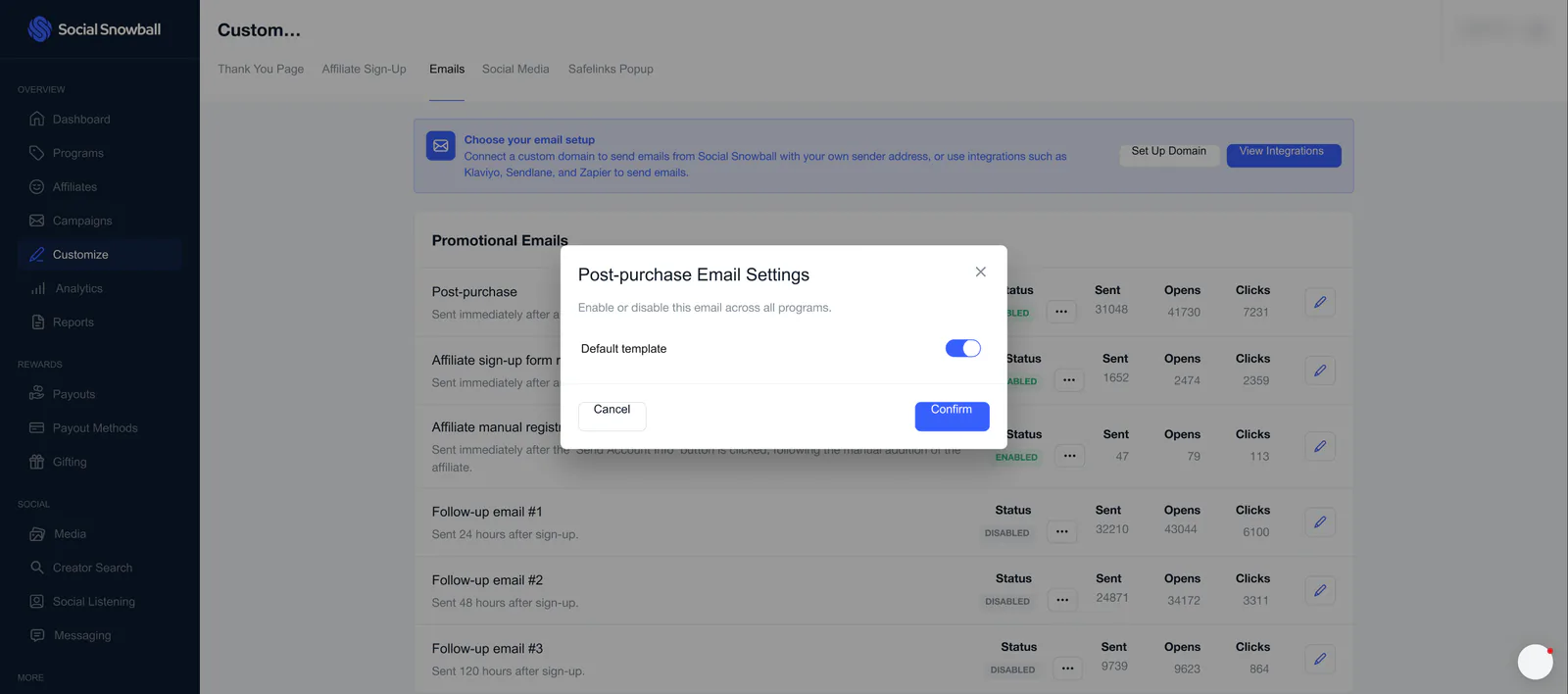
The list is split into promotional emails (the post-purchase email, the two registration emails and three follow-ups) and transactional emails (twelve notifications). Each row shows its status, how many times it was sent, opened and clicked, and an edit button. A banner above the list offers a custom sending domain, or an integration such as Klaviyo, Sendlane or Zapier.
Only the Post-purchase email is opened in the editor, and the live email preview is empty in the file, so the editor screens show its settings panel only.
The store name at the top right of the list is blurred. The sent, opens and clicks counts are as they appear in the file.
The emails list
 View full size (opens in a new tab)
Emails
Customize > Emails. A banner on choosing an email setup, then six promotional and twelve transactional emails, each with its status, sent, opens and clicks, and an edit button.
 View full size (opens in a new tab)
Post-purchase email settings
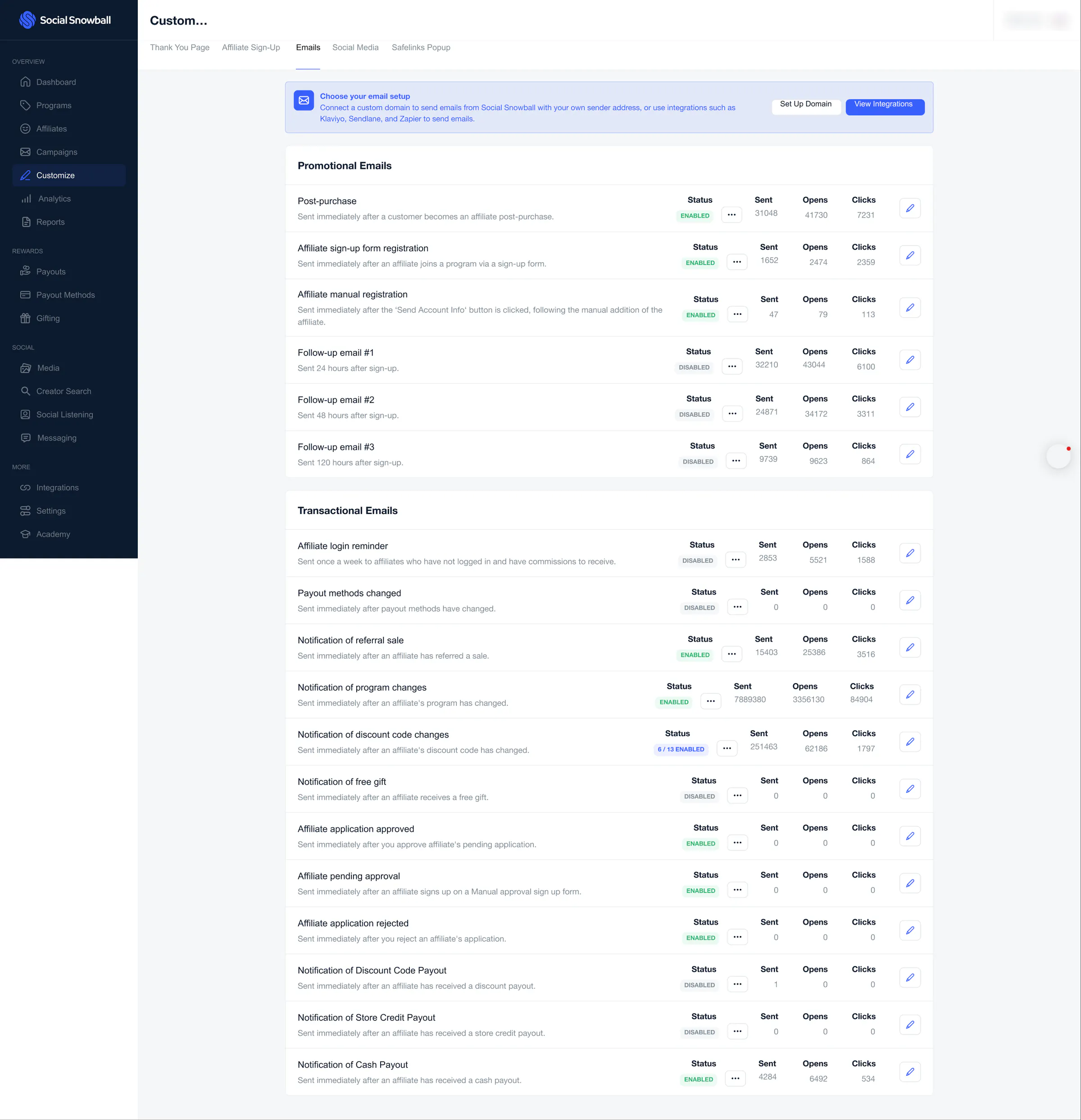
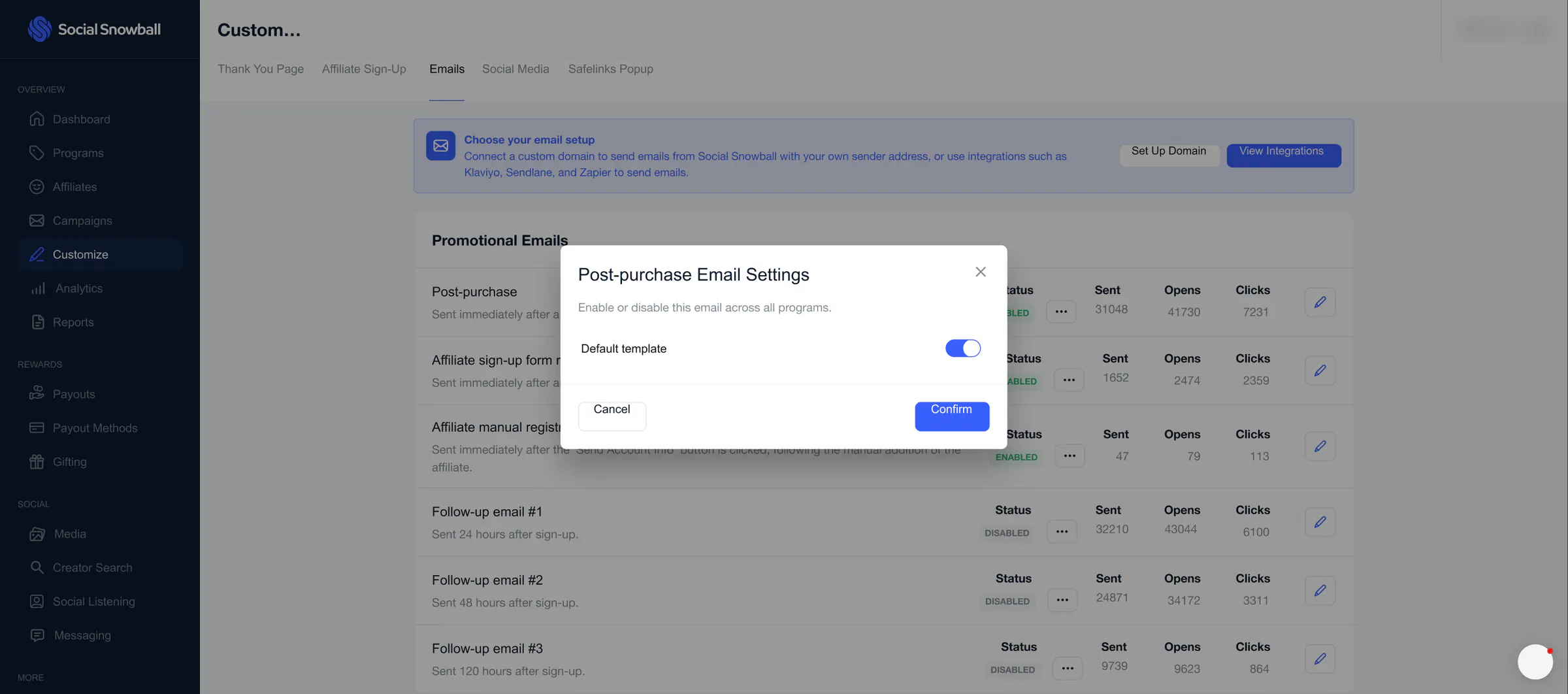
A settings dialog for the Post-purchase email, opened over the list: a Default template switch that enables or disables the email across all programs.
The email editor
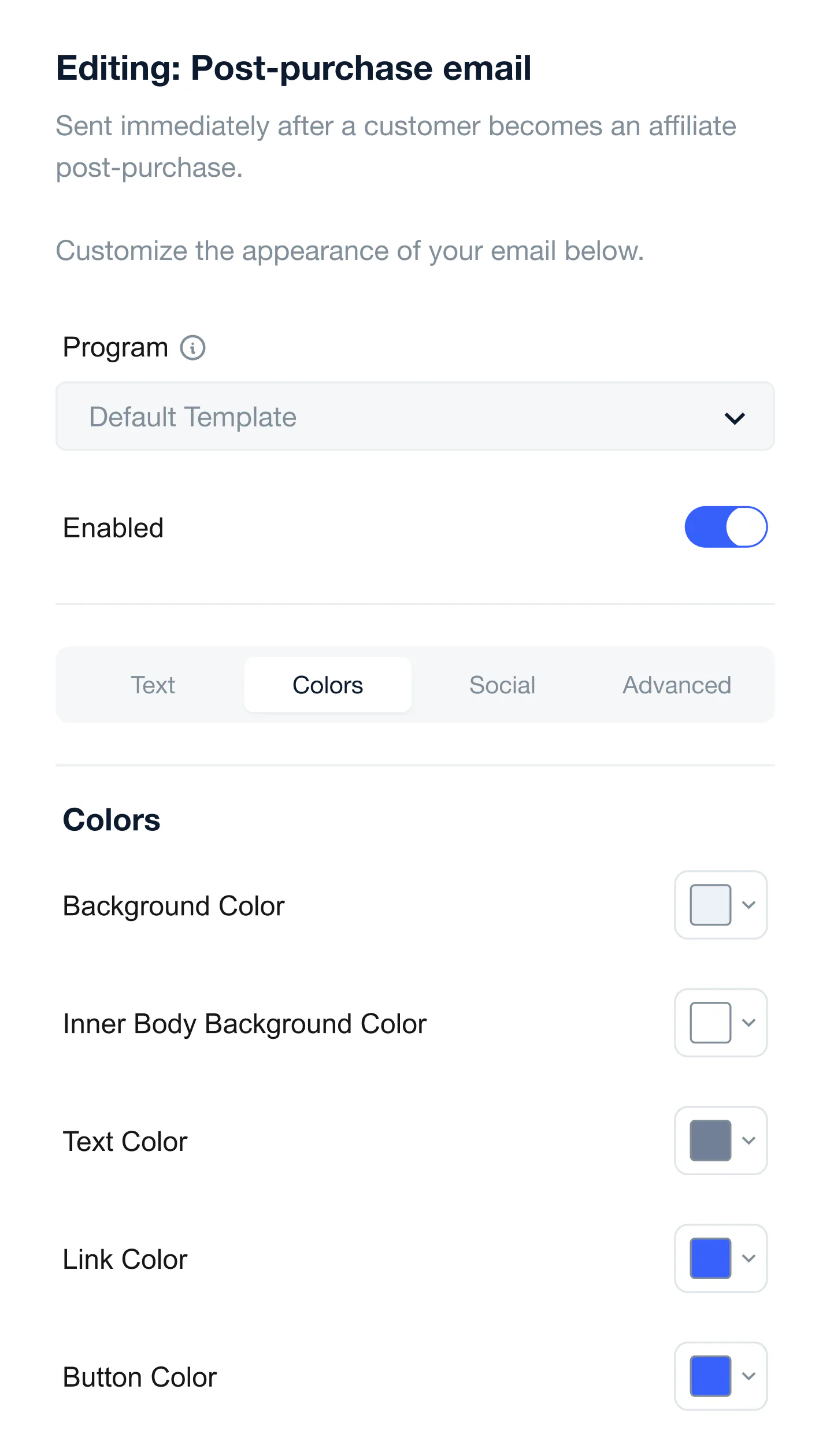
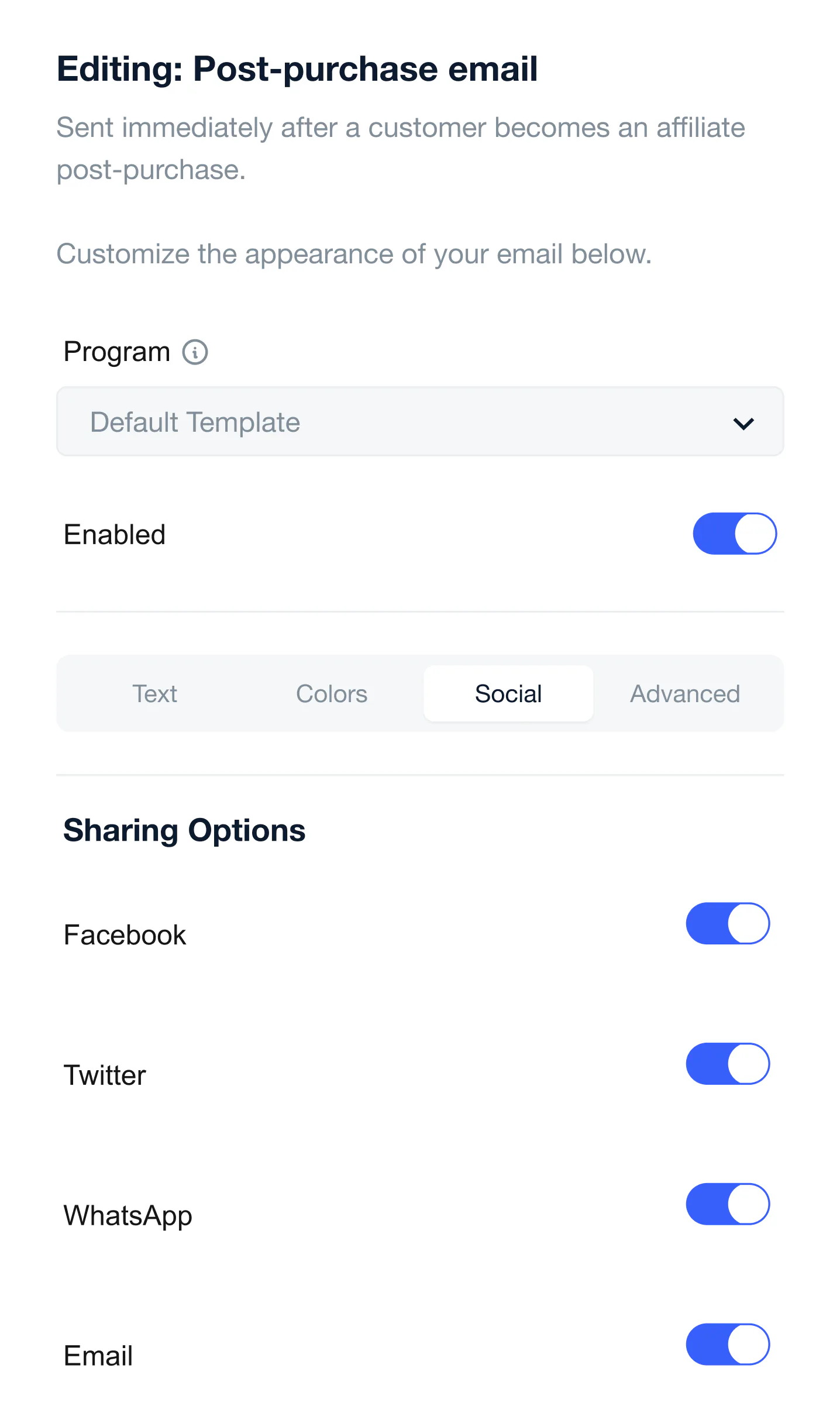
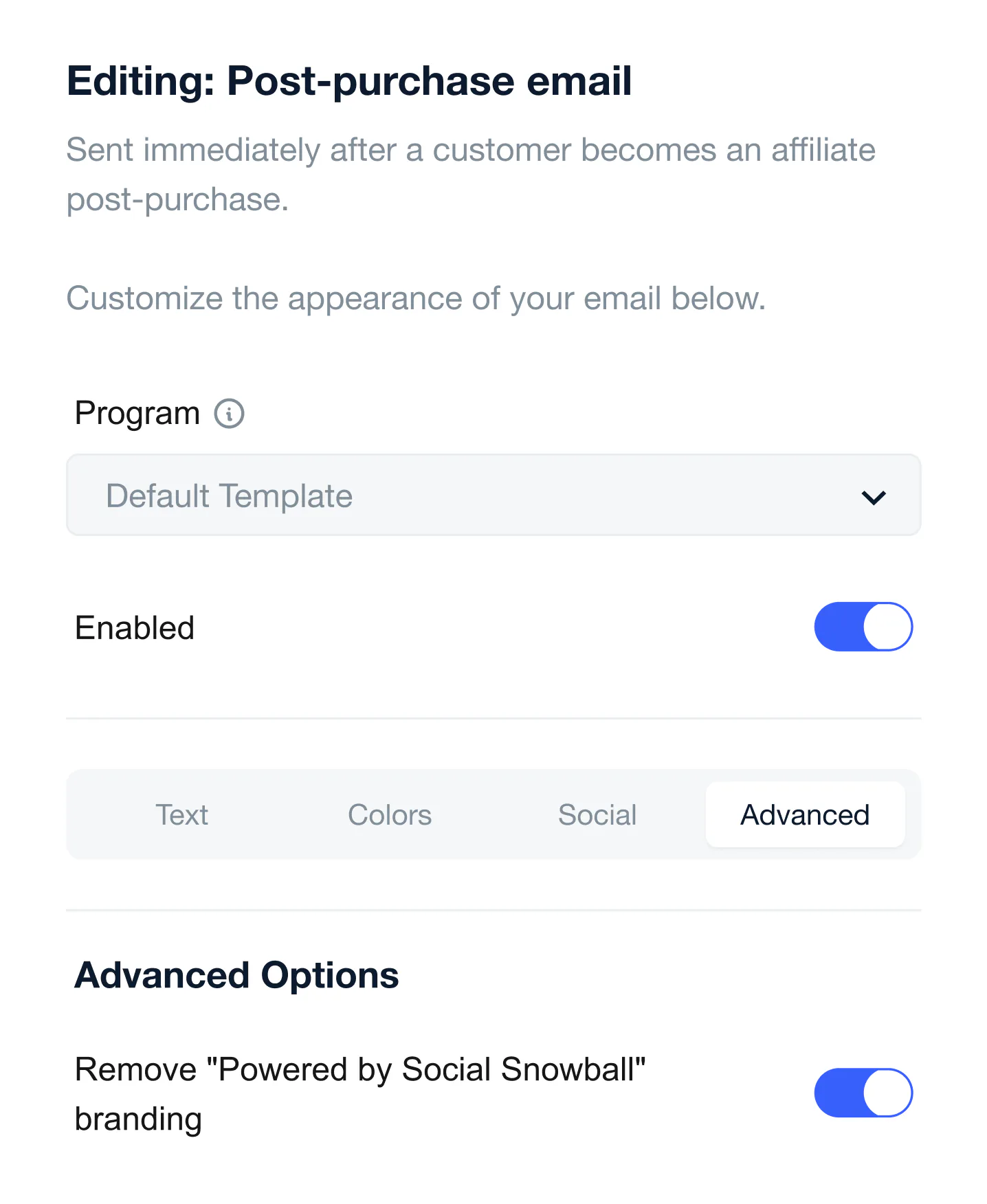
Each editor opens with a Program drop-down (Default Template) and an Enabled switch, above four tabs.
 View full size (opens in a new tab)
Text
The subject line, the top, middle and bottom paragraphs, the affiliate link block, the sharing text and the sign-up button. Each is a rich-text field with variables such as {Affiliate First Name} and a reset button.
 View full size (opens in a new tab)
Colors
Color pickers for the background, the inner body background, the text, the links and the button.
 View full size (opens in a new tab)
Social
Switches for the sharing options in the email: Facebook, Twitter, WhatsApp and Email.
 View full size (opens in a new tab)
Advanced
One switch: remove the “Powered by Social Snowball” branding from the email.