
First-visit redesign of the pages with the most traffic
What a new account sees the first time it opens each of 24 Reacher pages: a clear headline, one main action and an example of what the page will hold.
- First-visit design
- Empty states
A new Reacher account opens most pages to an empty table. Each page here is redesigned for that first visit: a plain headline, one main action, a short explanation or example of what the page will hold, and the real table below it, still empty.
The pages are grouped by area. The Social Intelligence group also has three alternative concepts for a new Overview page: Market Radar, Opportunity Atlas and Daily Brief.
Some screens carry sample data and examples marked as illustrations. Creators’ names, handles and thumbnails, other brands’ sales figures and one model’s face are blurred.
Creative Agent, discovery and benchmarks
Three first visits in Content and Social Intelligence that start with a search or an example instead of an empty page.
 View full size (opens in a new tab)
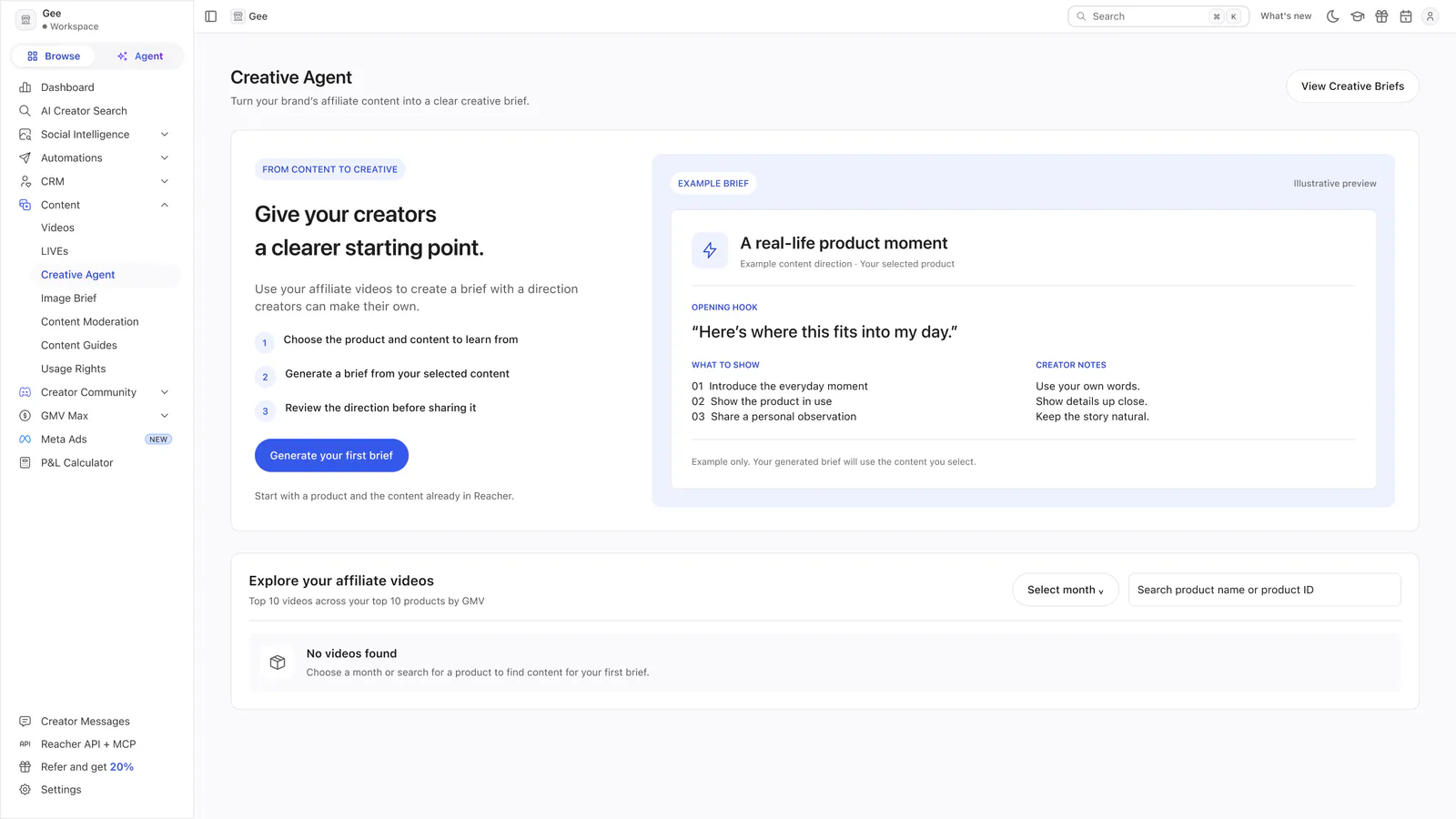
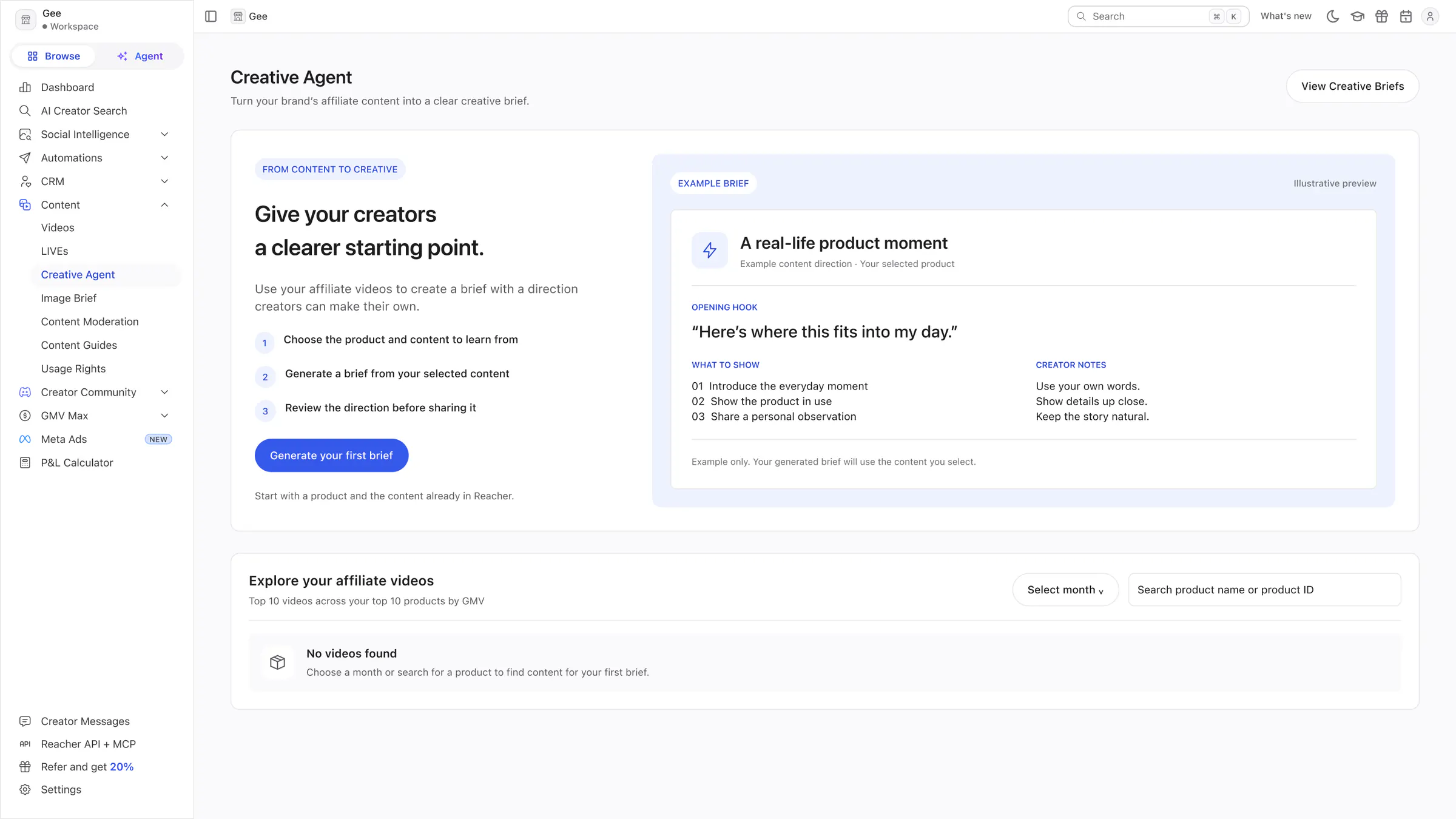
Creative Agent
A three-step introduction and an example brief, labelled as an illustration, sit above the existing empty video explorer.
 View full size (opens in a new tab)
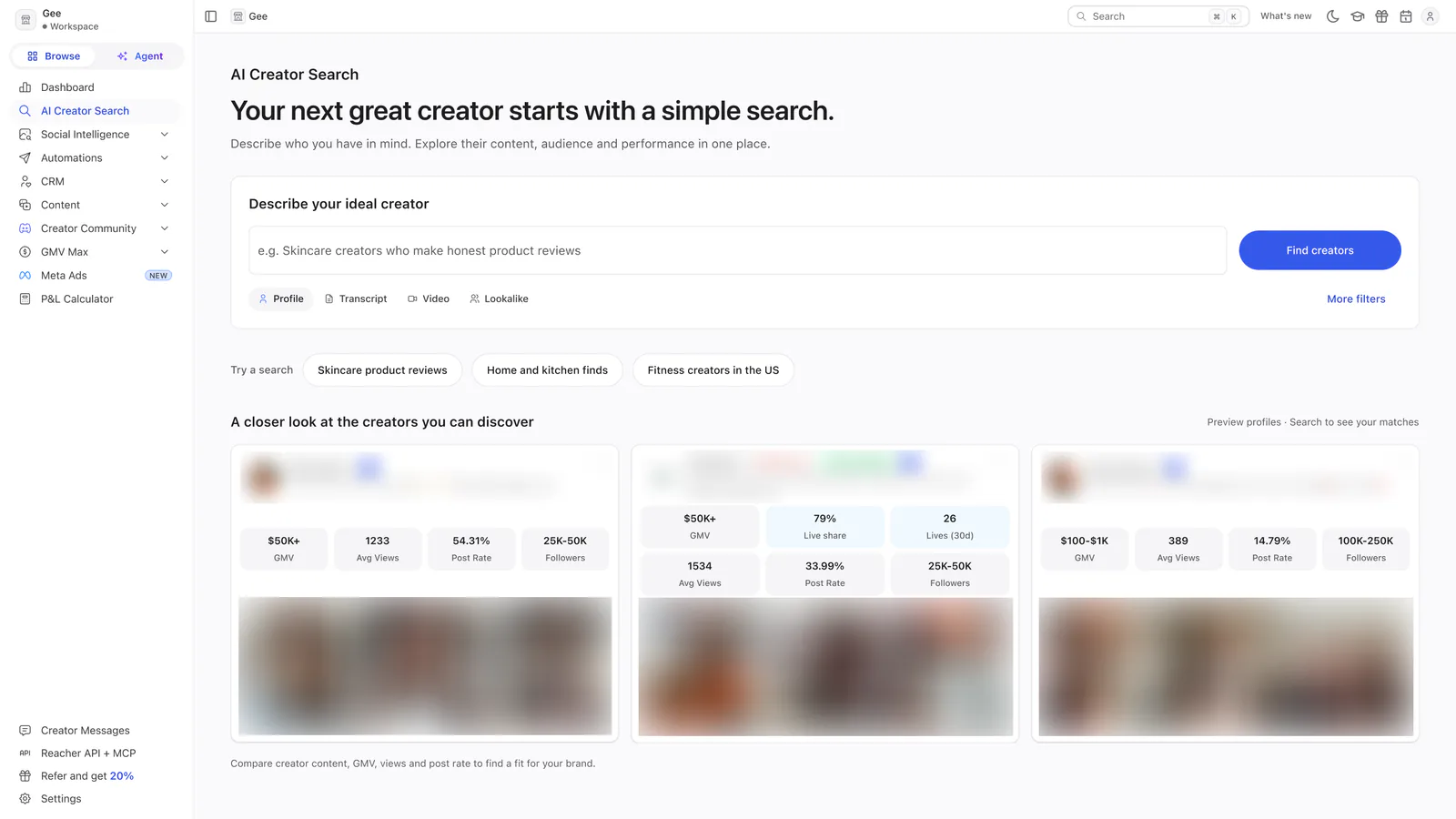
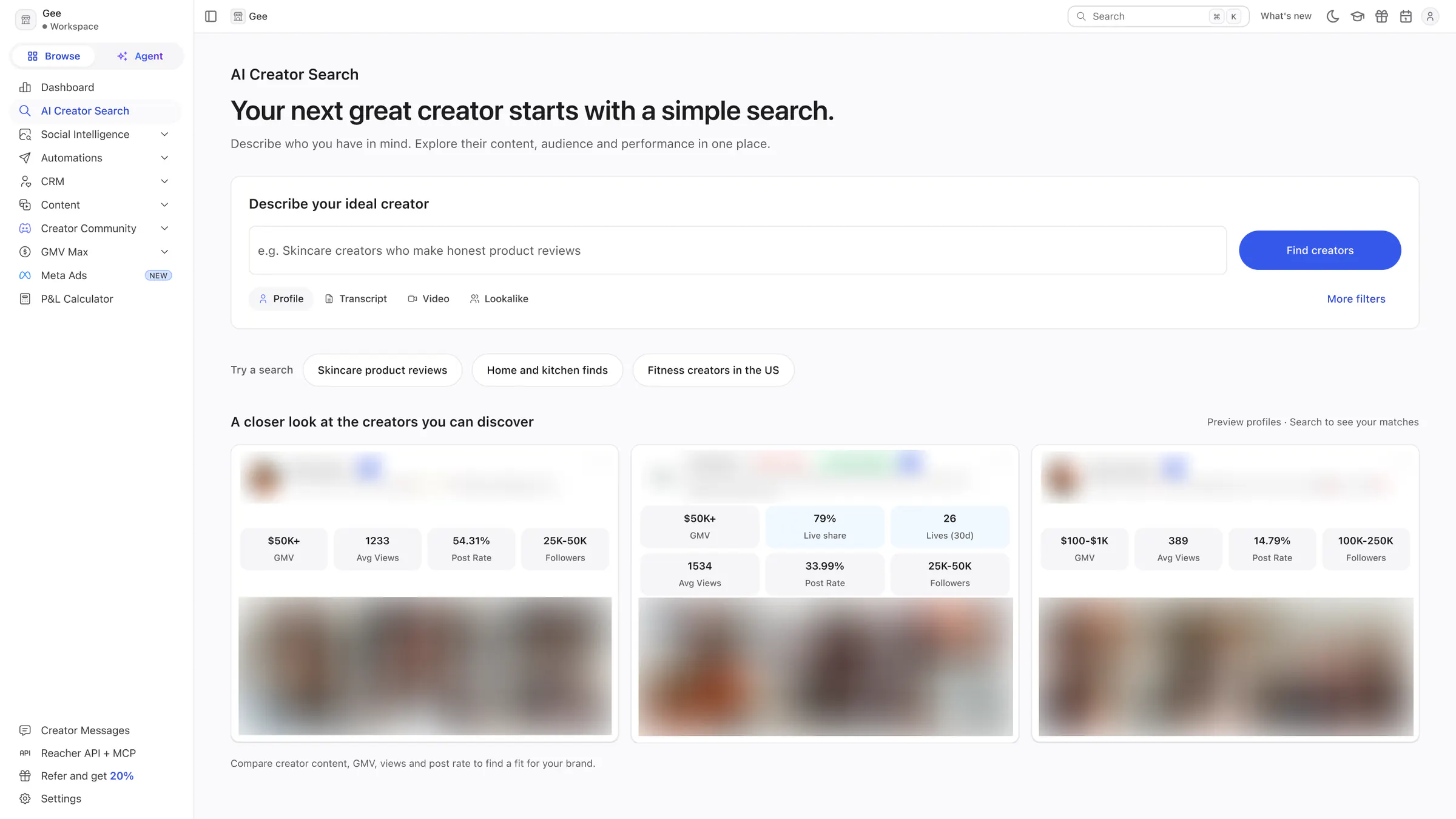
AI Creator Search
One search box in plain language, three suggested searches and three preview creator cards. The creators’ names and thumbnails are blurred.
 View full size (opens in a new tab)
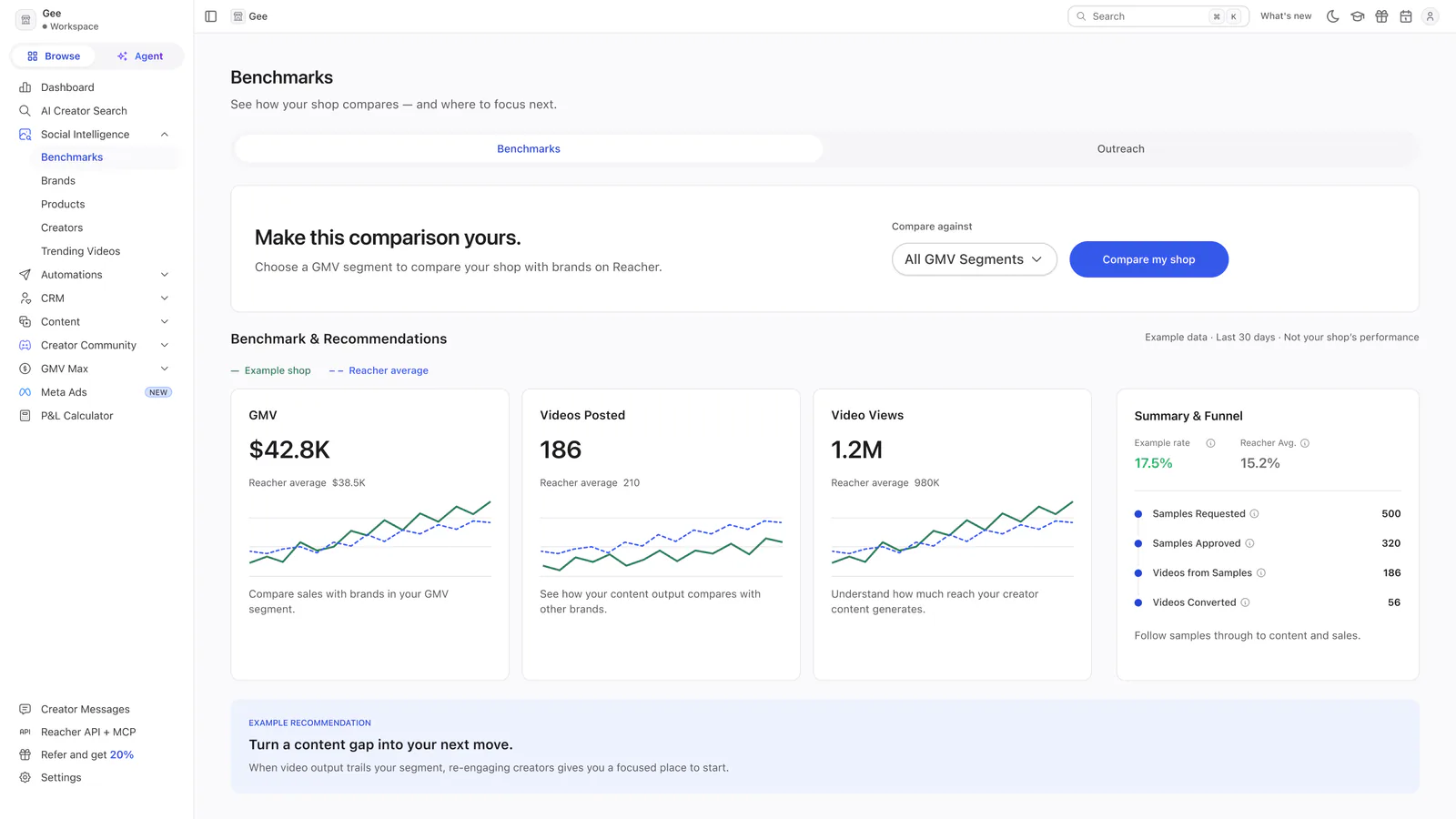
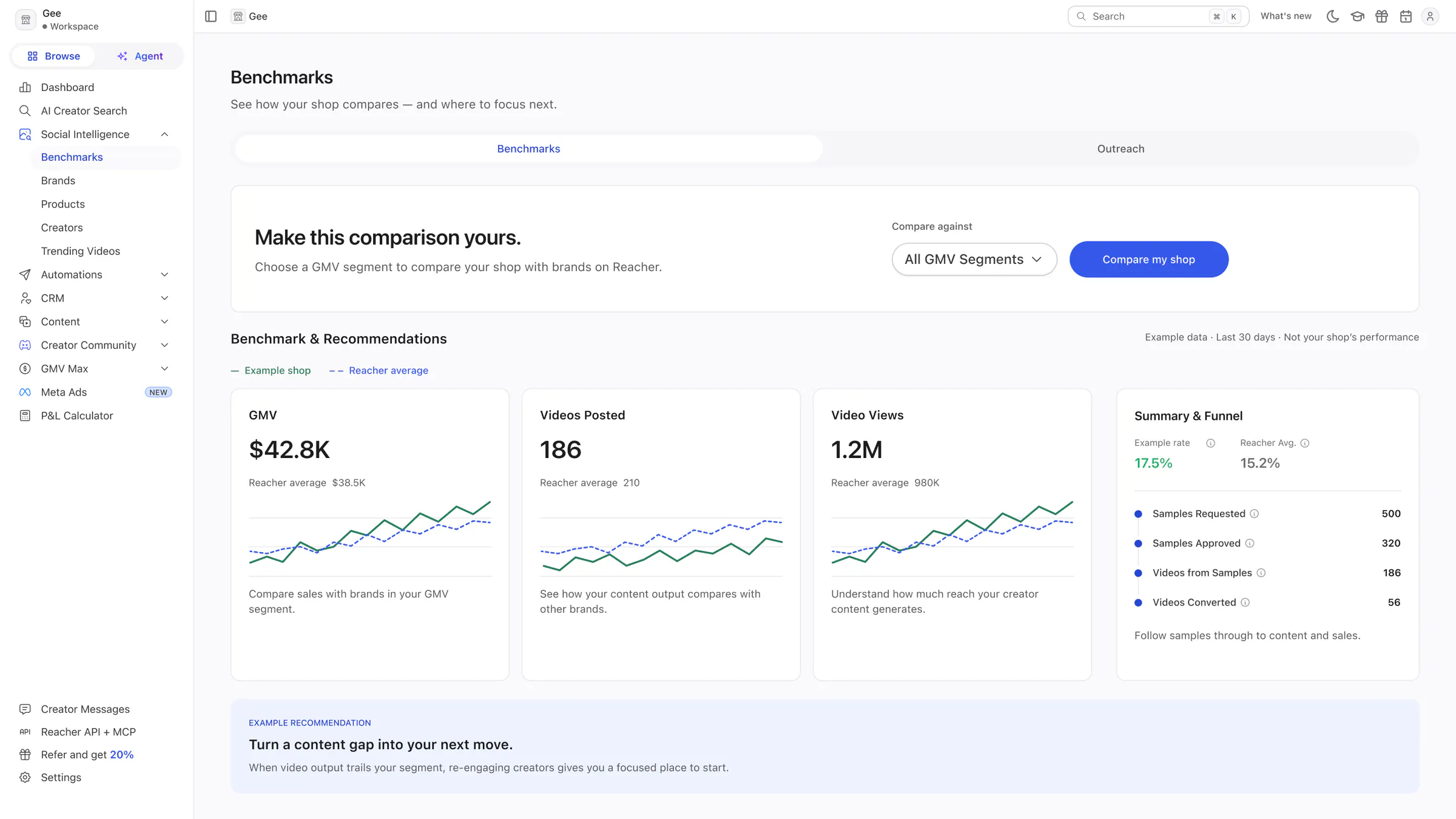
Benchmarks
Choose a GMV segment to compare against, with a preview, labelled Example data, of GMV, videos, views, the funnel and a recommendation.
Outreach and chatbot
Where a new account starts talking to creators.
 View full size (opens in a new tab)
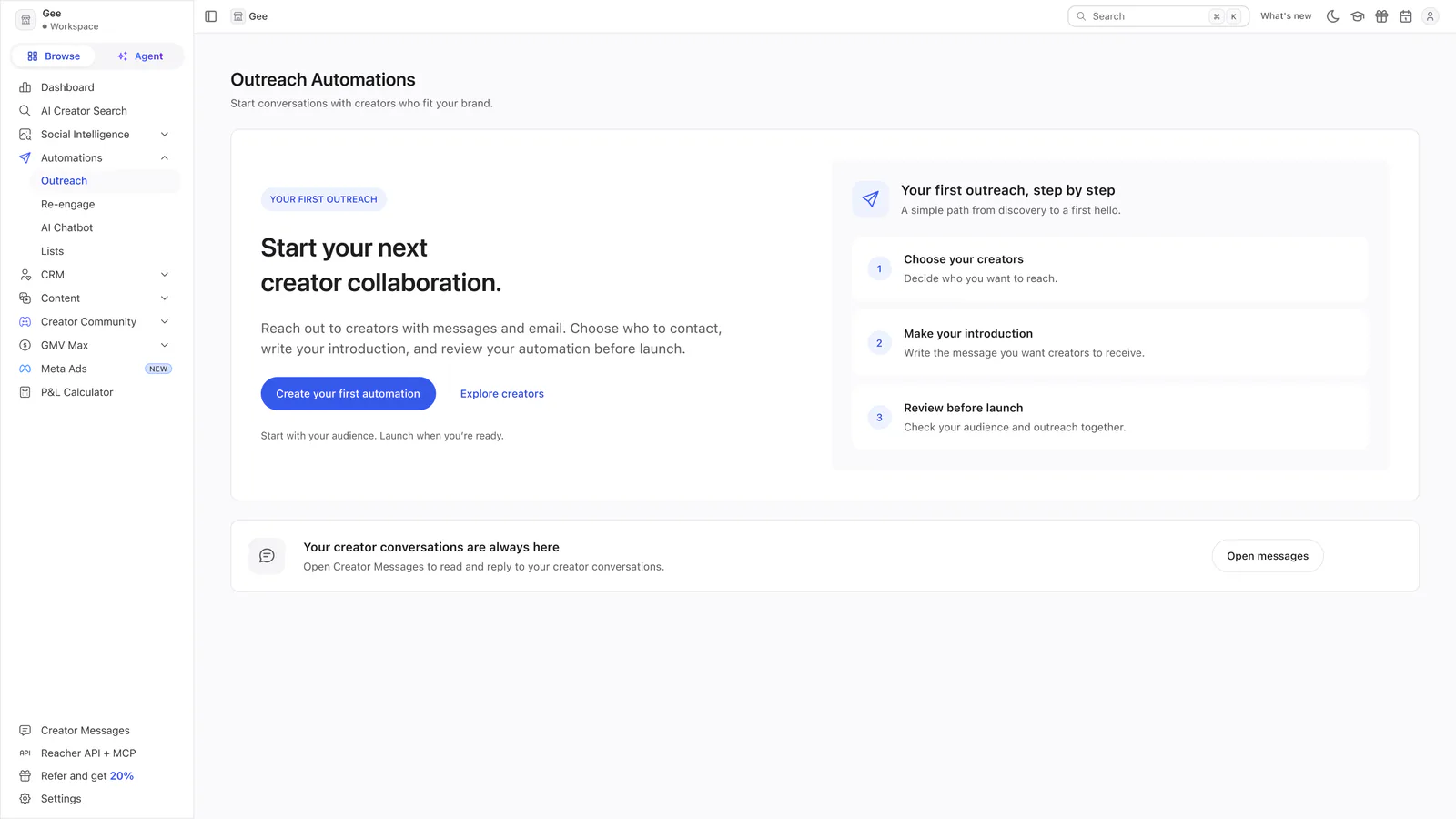
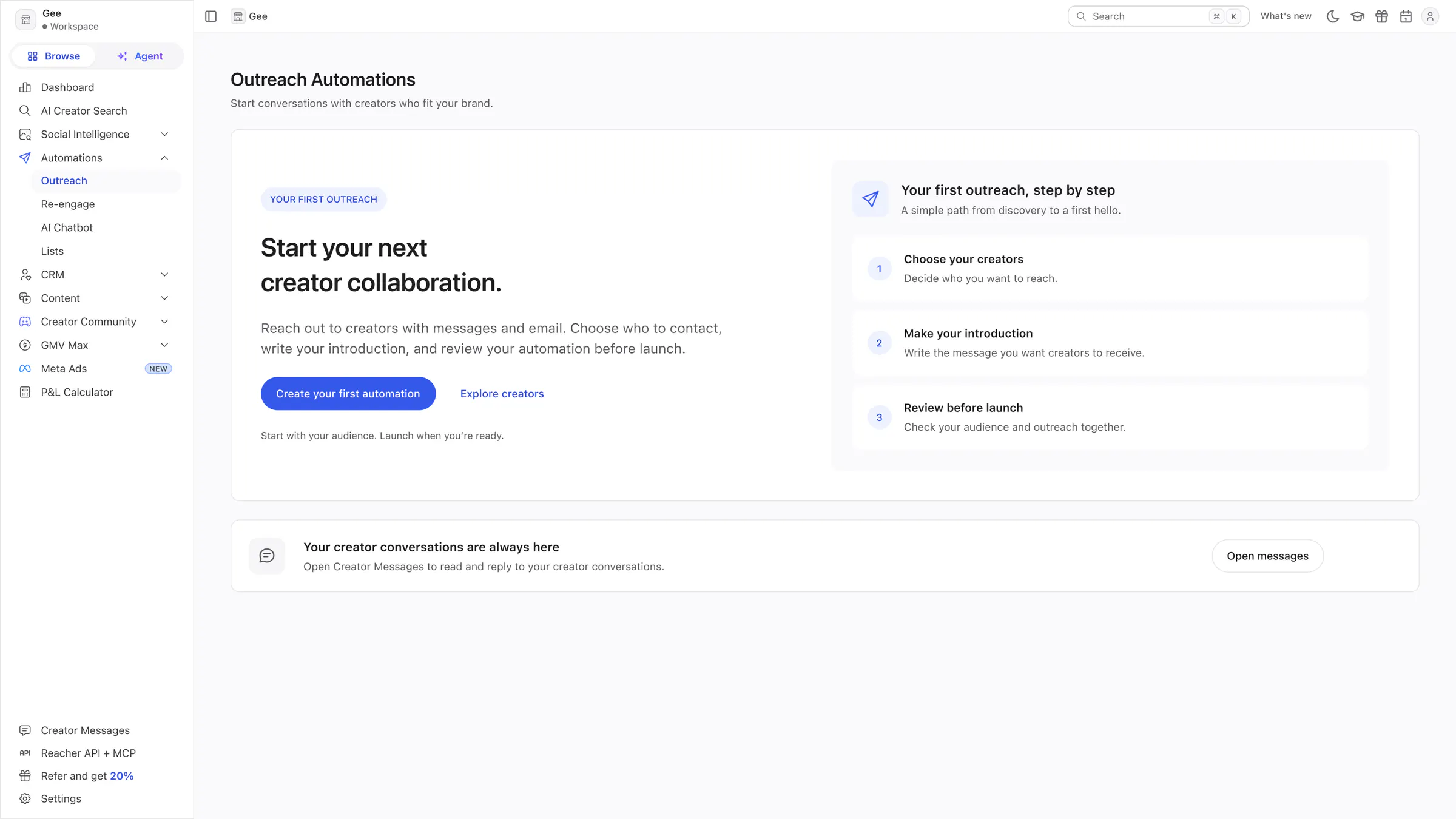
Outreach Automations
A single invitation to start a first collaboration, with the three steps of an outreach and a quiet route to Creator Messages.
 View full size (opens in a new tab)
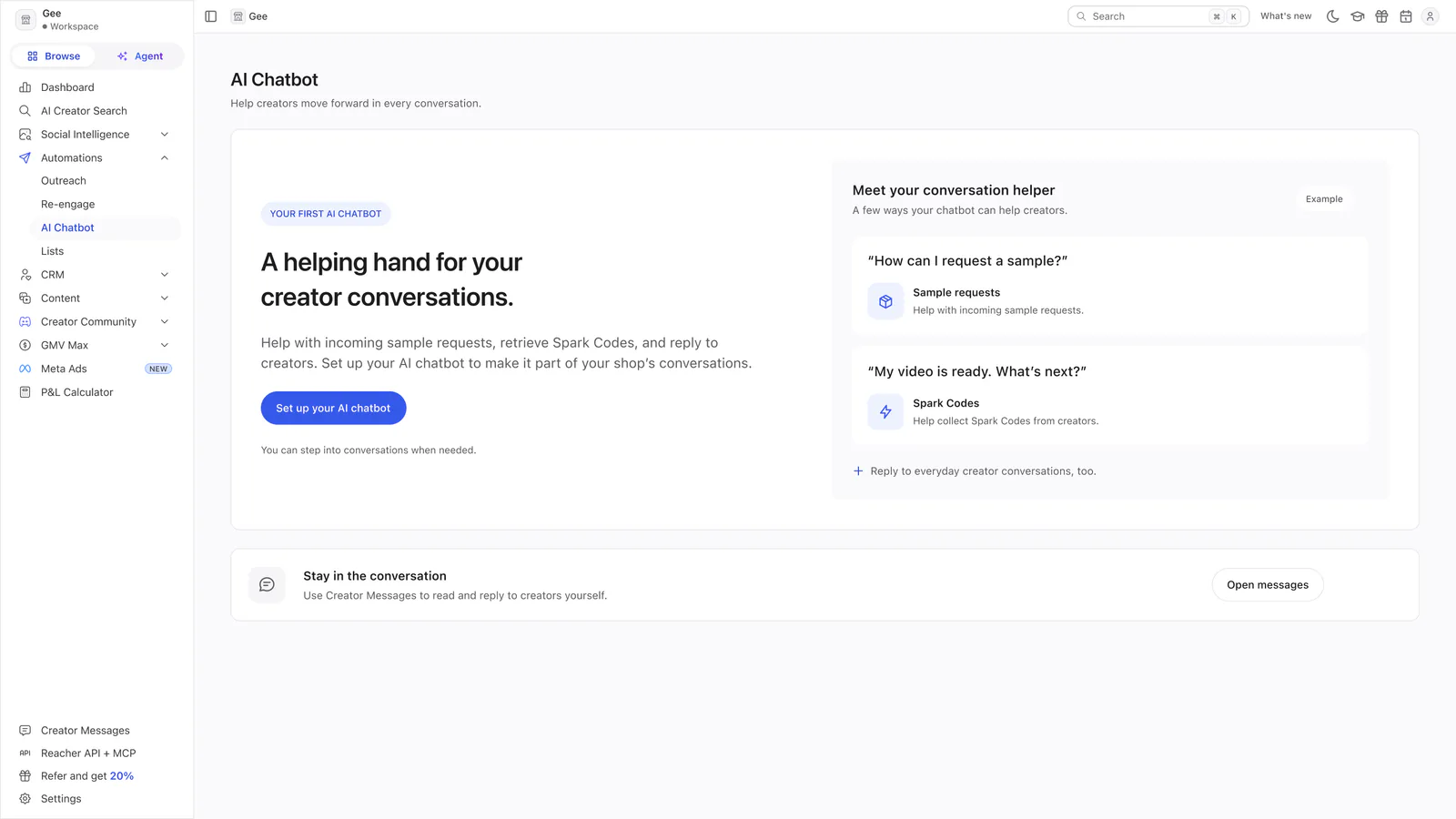
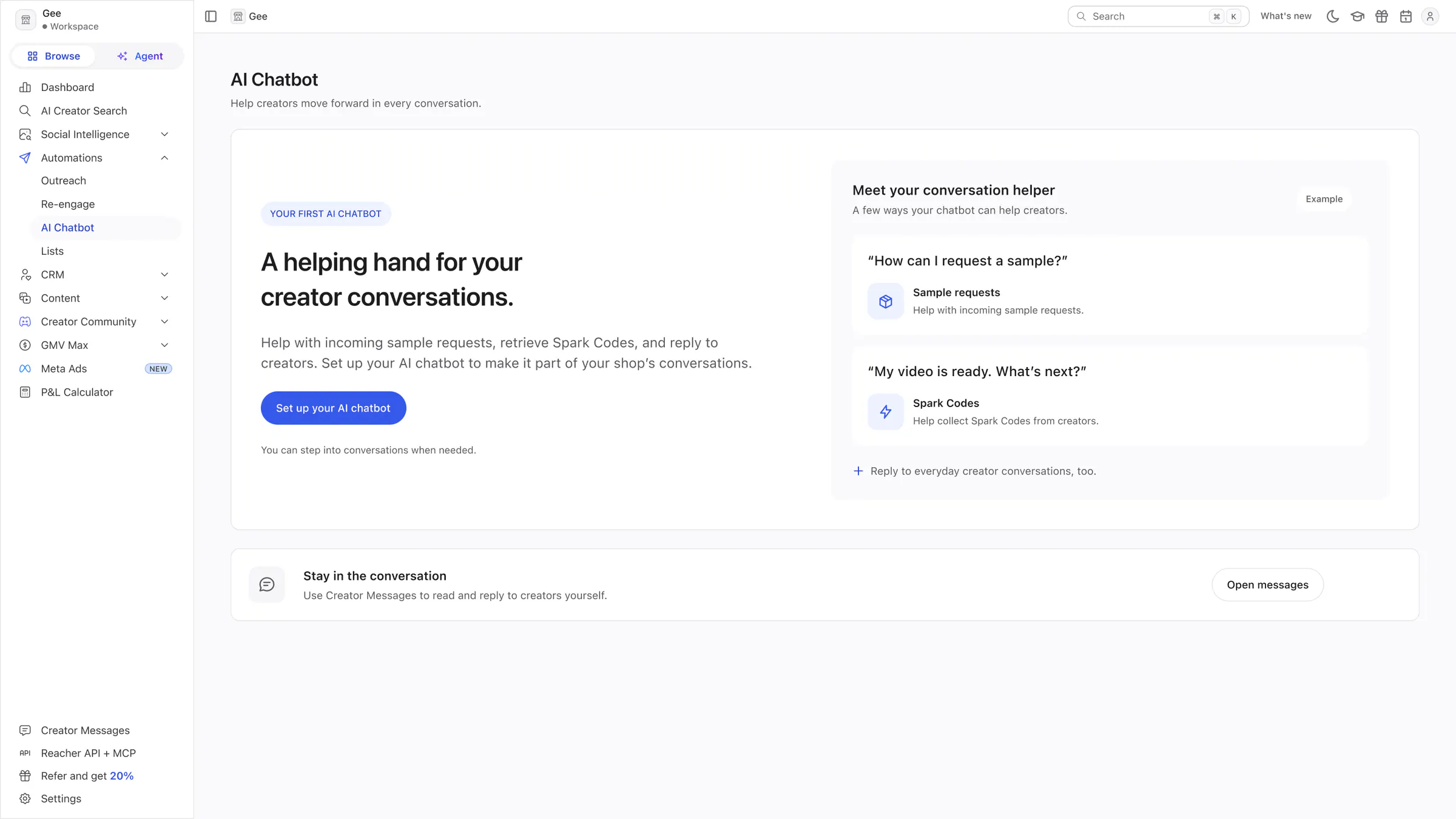
AI Chatbot
An invitation to set up the chatbot beside two example creator questions, about sample requests and Spark Codes, and a route to Creator Messages.
Content tools
Five pages for finding, briefing and checking creator content.
 View full size (opens in a new tab)
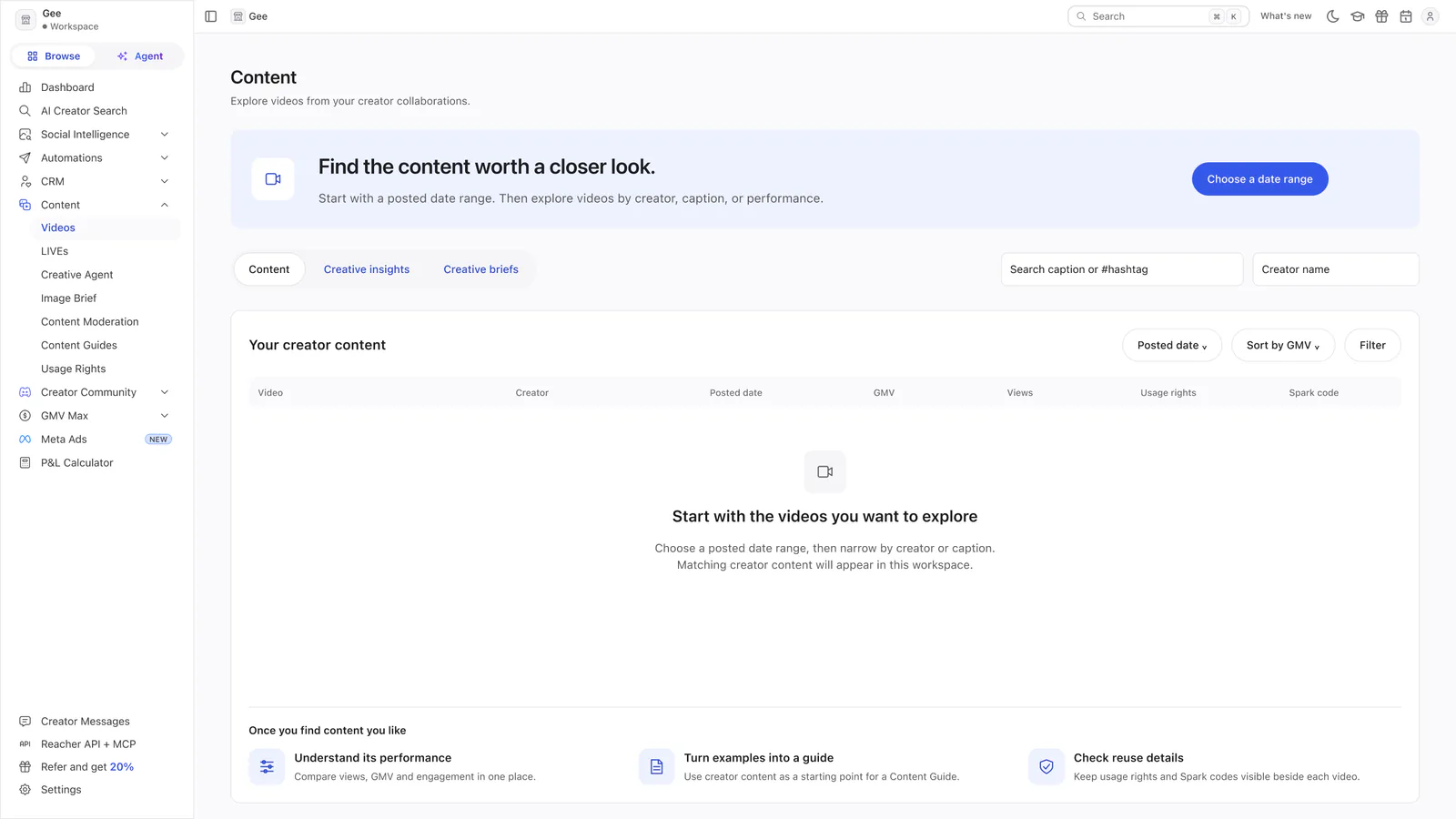
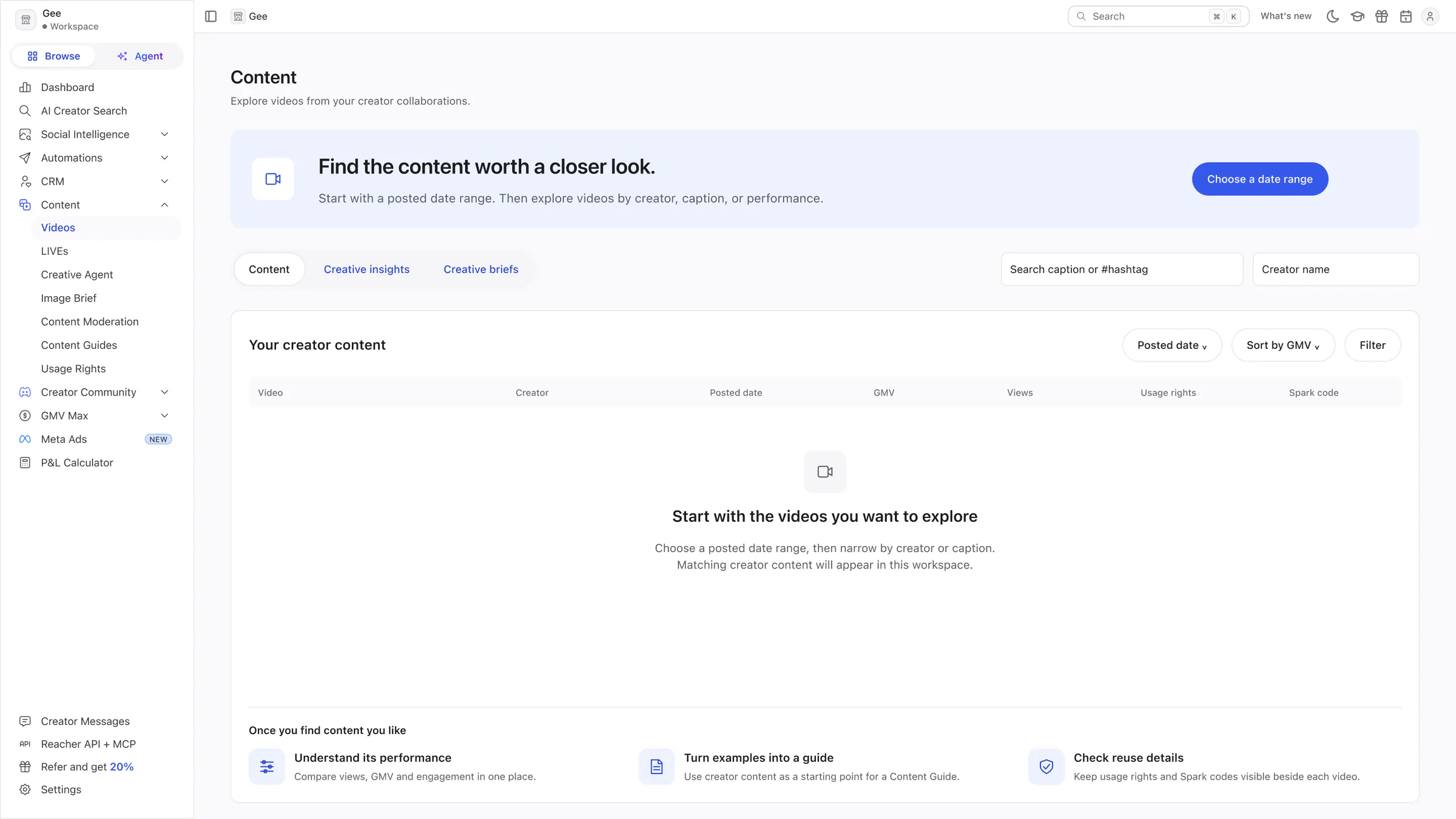
Content
A short date-range prompt above the real content table, still empty, with three things to do once content appears.
 View full size (opens in a new tab)
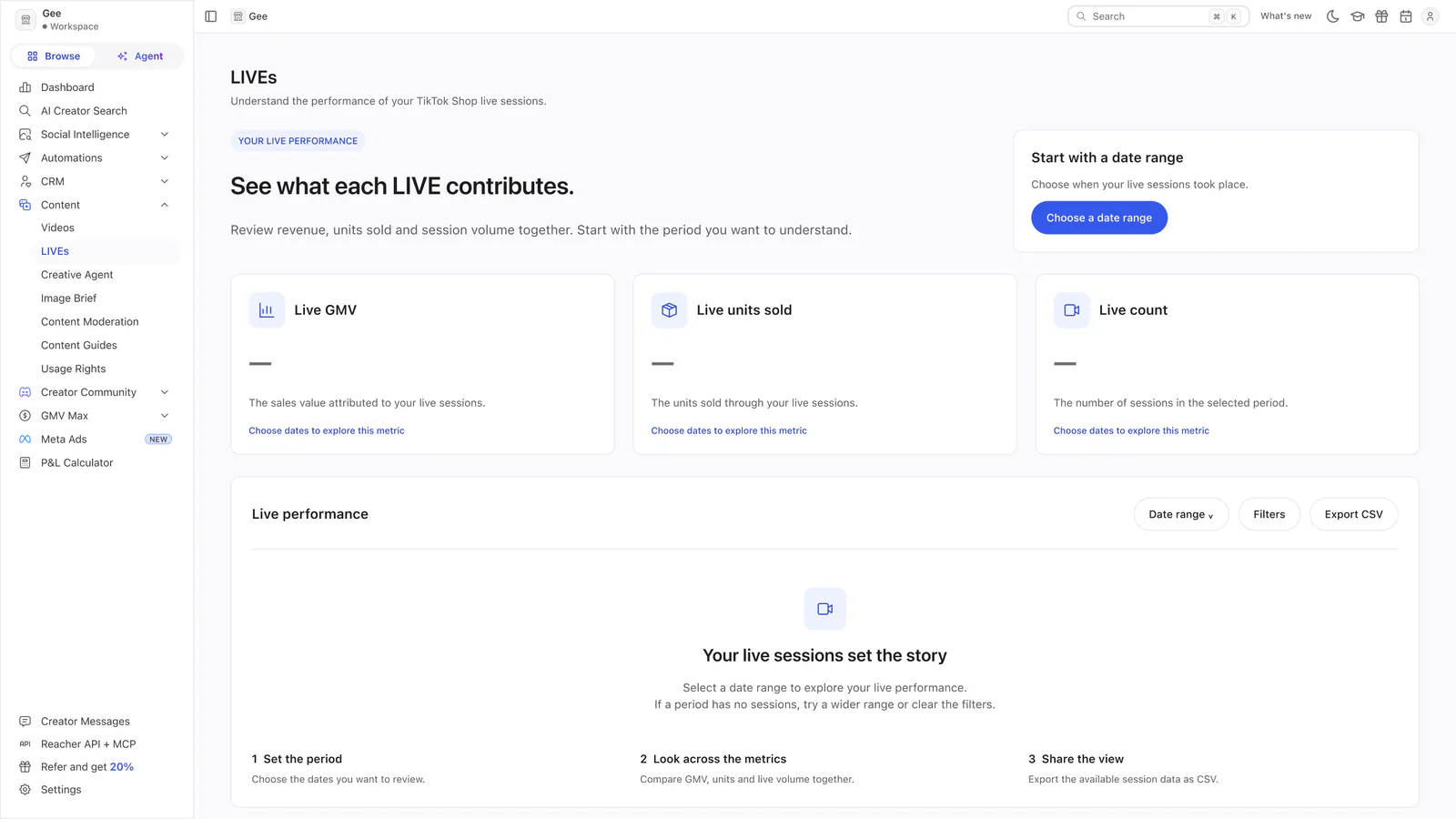
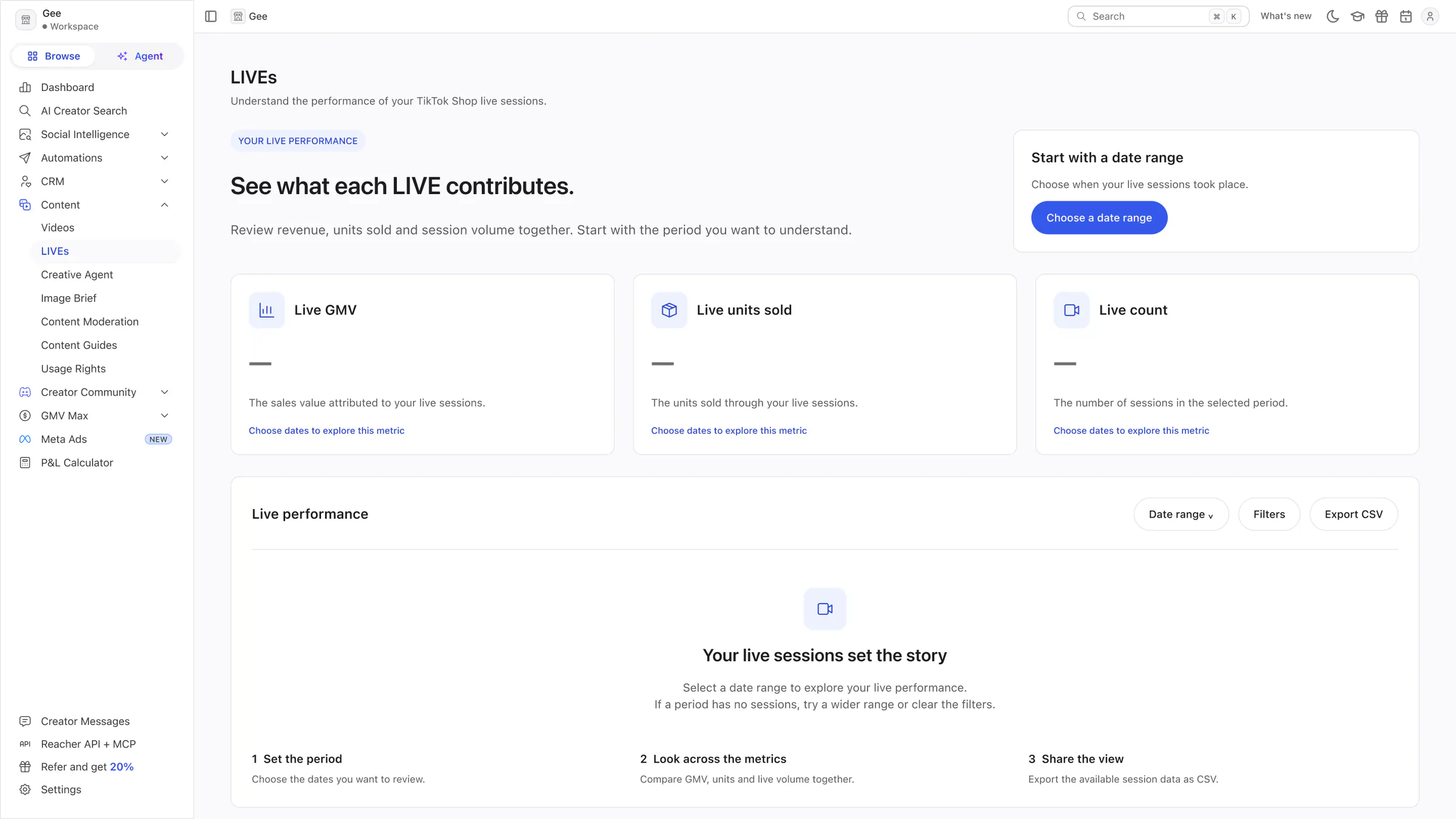
LIVEs
Three empty metric cards with a date-range prompt, and a three-step explanation of what each LIVE contributes.
 View full size (opens in a new tab)
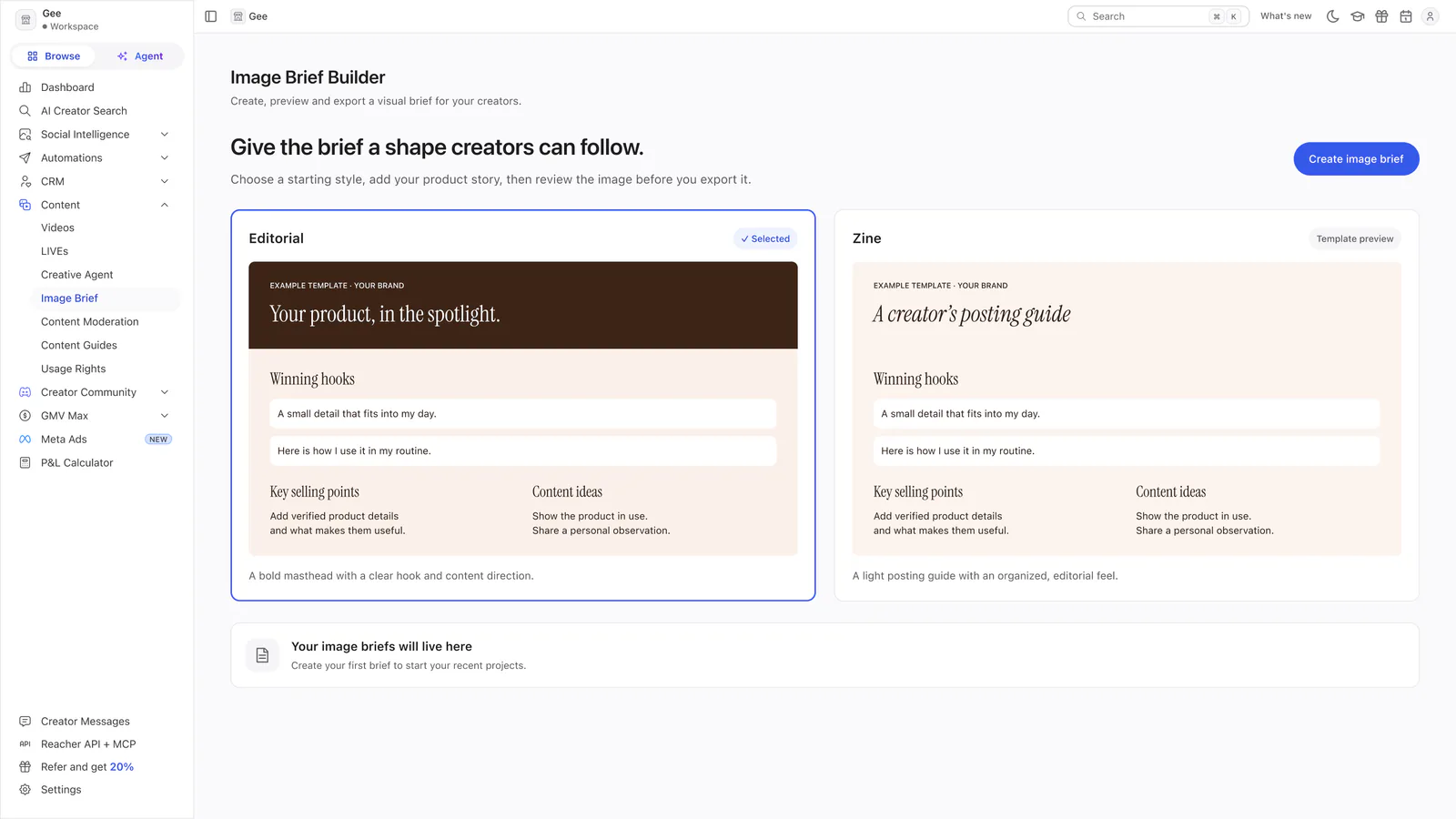
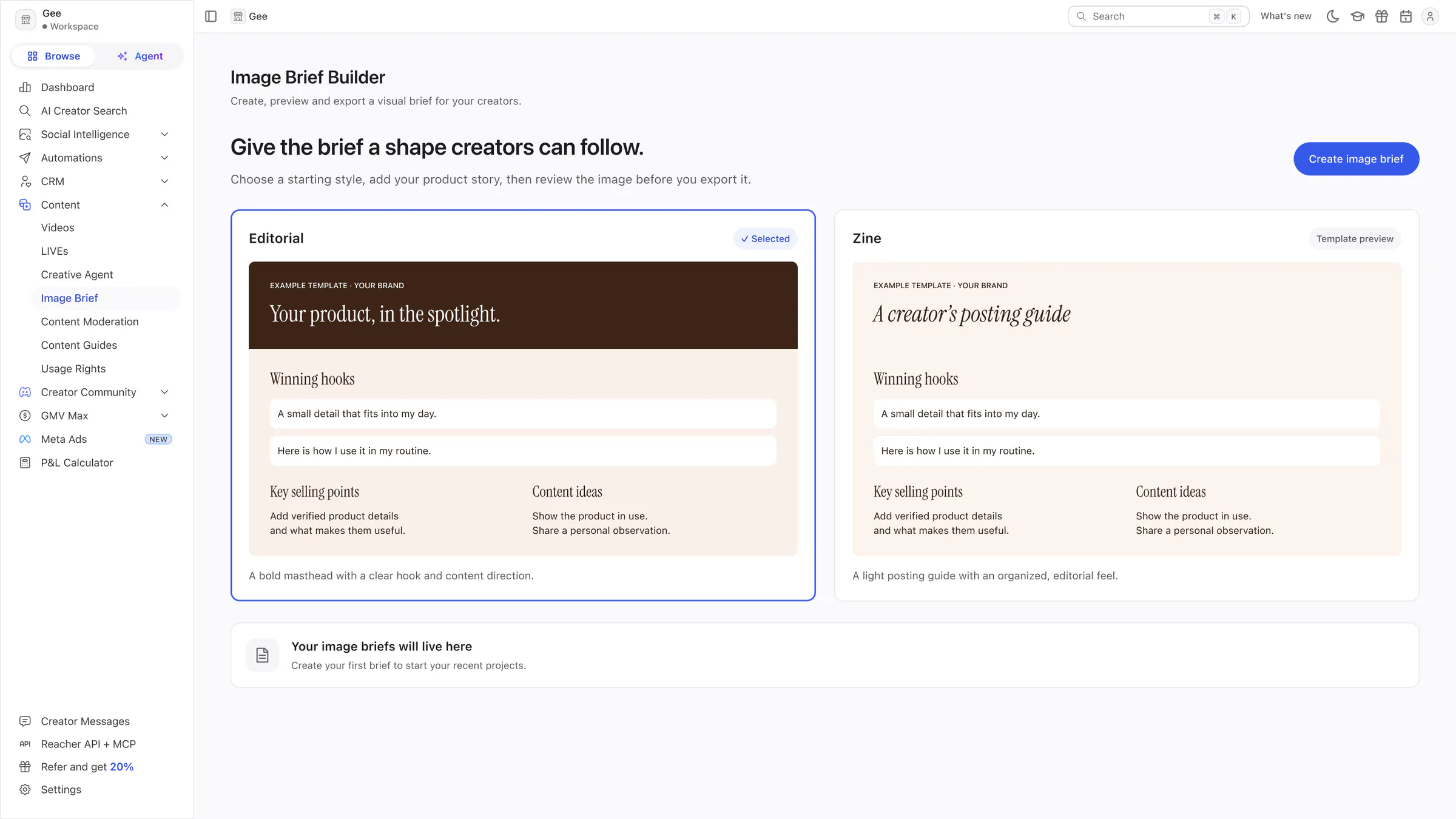
Image Brief Builder
The Editorial and Zine templates shown as large example previews, with a Create image brief button.
 View full size (opens in a new tab)
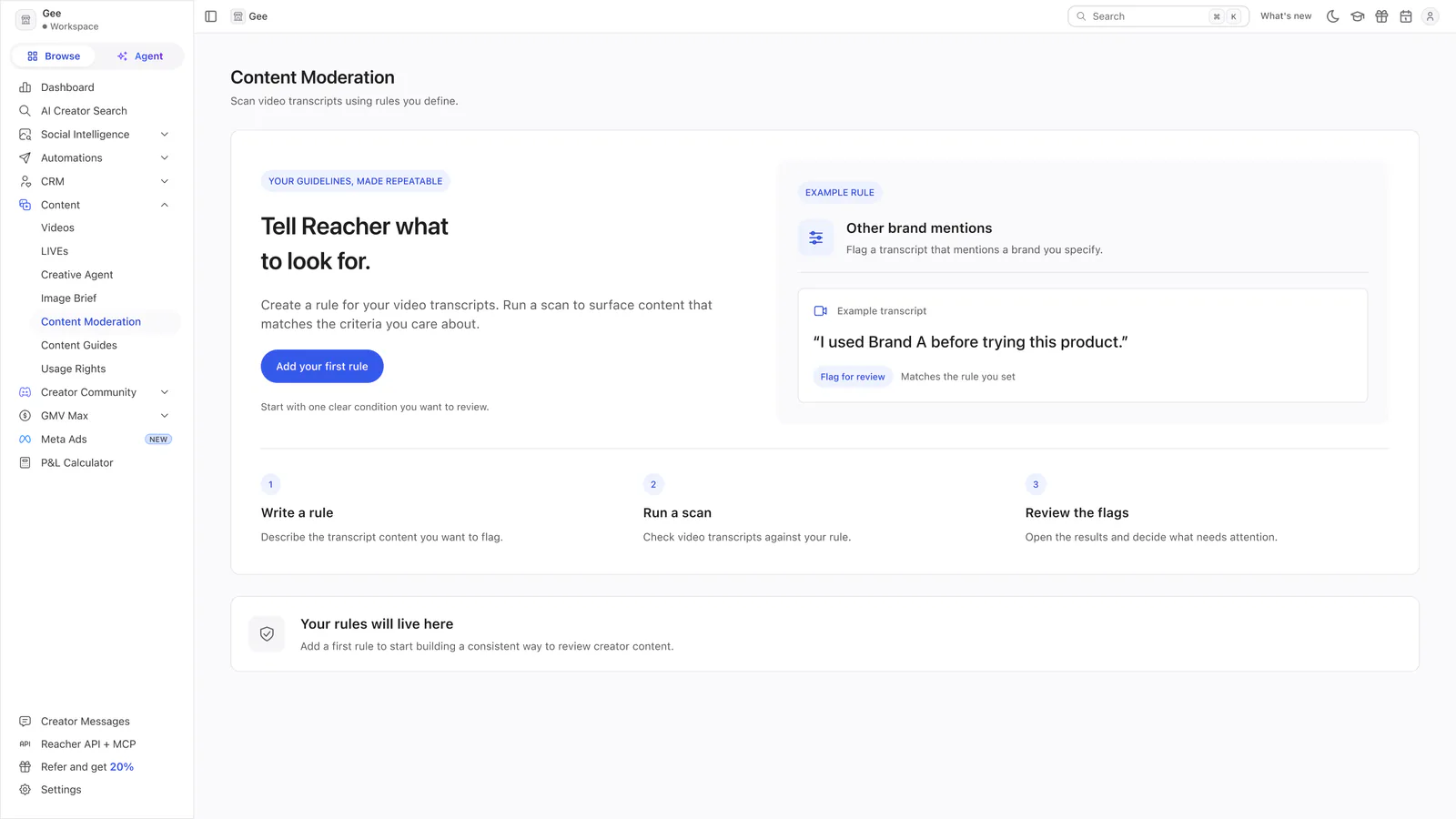
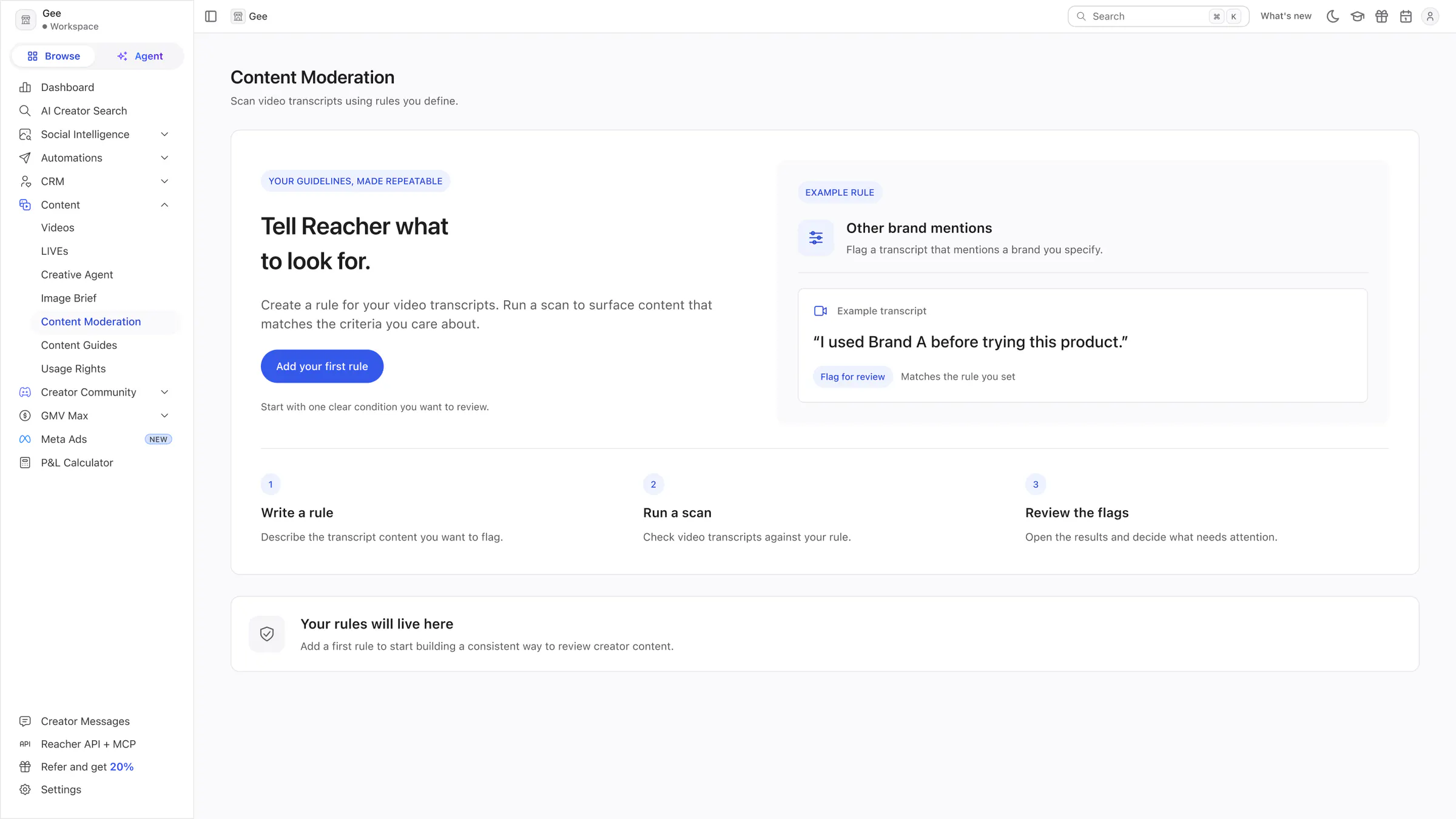
Content Moderation
An example rule and an example transcript, the write, scan and review steps, and one Add your first rule button.
 View full size (opens in a new tab)
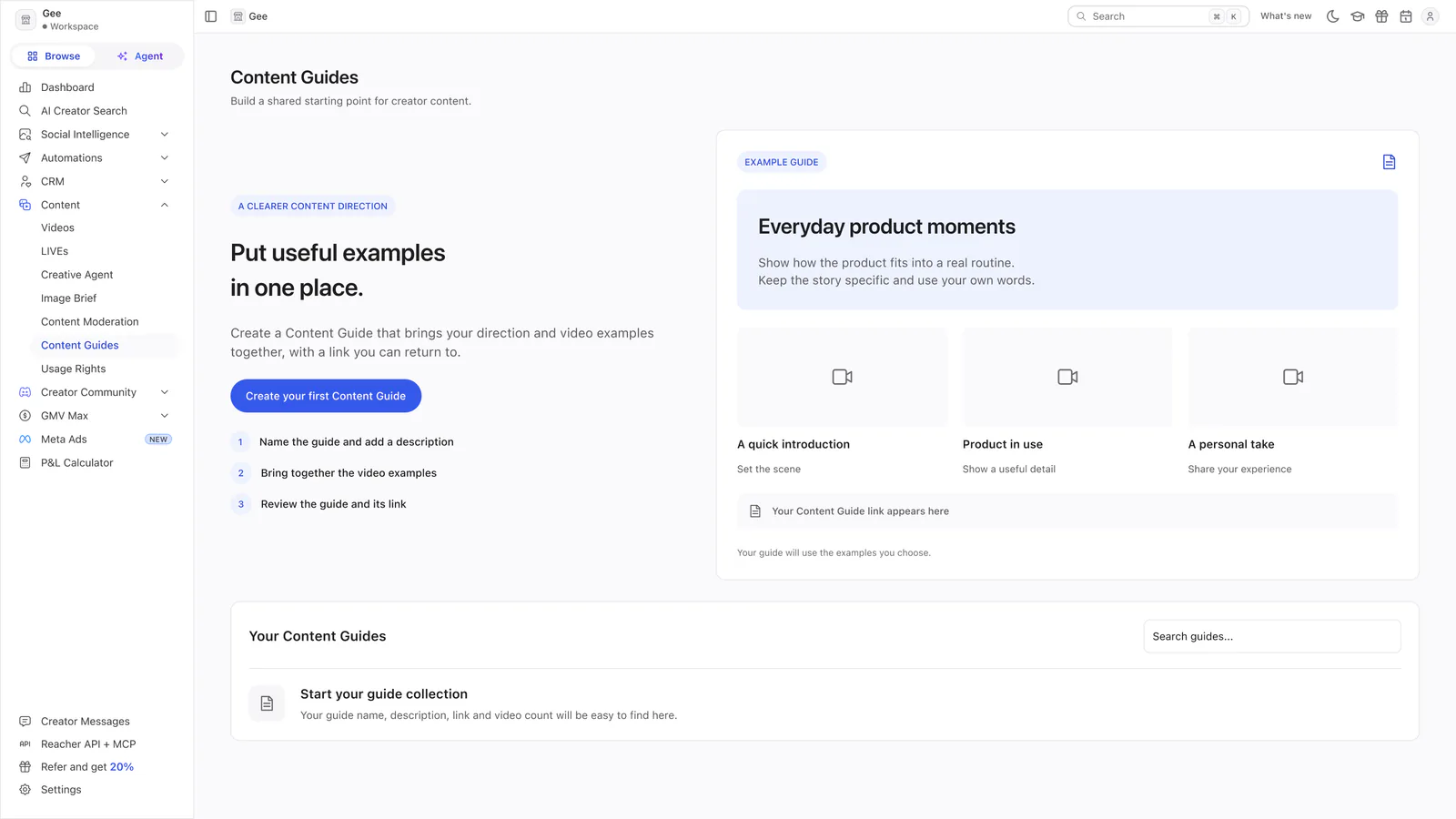
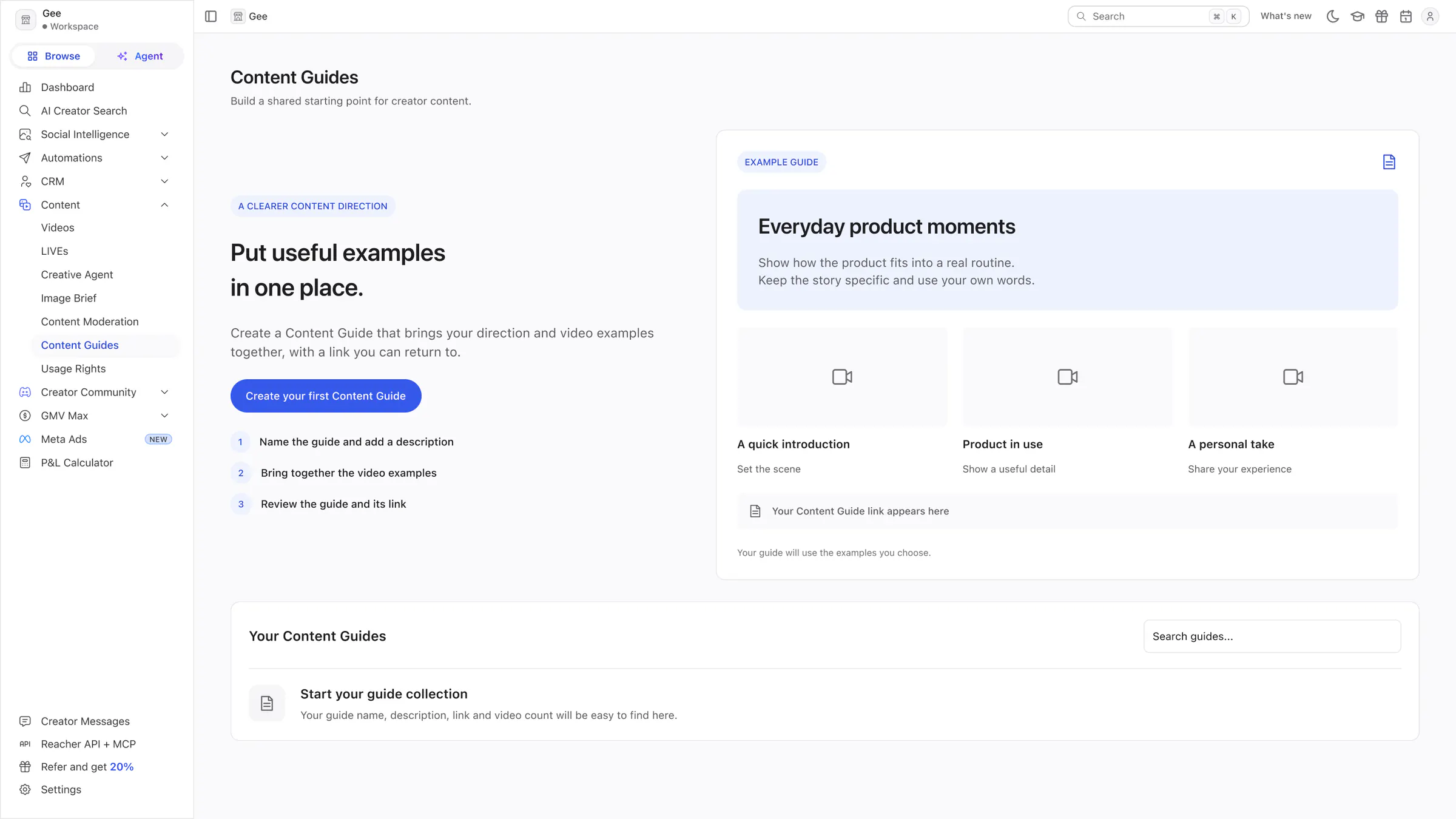
Content Guides
An example guide with three video tiles, a three-step list for making one, and the empty guide table.
Campaigns and contracts
Planning a campaign and agreeing the work.
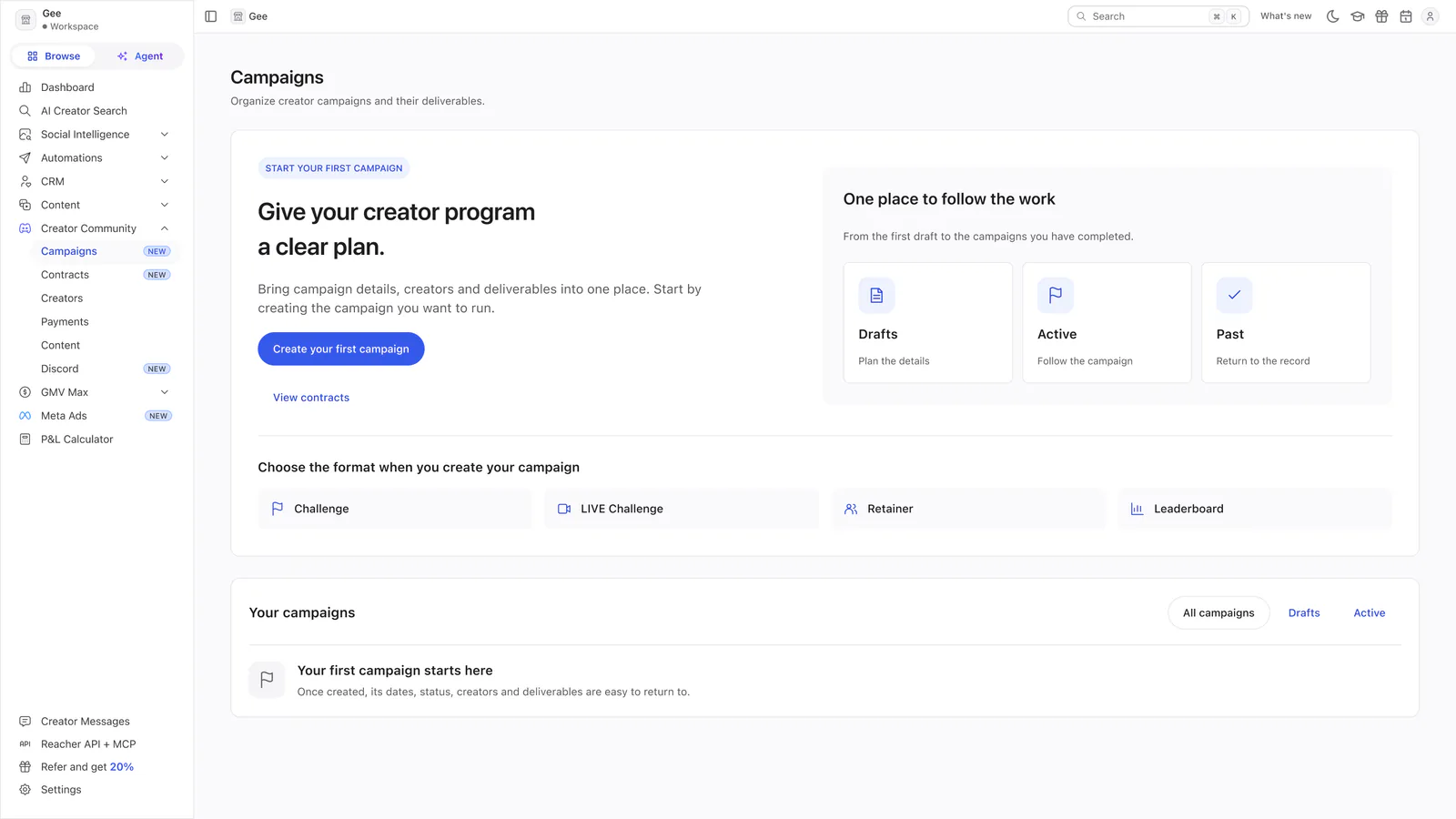 View full size (opens in a new tab)
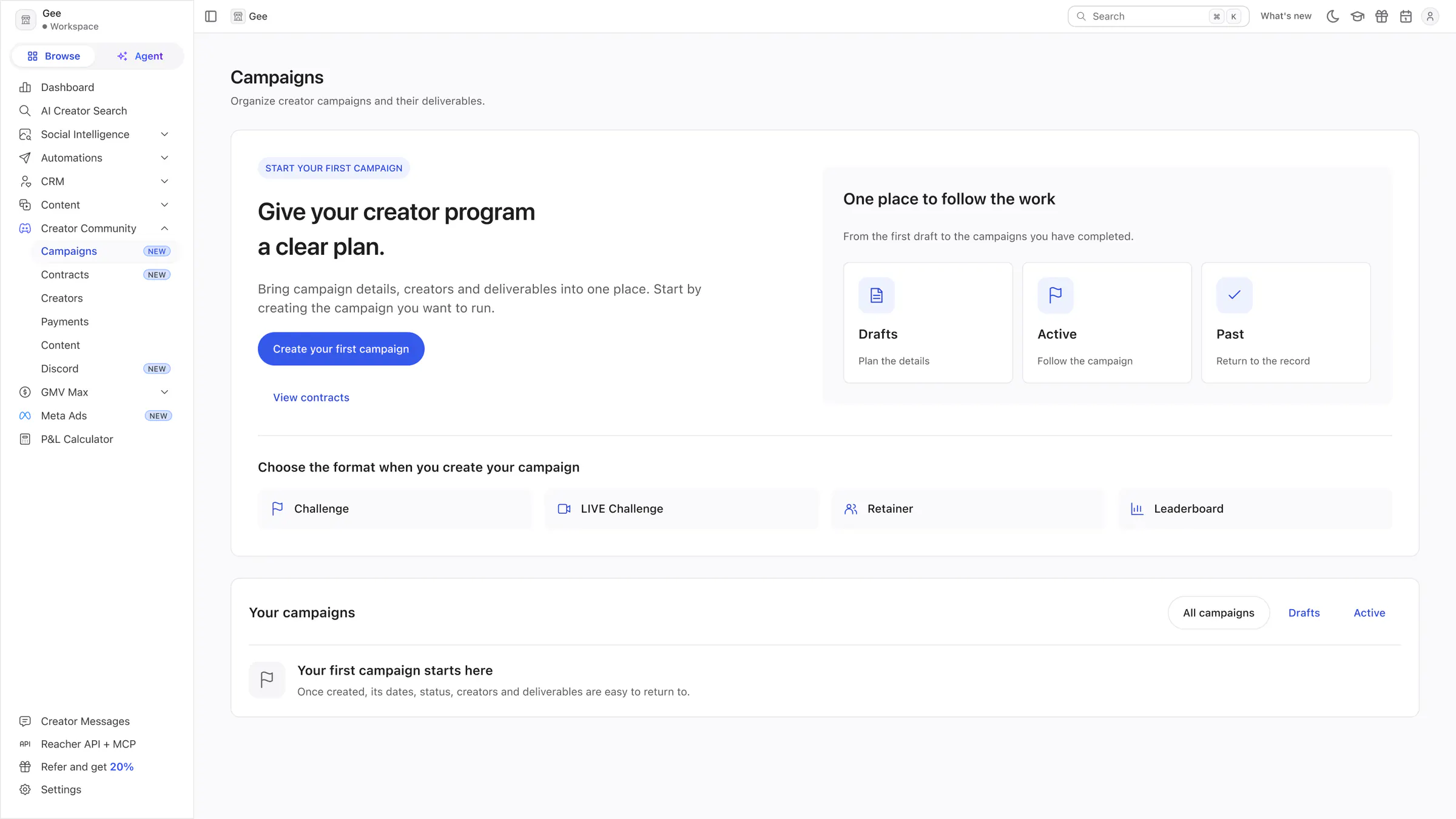
Campaigns
A preview of the campaign lifecycle (Drafts, Active, Past), the four campaign formats and an empty campaigns list.
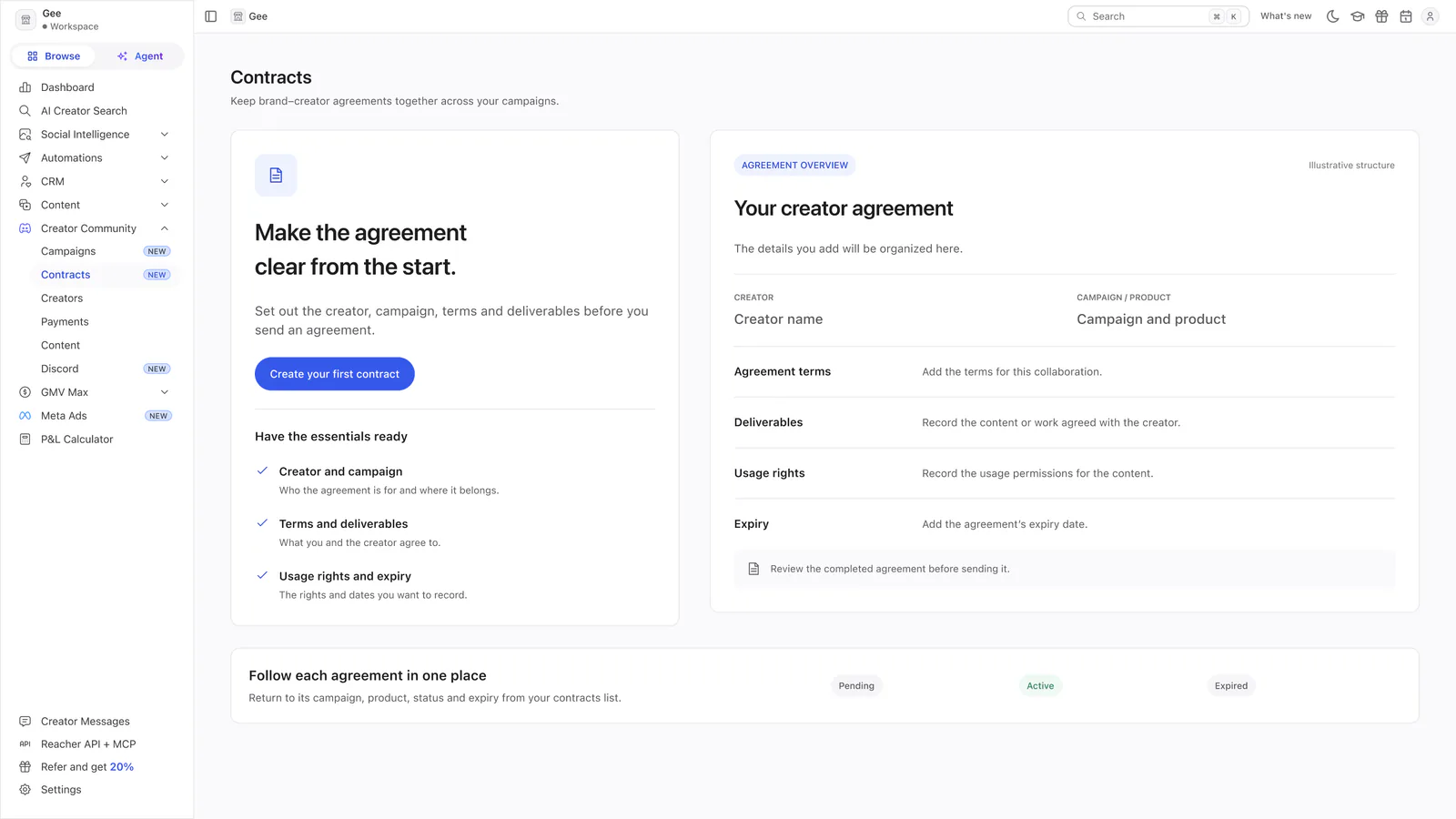 View full size (opens in a new tab)
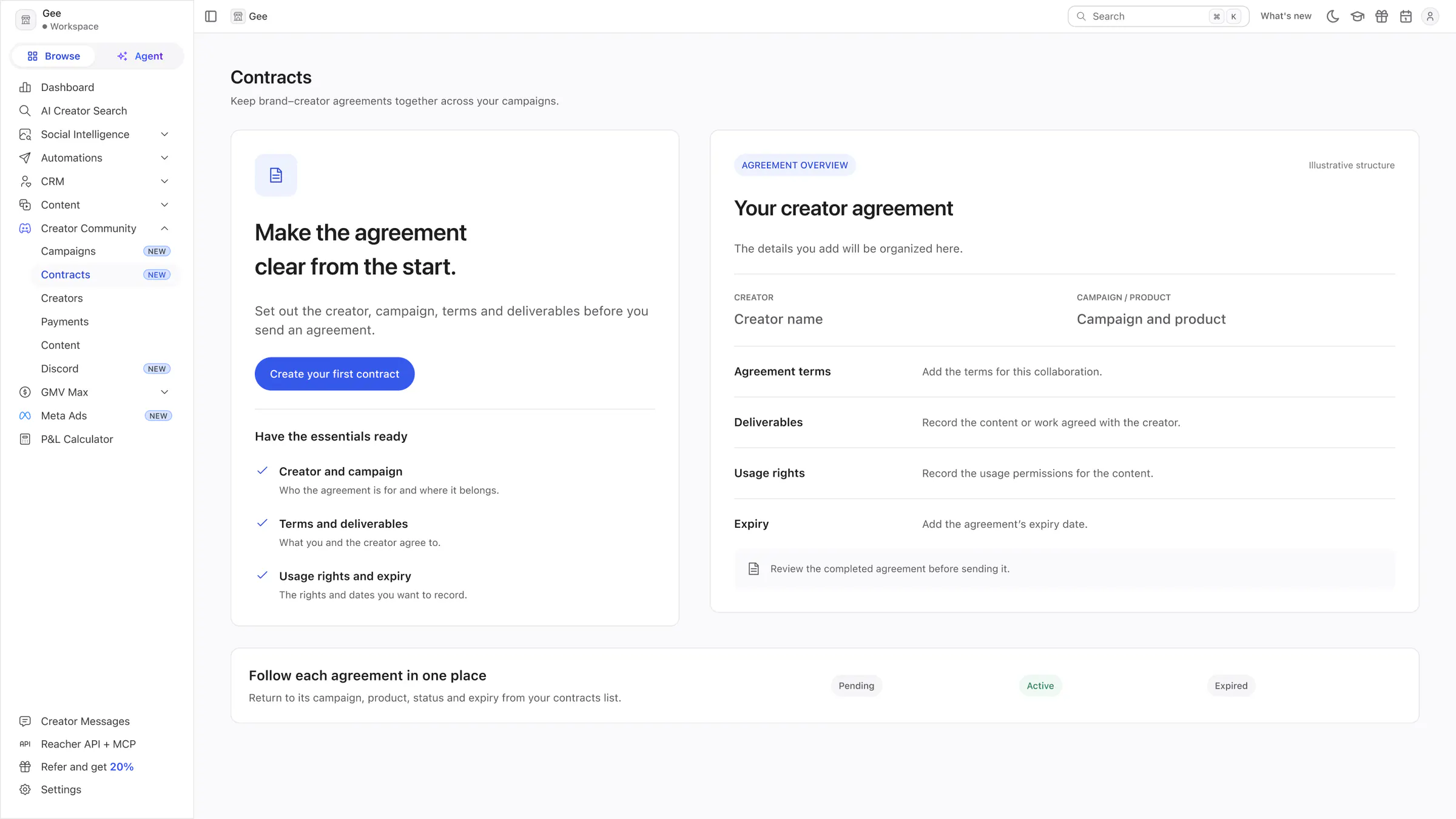
Contracts
A checklist of what to have ready beside an example agreement layout, and the contract status list.
Community operations
Managing the creators, payments and content of a creator community.
 View full size (opens in a new tab)
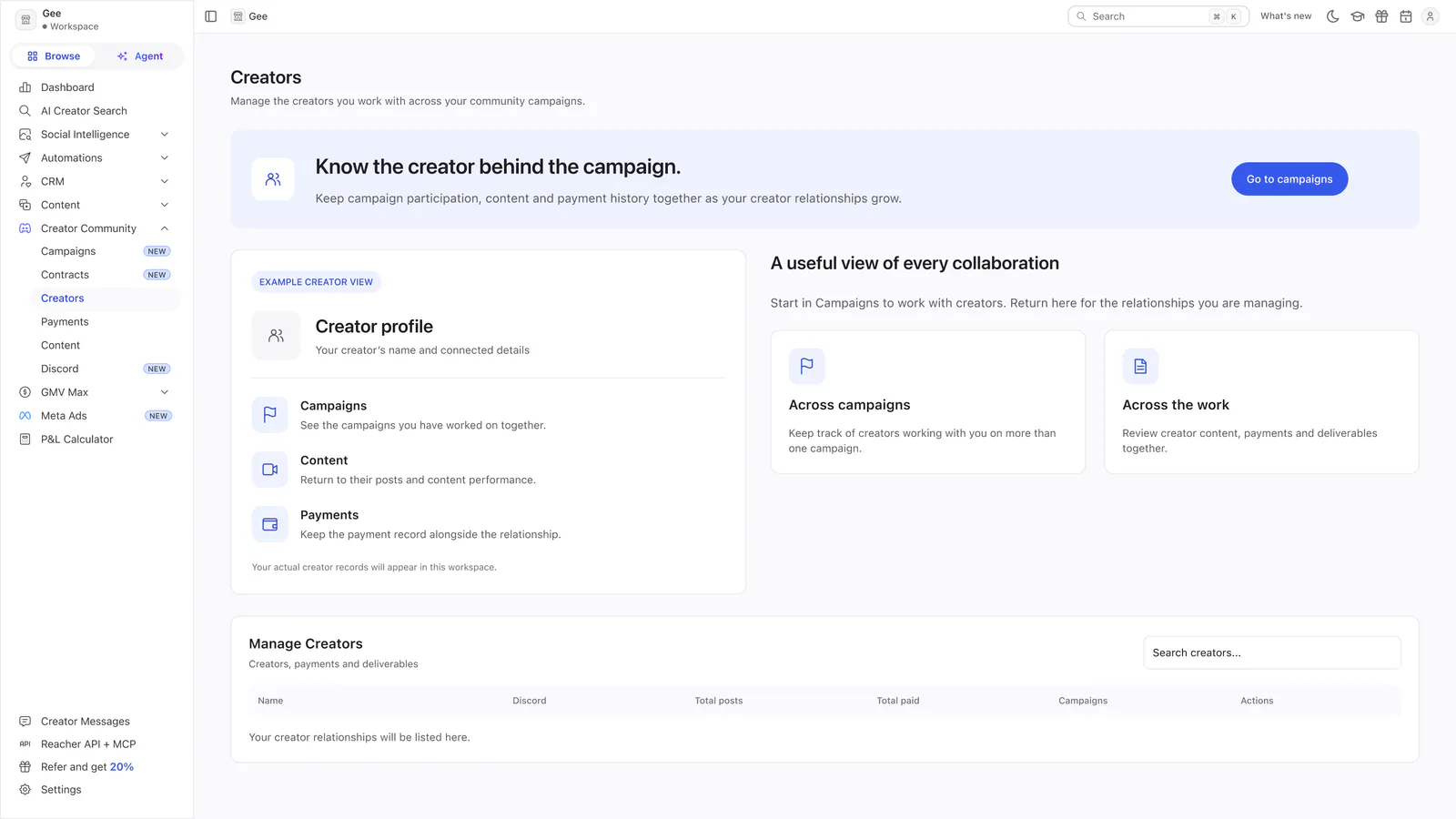
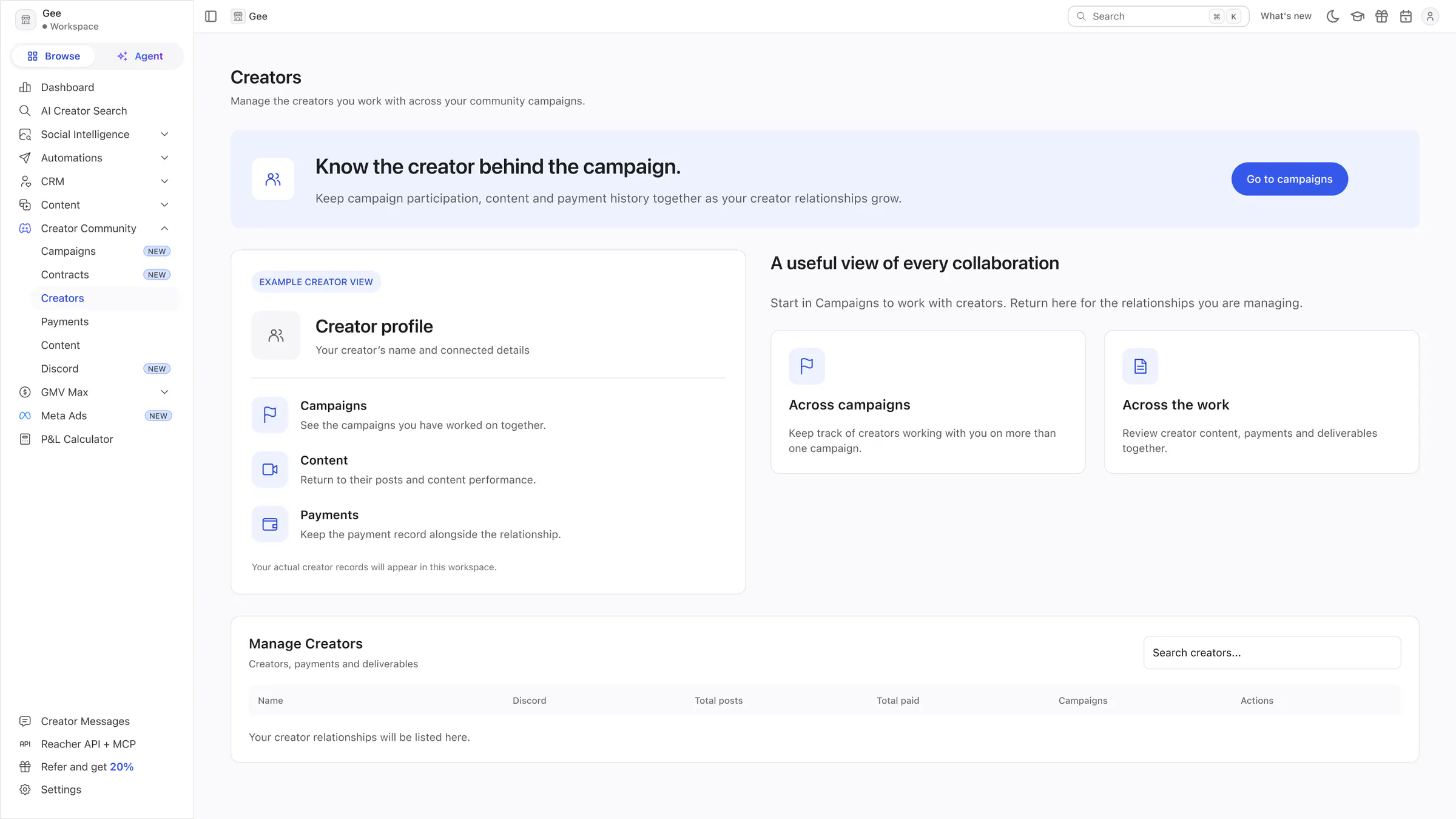
Creators (Creator Community)
A preview of a creator profile with a link to campaigns, above the empty Manage Creators table.
 View full size (opens in a new tab)
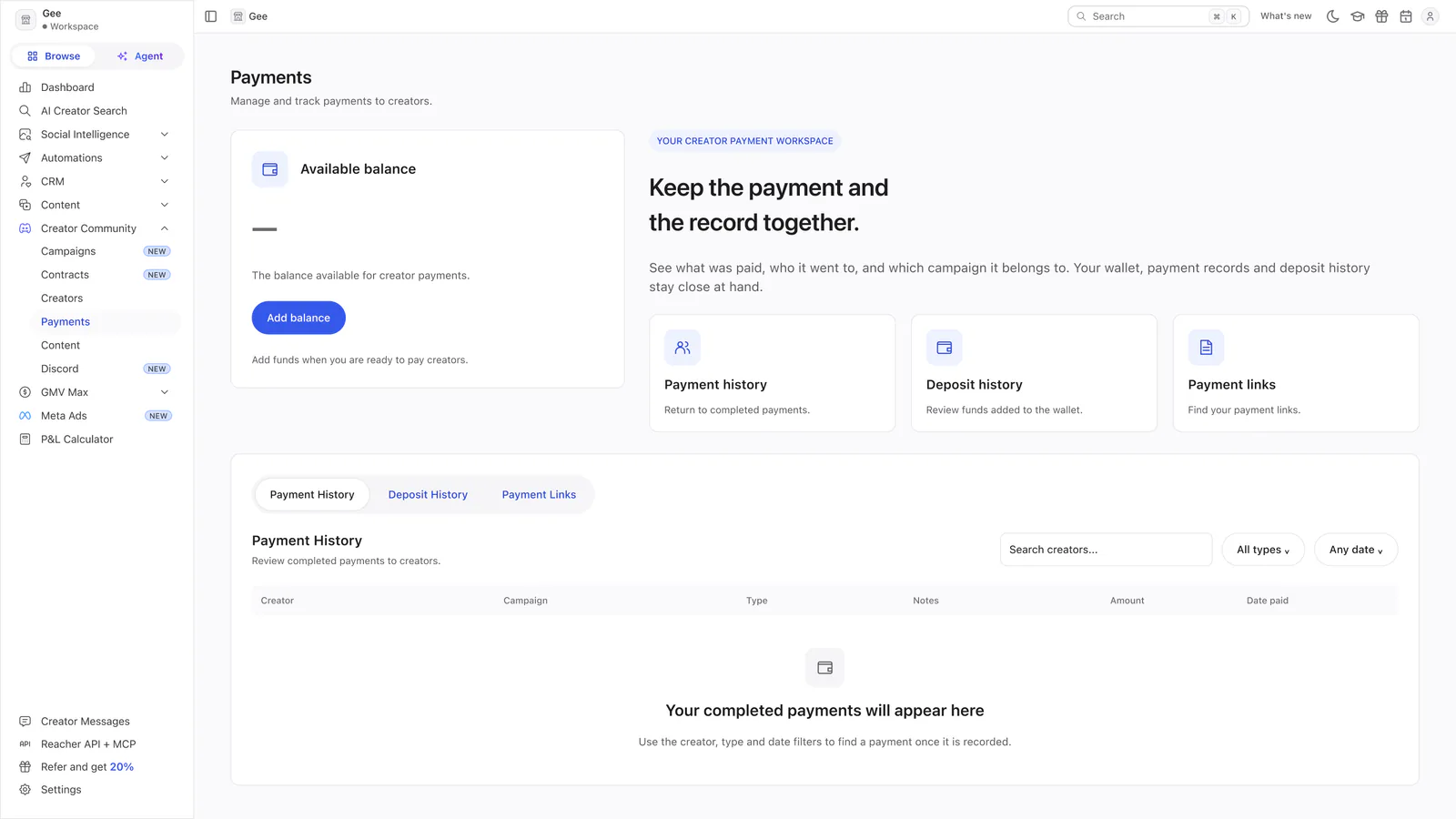
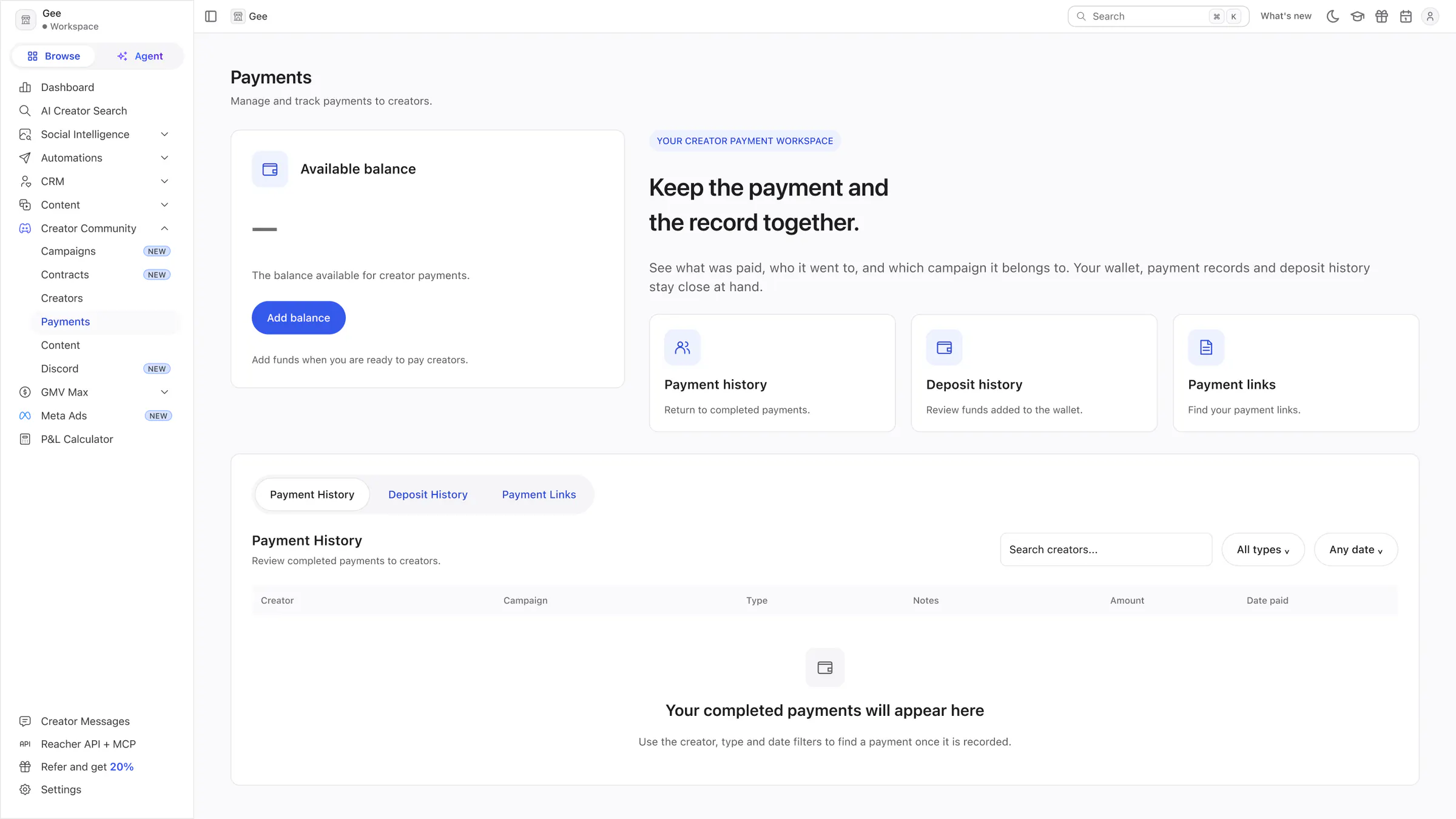
Payments
An empty wallet with an Add balance button, three cards about keeping records, and the empty payment history.
 View full size (opens in a new tab)
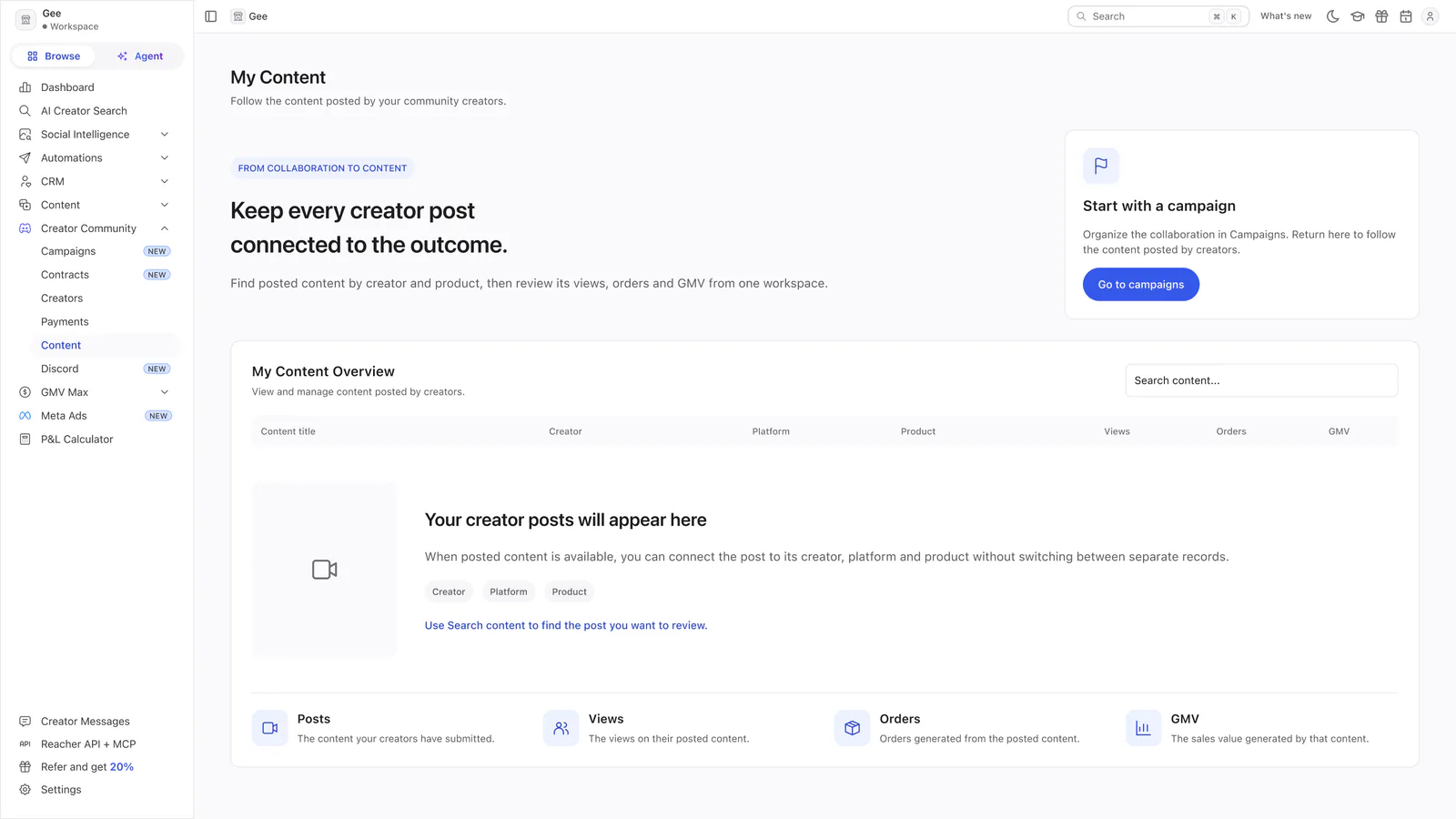
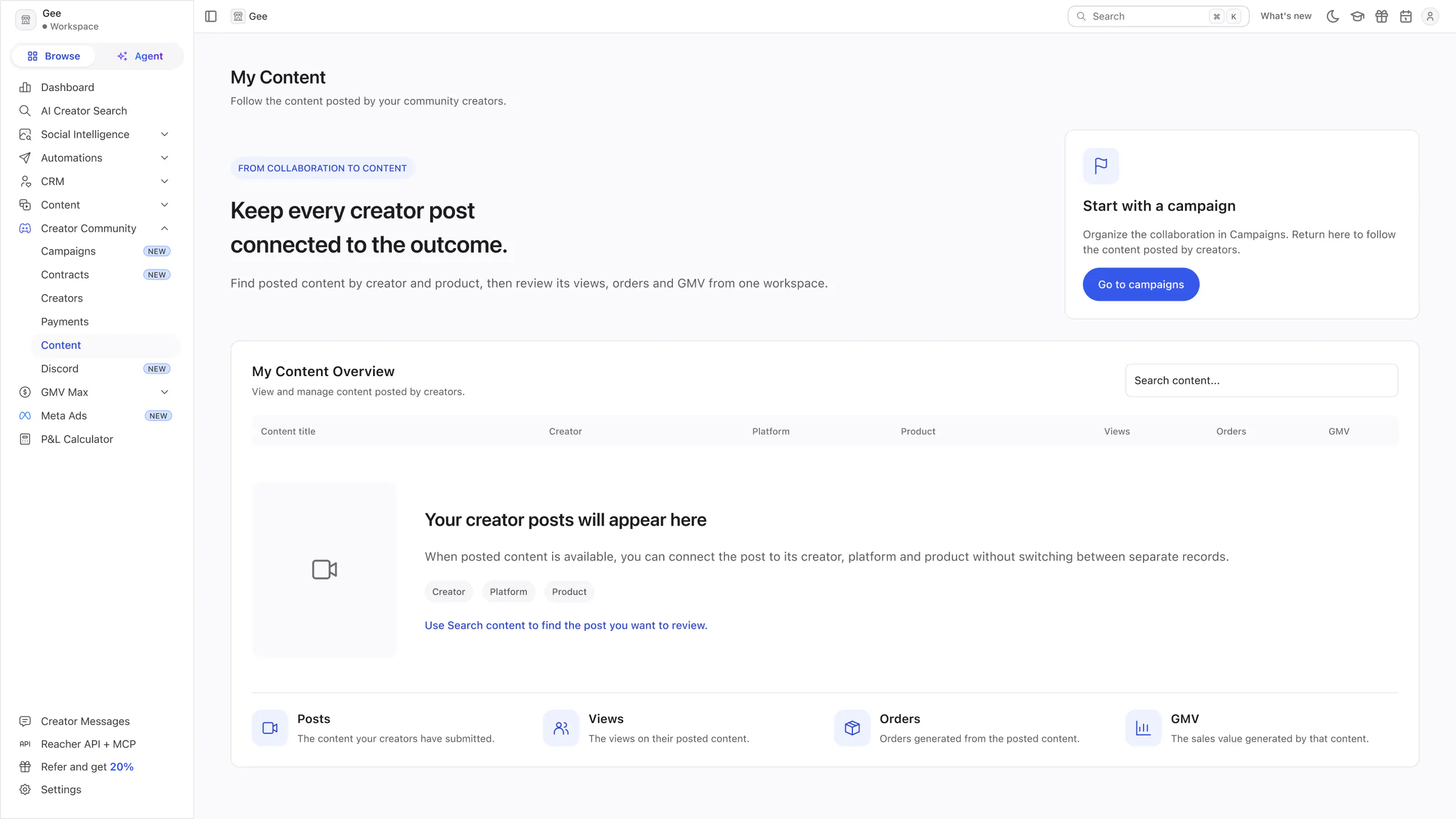
My Content (Creator Community)
How a creator, a post and an outcome connect, with a prompt to start from a campaign and the empty content table.
Overview concepts
Three alternative ideas for a new Social Intelligence Overview page. They are options, not a sequence.
 View full size (opens in a new tab)
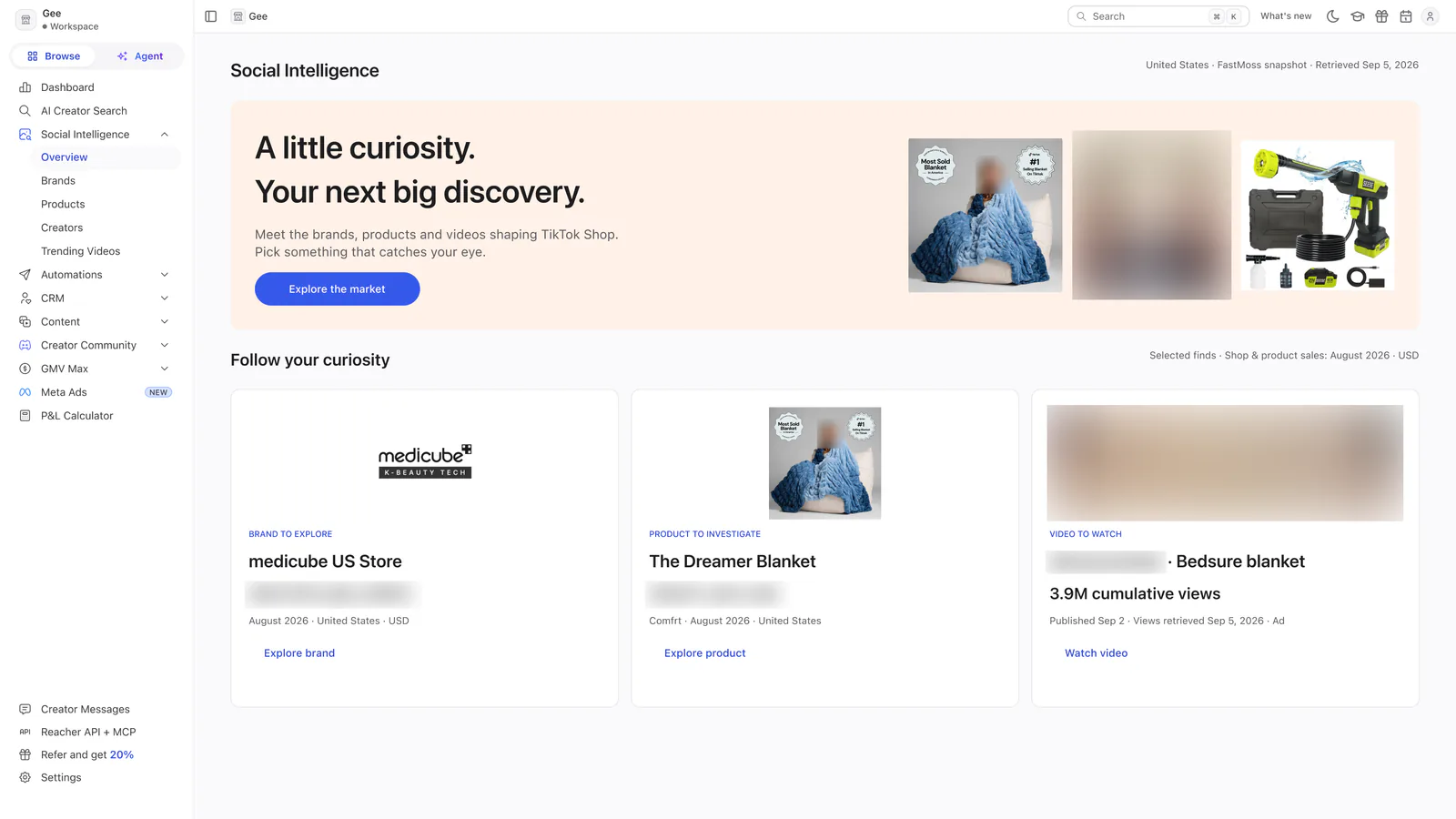
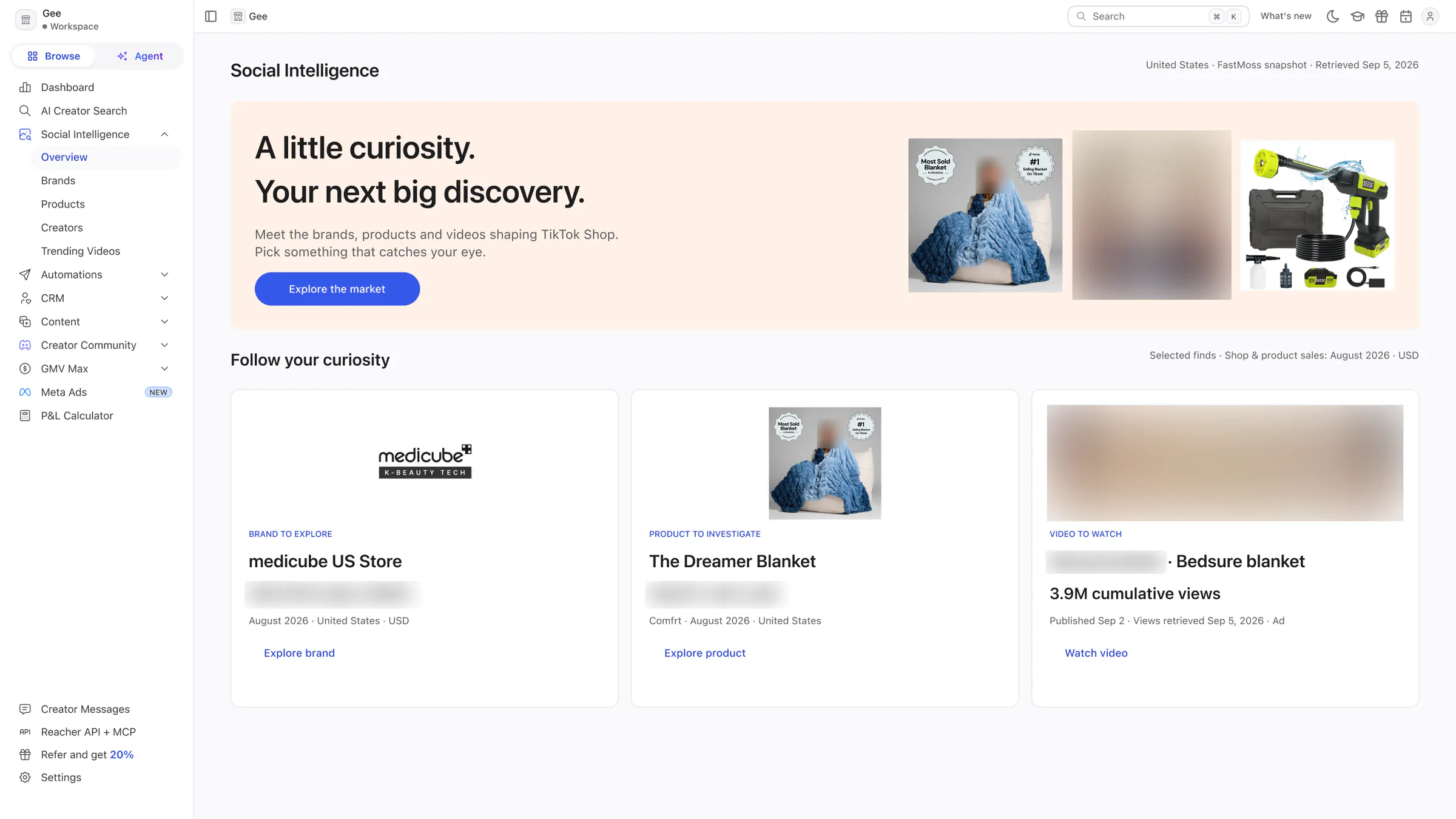
Concept 1 · Market Radar
An editorial hero with a collage of brand, product and video finds, above a three-tile feed of things to explore.
 View full size (opens in a new tab)
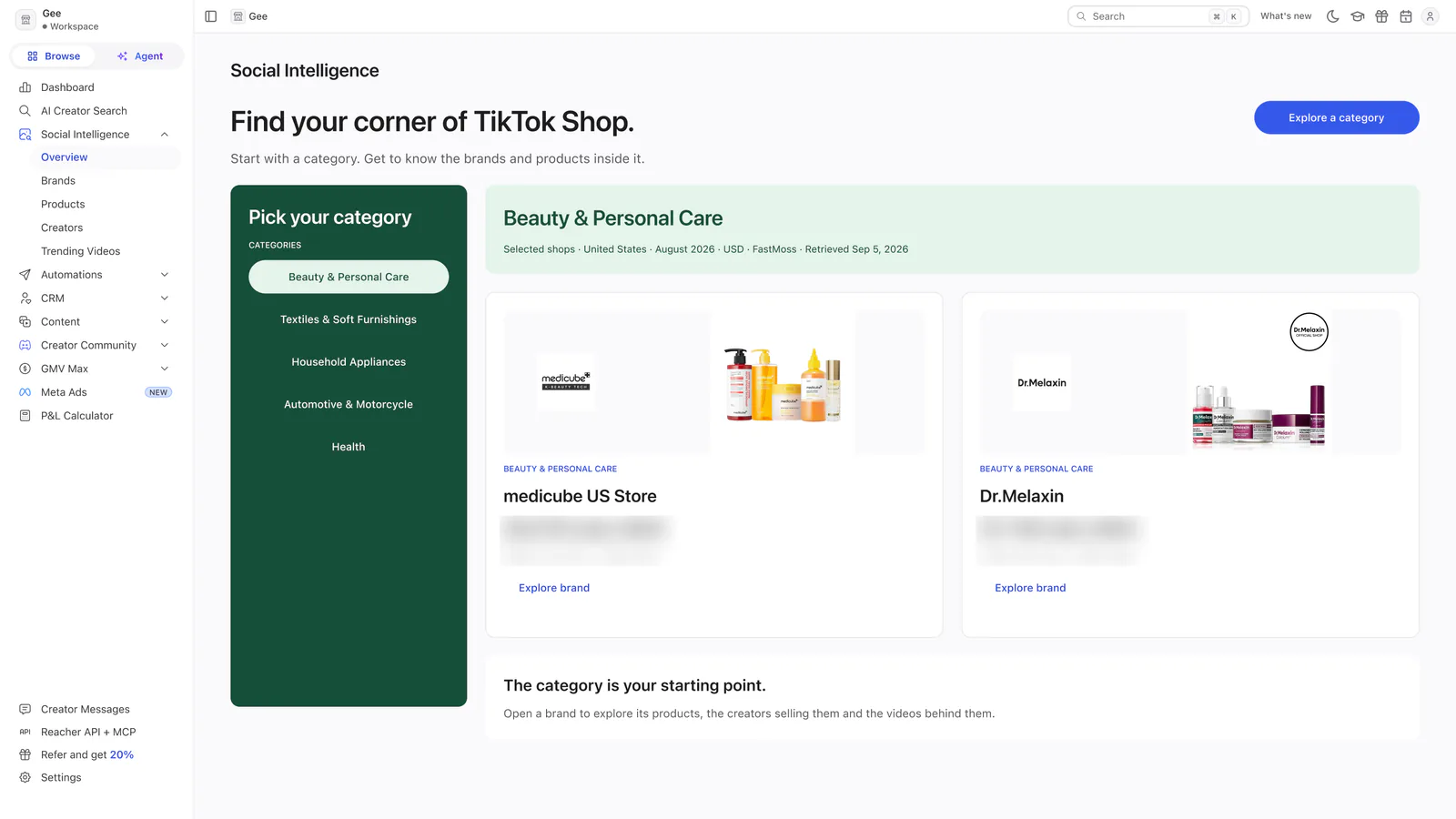
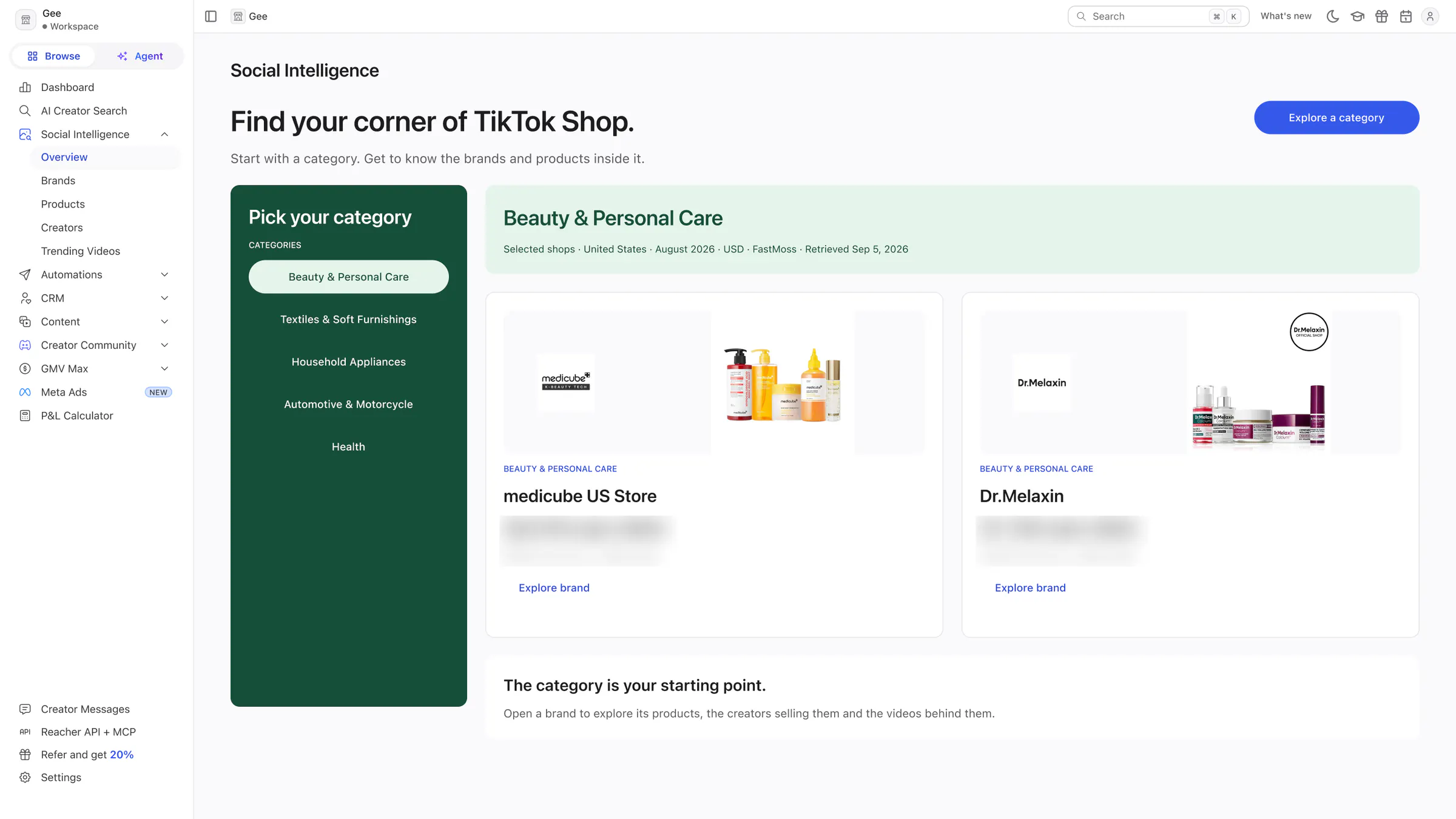
Concept 2 · Opportunity Atlas
A category list on the left and two shops side by side for the chosen category.
 View full size (opens in a new tab)
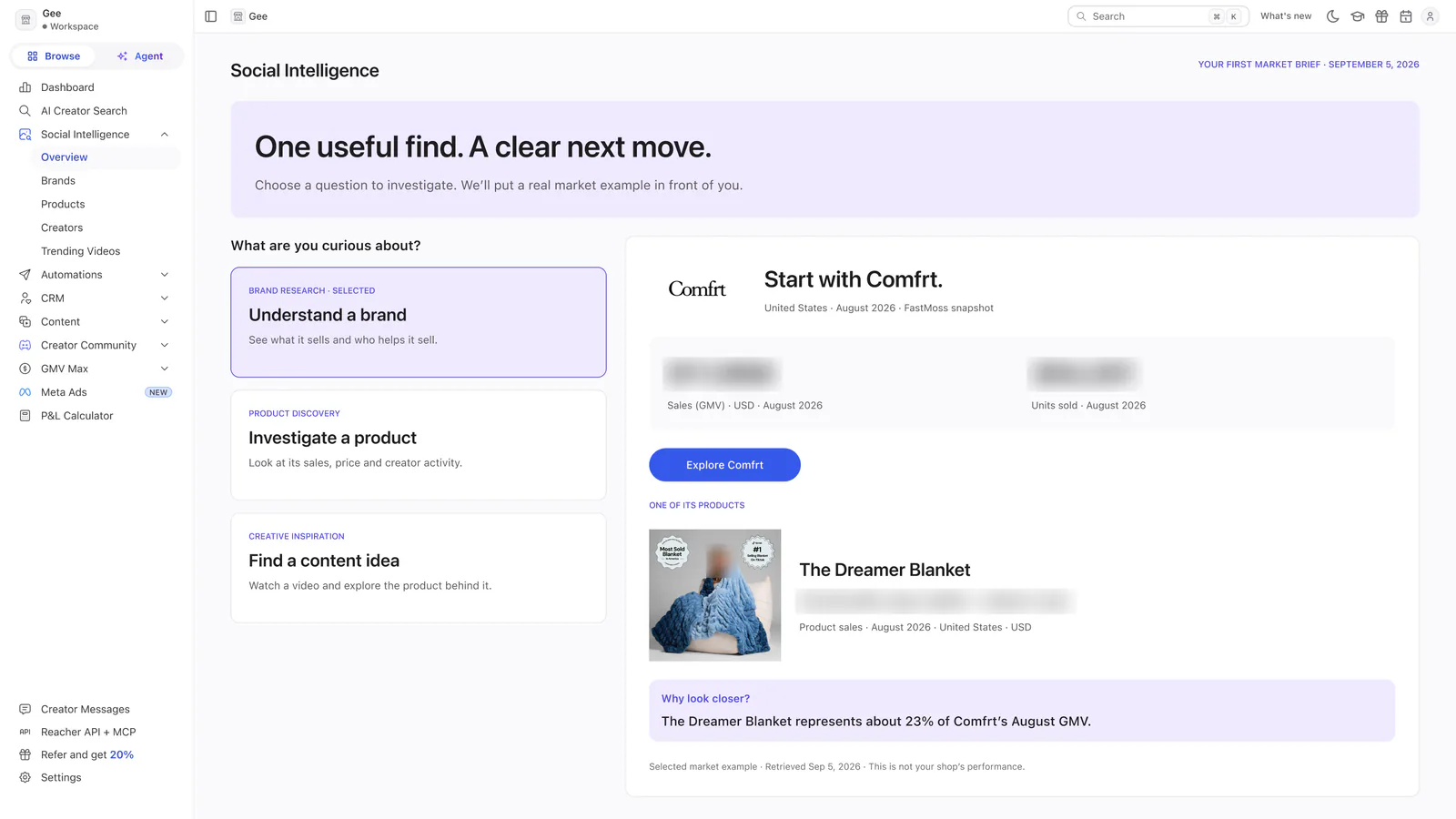
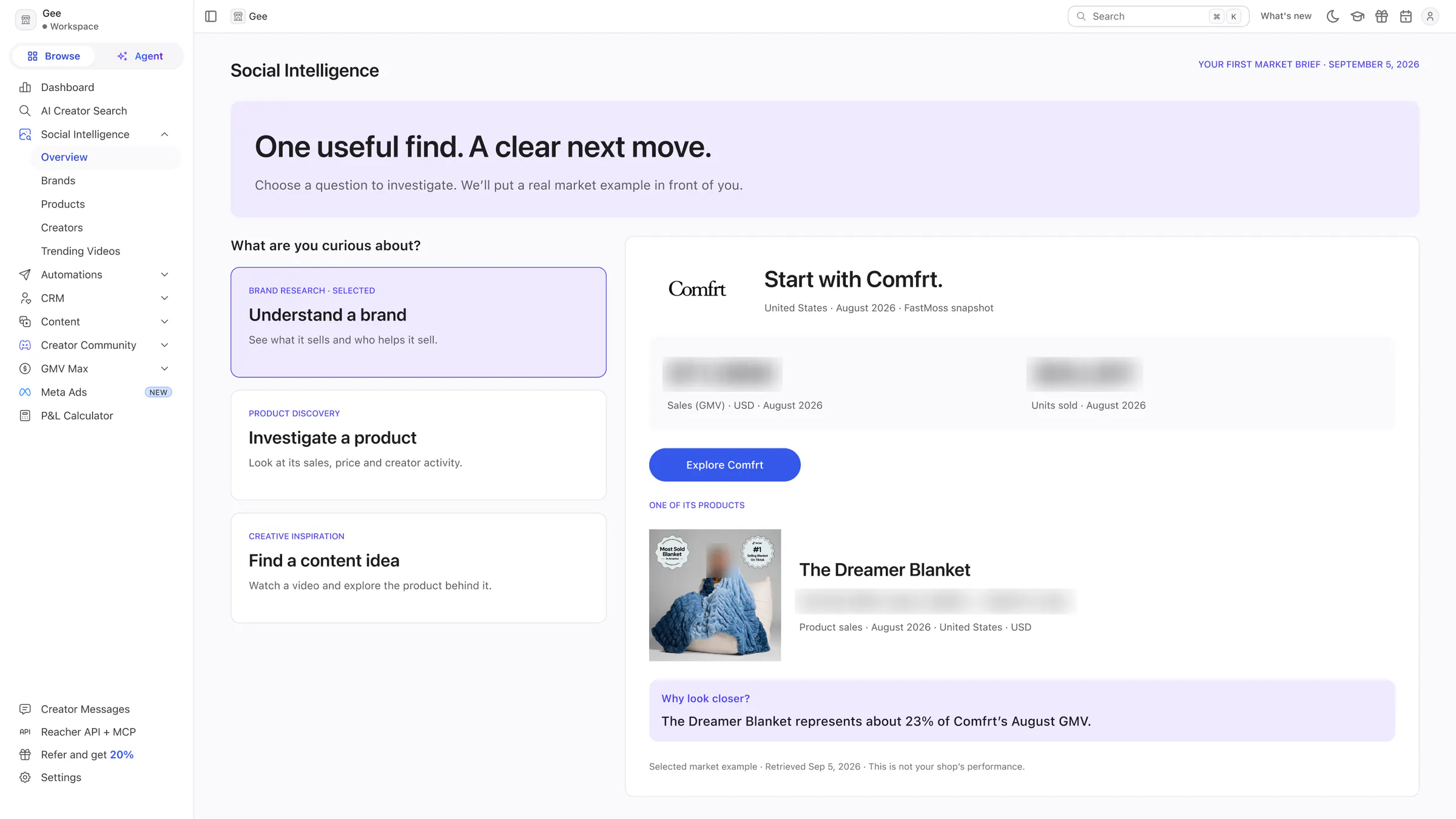
Concept 3 · Daily Brief
Three questions to investigate, and a worked example on the right: a brand, one of its products and a calculated observation.
Home and CRM
The dashboard and the pages for lists, creators, messages and groups.
 View full size (opens in a new tab)
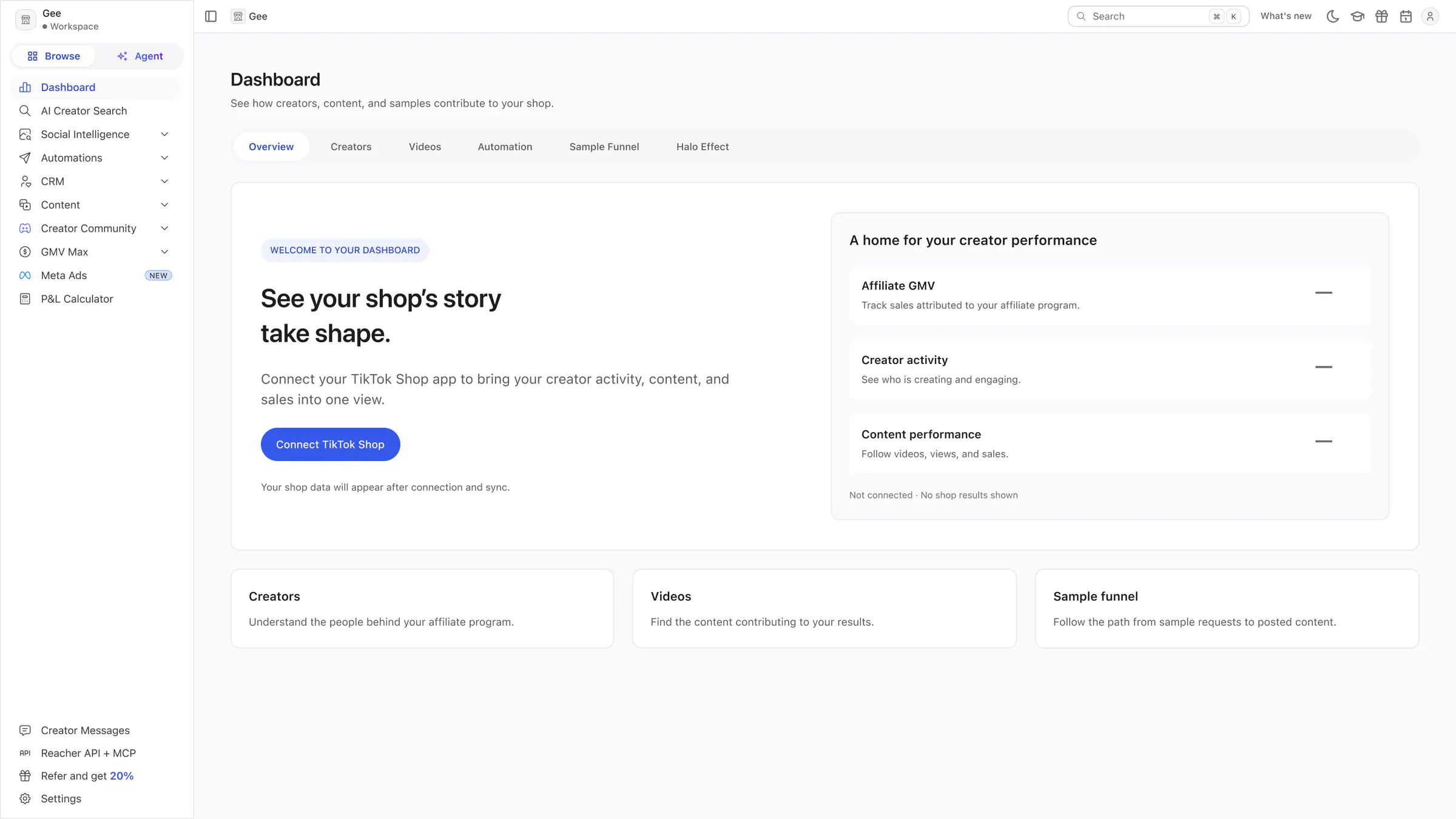
Dashboard
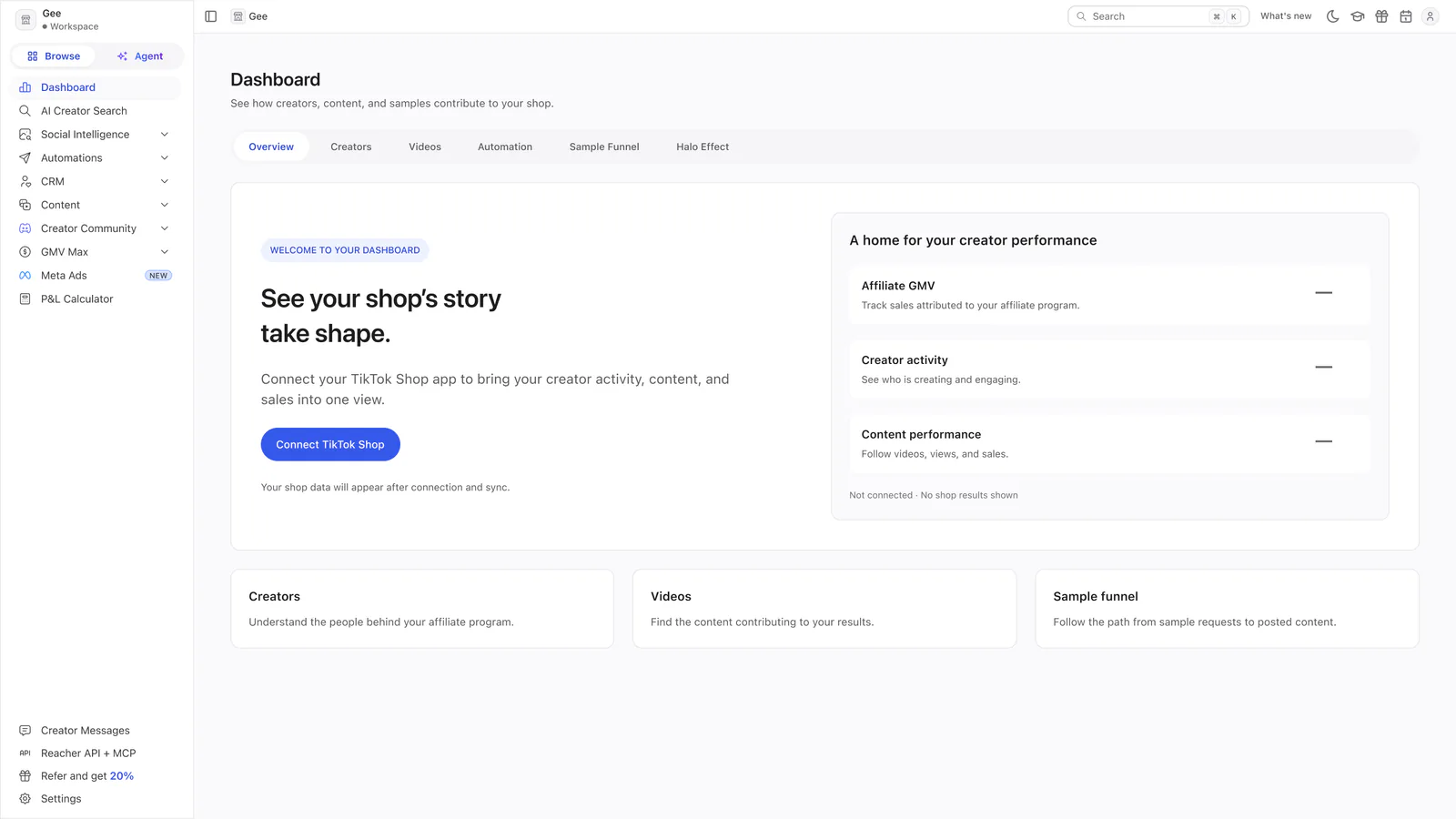
A welcome with one Connect TikTok Shop action, three empty metric placeholders and three secondary cards.
 View full size (opens in a new tab)
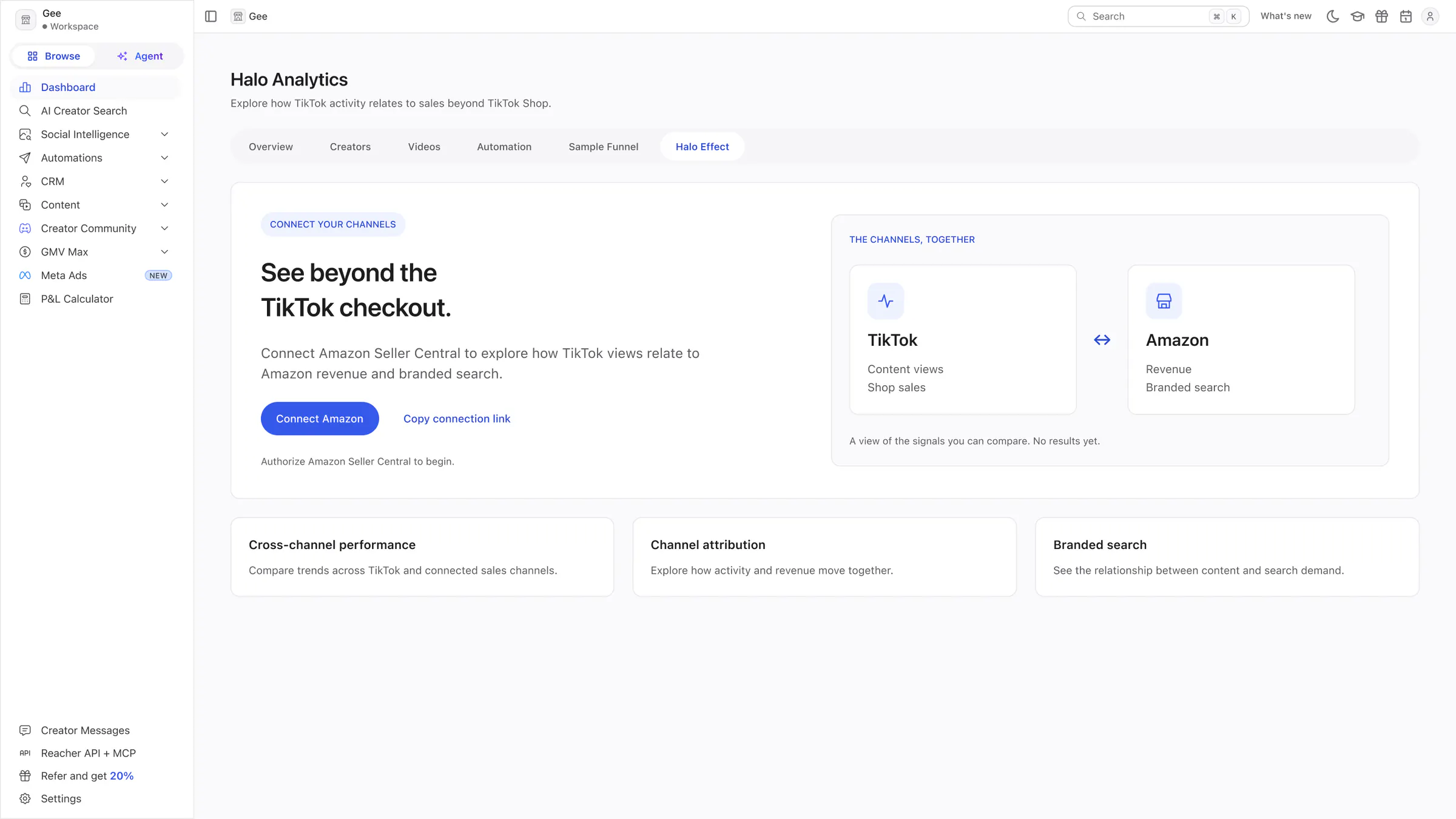
Halo Analytics
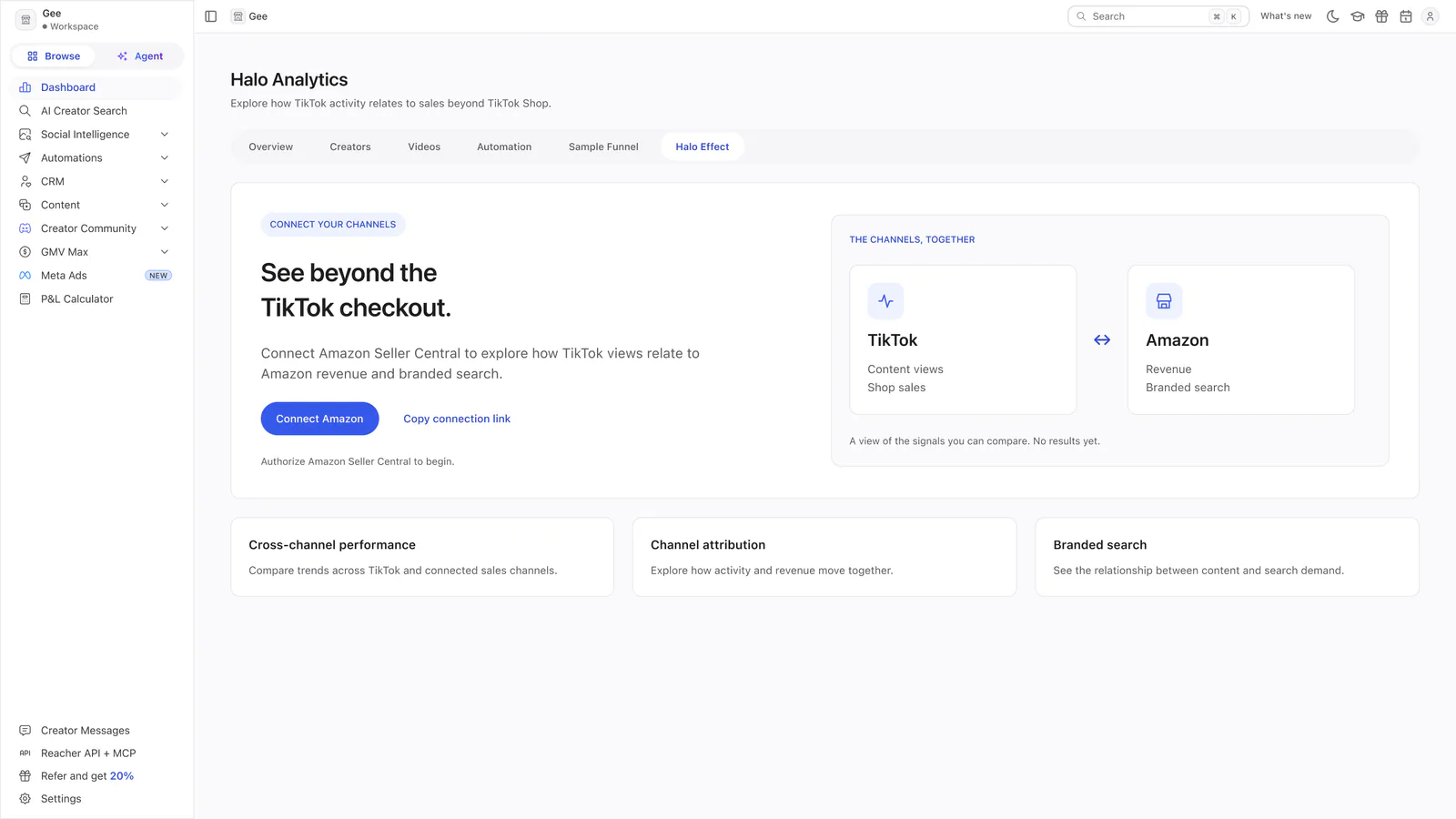
An invitation to connect Amazon Seller Central, a diagram of TikTok and Amazon signals, and three explanatory cards.
 View full size (opens in a new tab)
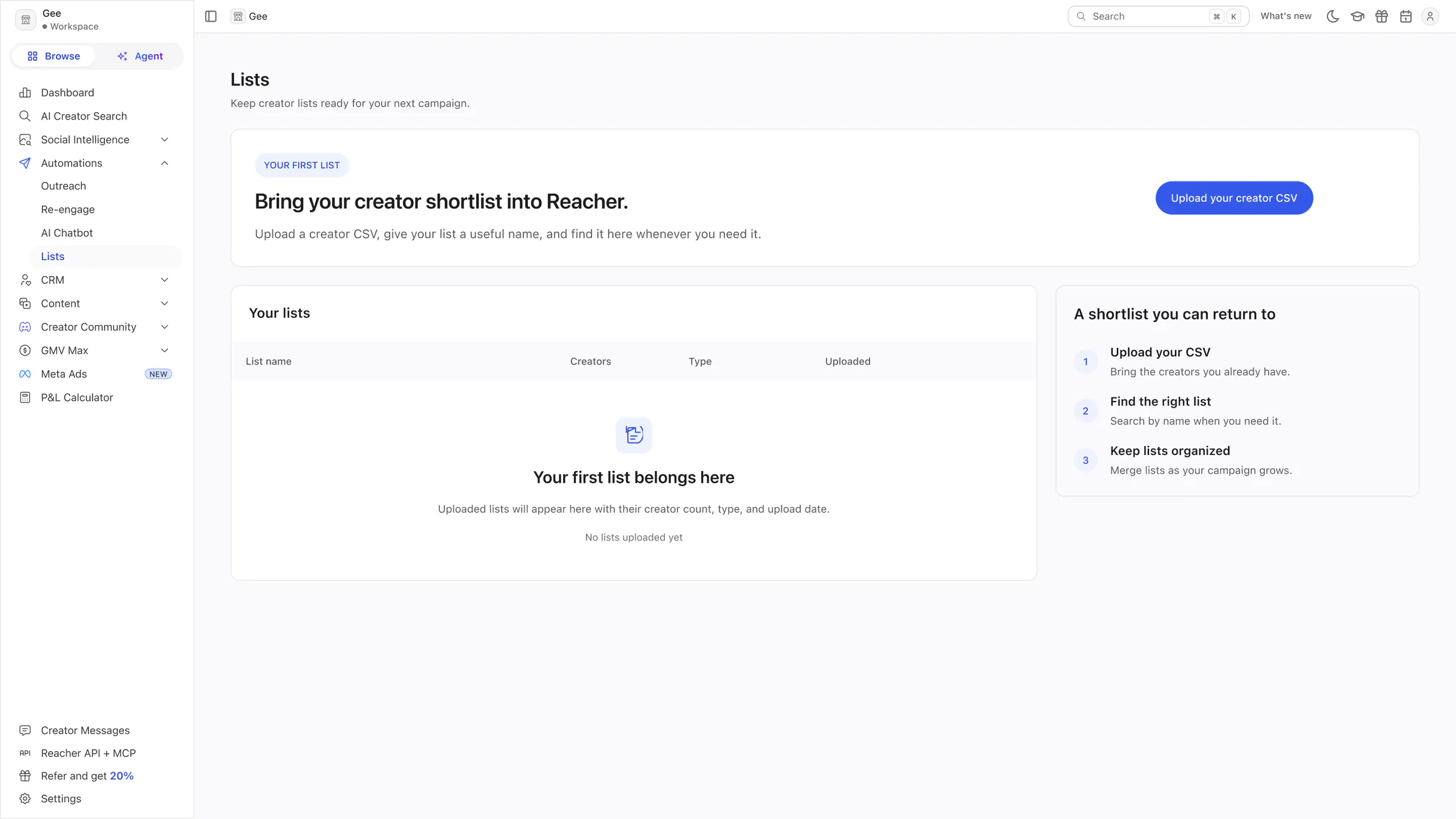
Lists
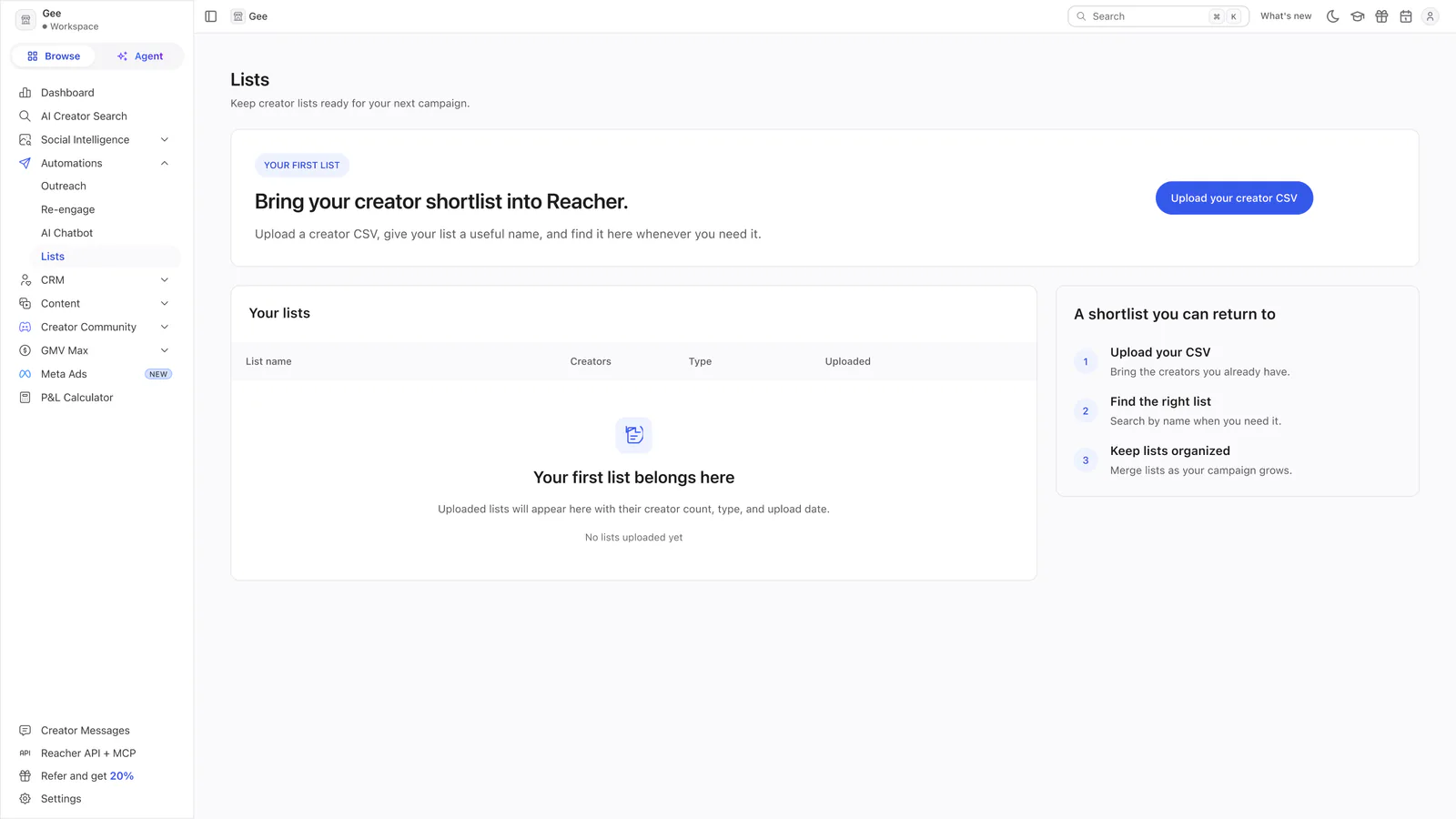
A CSV upload invitation, an empty lists table and a three-step guide to a creator shortlist.
 View full size (opens in a new tab)
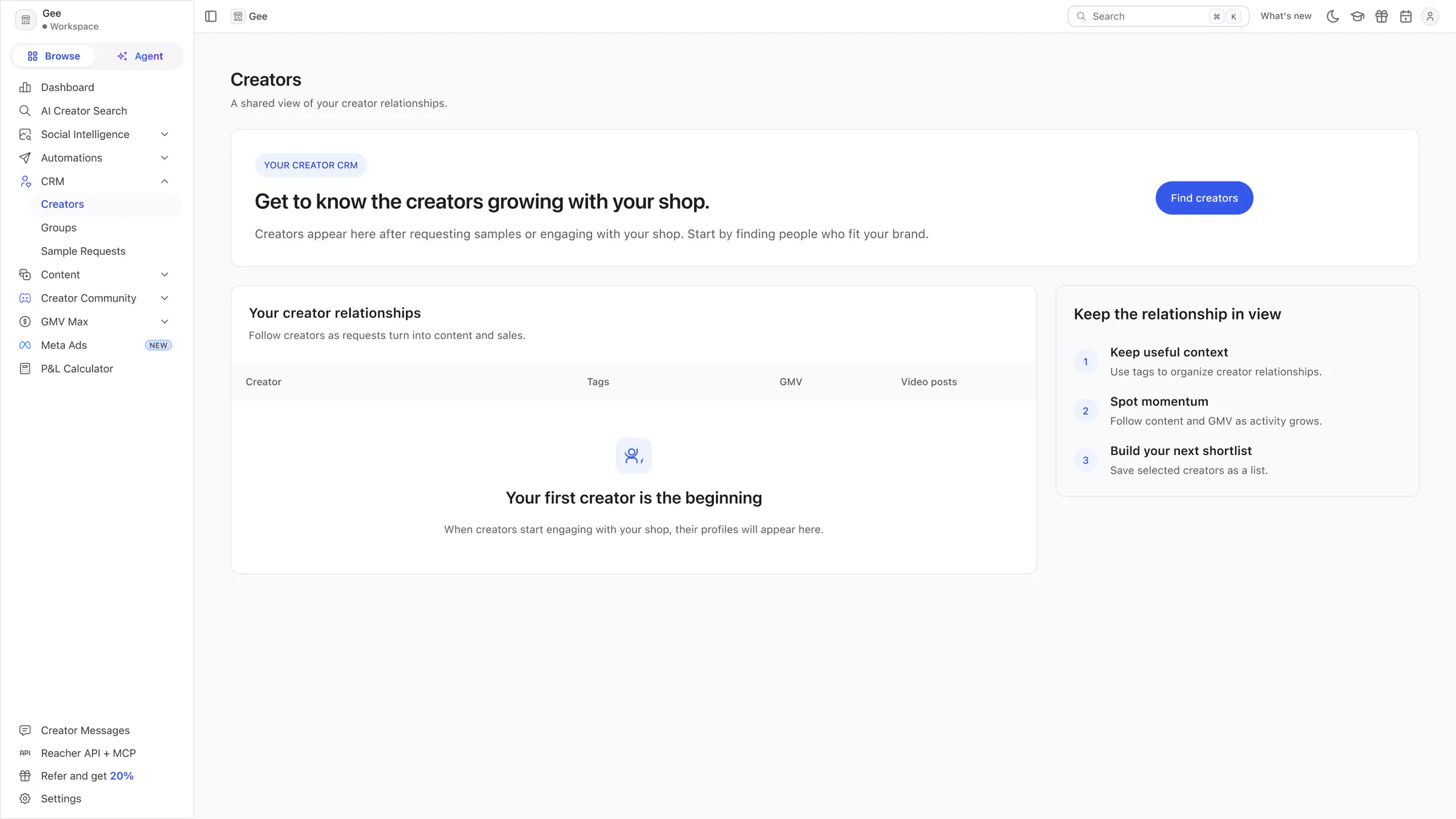
Creators (CRM)
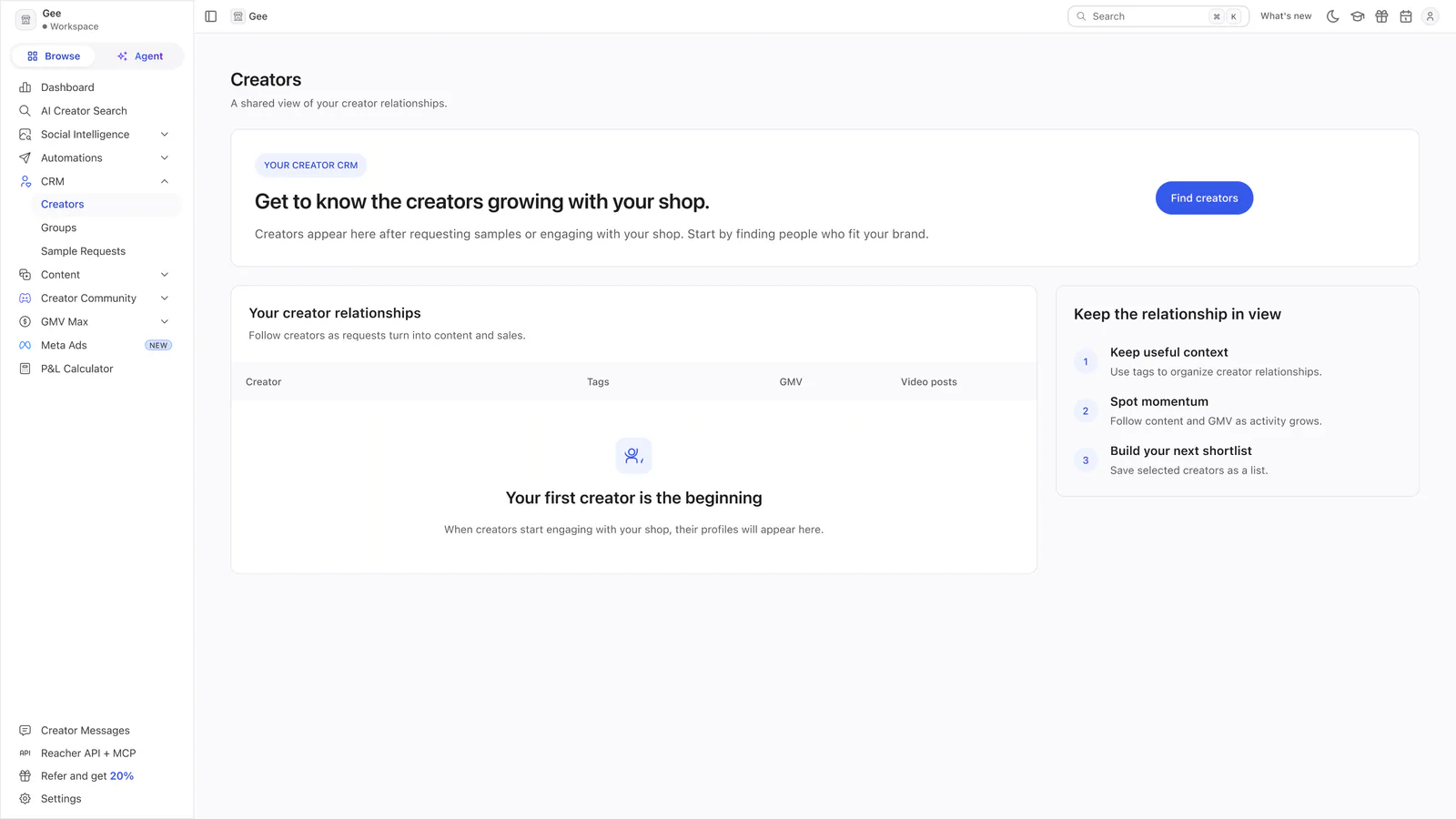
A Find creators invitation, the empty relationships table and a three-step guide to tags, momentum and shortlists.
 View full size (opens in a new tab)
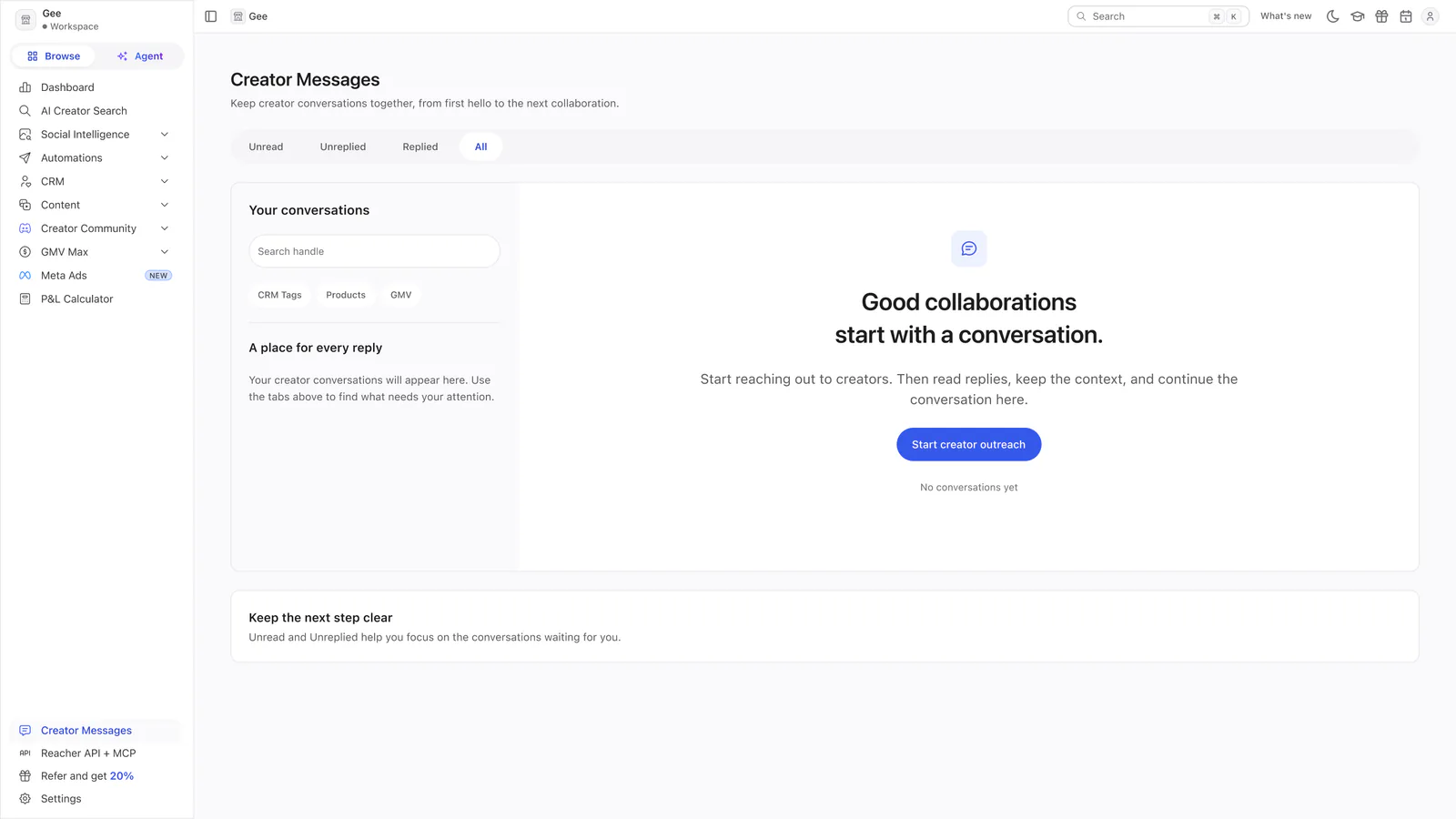
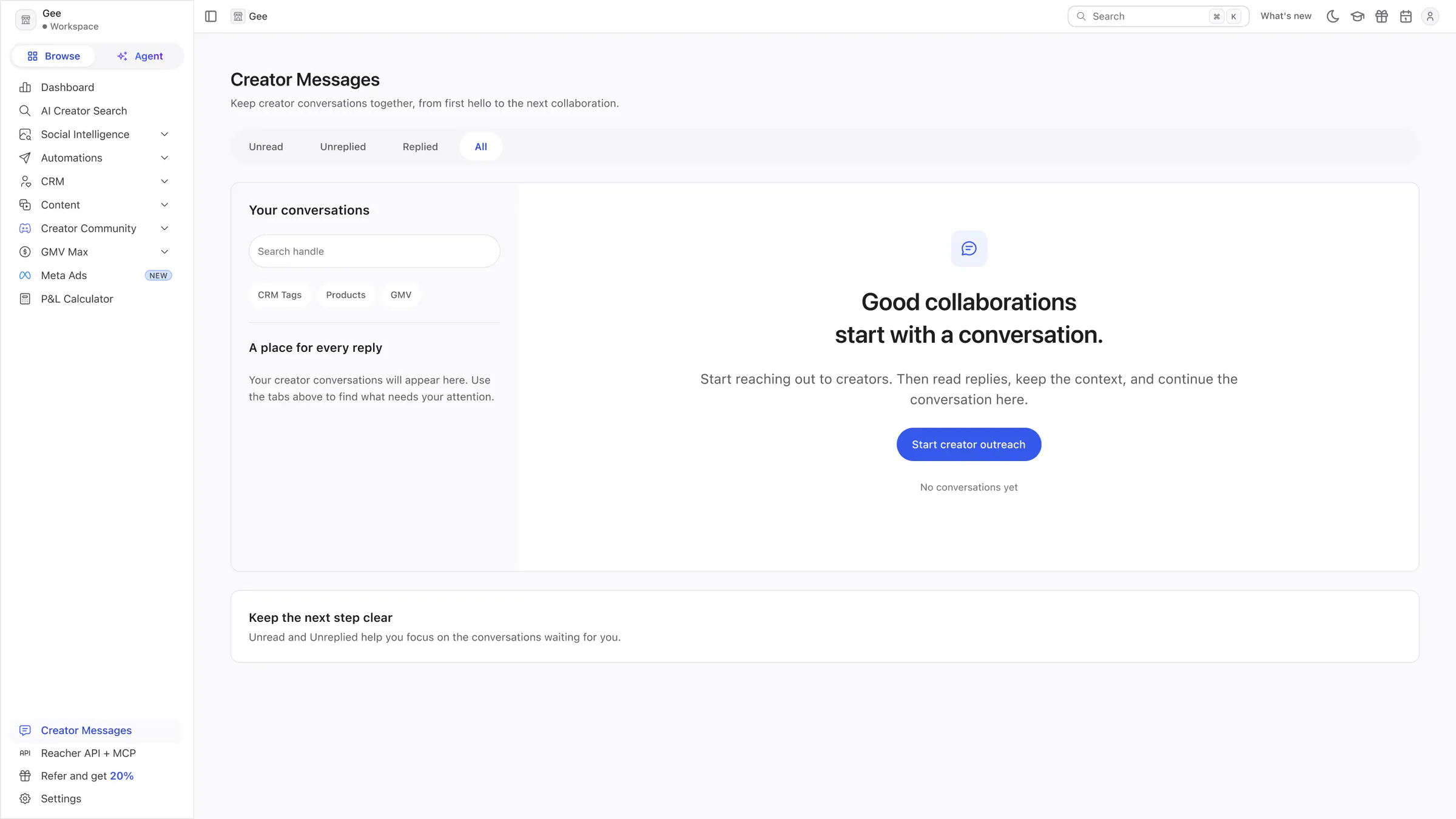
Creator Messages
An empty inbox with its filters and a centred prompt to start creator outreach.
 View full size (opens in a new tab)
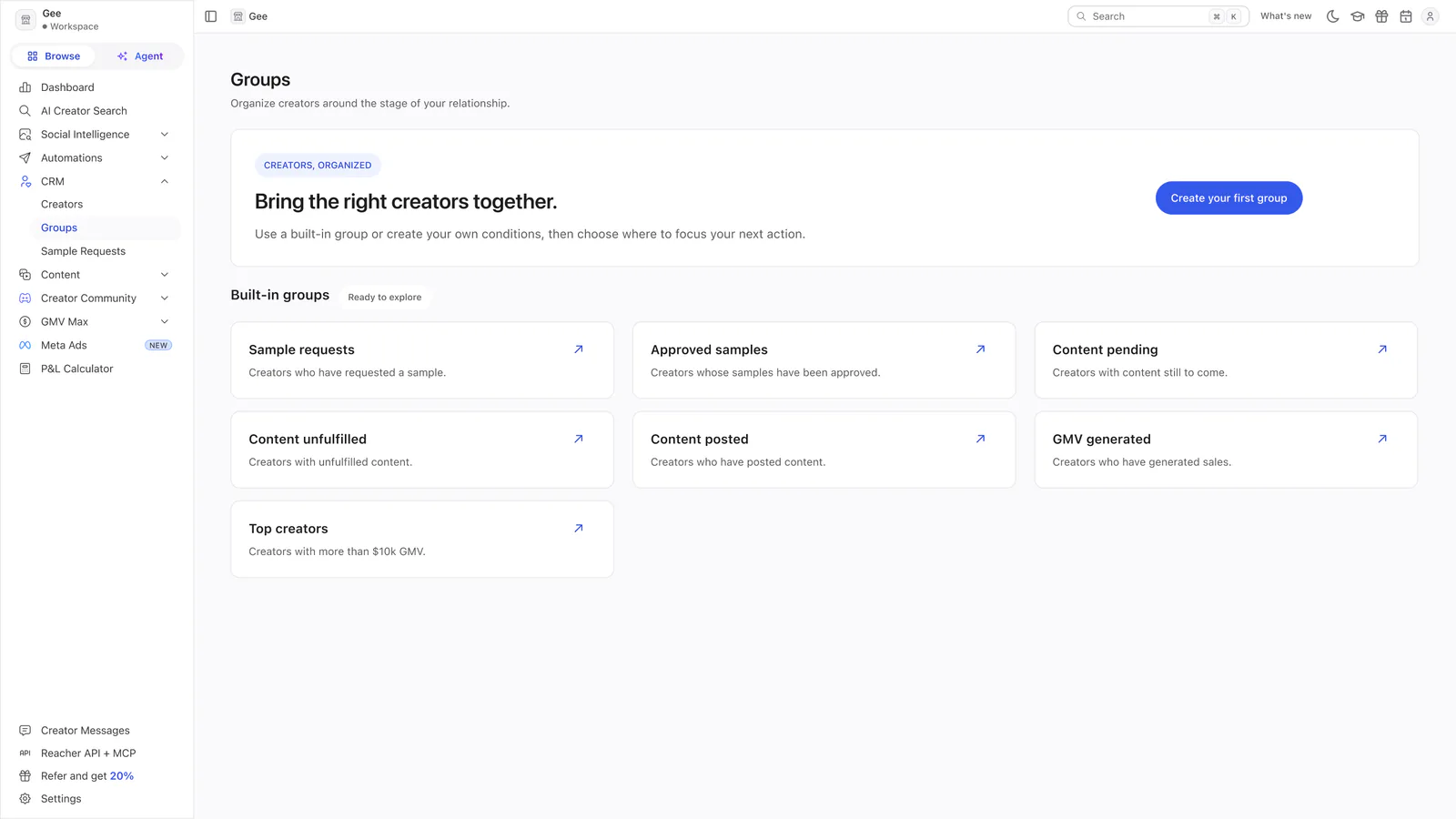
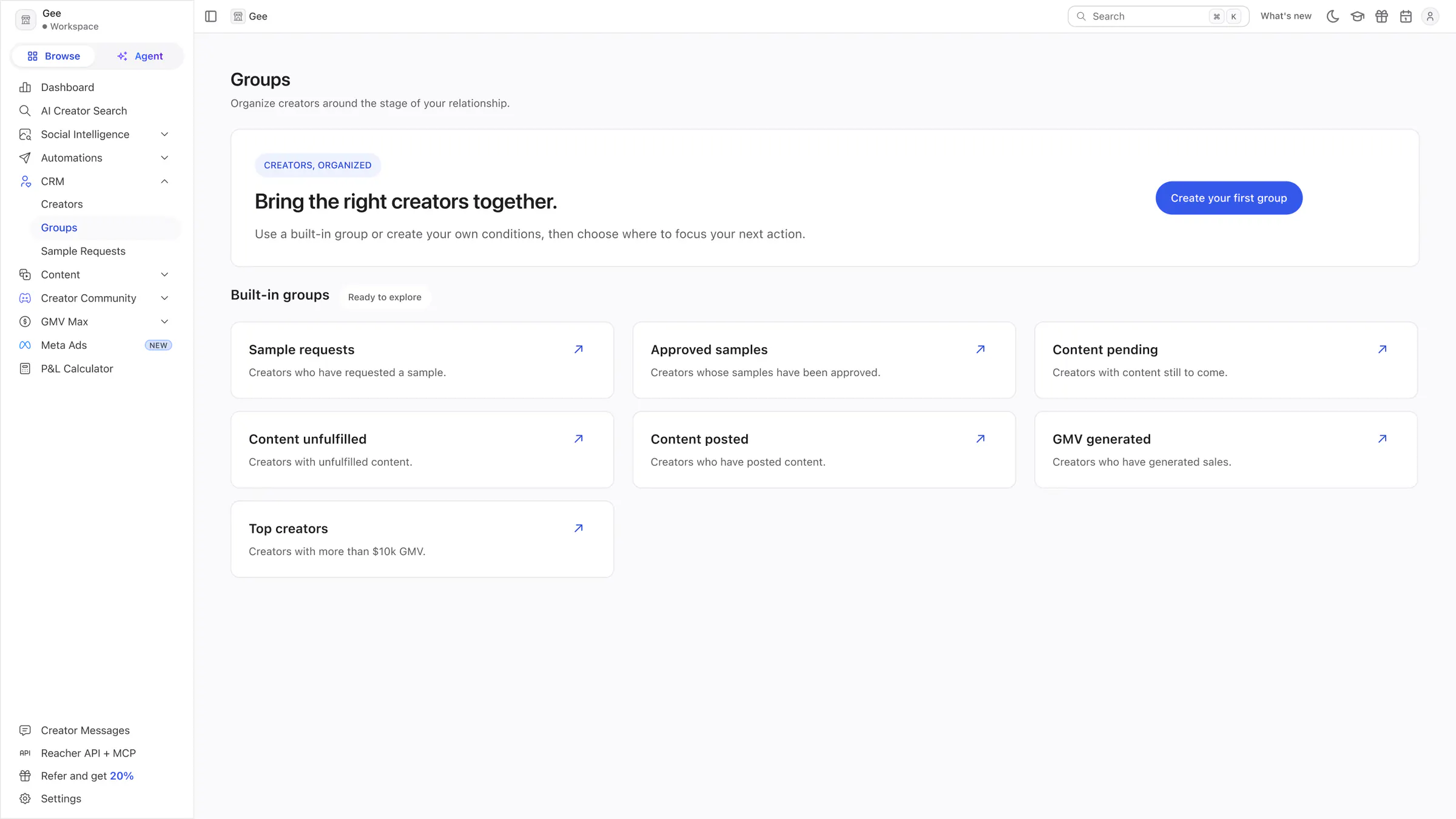
Groups
A Create your first group invitation above seven built-in groups.
Social Intelligence
Three market-research pages that open on a search and a few real examples.
Brands
A search for TikTok Shop brands above a table of six brands from a market snapshot. The sales figures are blurred.
Products
A search for products above three product cards from a market snapshot. The sales figures and one face are blurred.
Trending Videos
A search for trending videos above four video cards showing product, views and attributed units. The thumbnails and handles are blurred.